
The fastest way to lose a website visitor? Have a site that loads at a snail's pace. Slow websites frustrate users, leading to high bounce rates and poor retention.
Whether you have a SaaS tool, are a service provider, or sell products, you NEED a site that loads fast to keep customers on page — and coming back to buy more.
Let’s take a closer look at the impact of load time on user retention, along with nine easy tips you can implement to speed up your website.
Why Load Time Matters
First impressions count. New visitors won’t stick around if they don’t trust your brand, and your site is sluggish. The same goes for returning customers.
If your site is too slow while they’re trying to buy their favorite items, they could lose patience and shop elsewhere.
Mobile users are even less patient. They expect instant access, so slow load times on mobile devices can especially kill conversions.
Search engines also notice.
Google uses performance metrics, such as Core Web Vitals and average page load time, to factor in how you rank. The search engine giant says the bounce rate increases by 32% as page load time increases from 1 to 3 seconds.
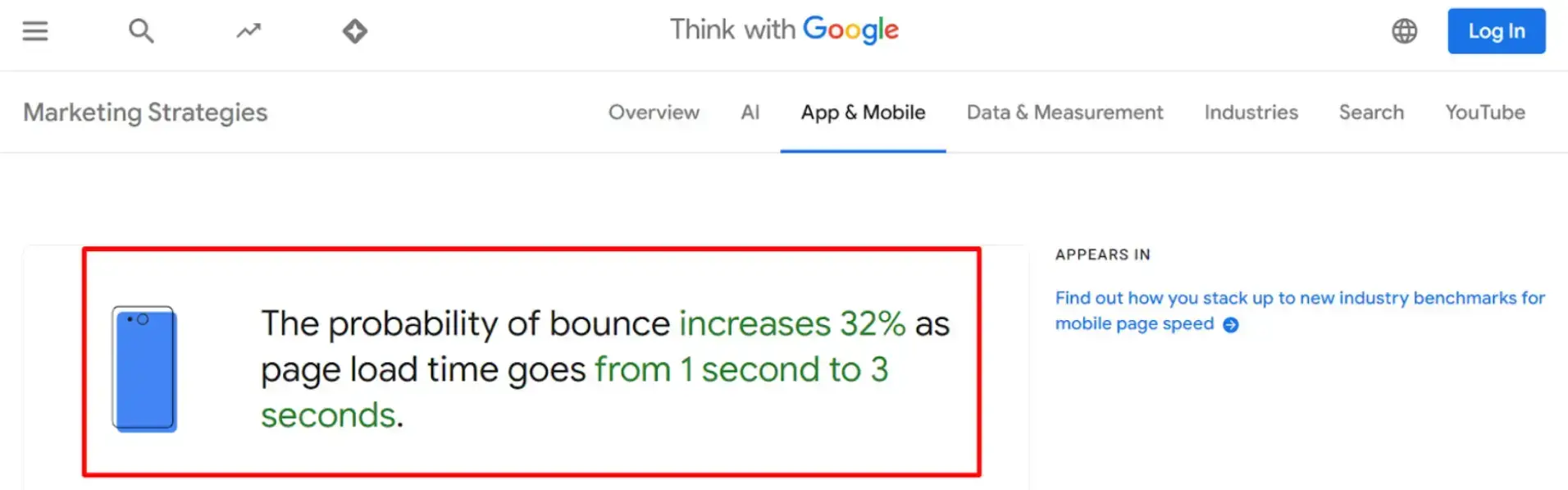
Source: Google
"Page speed is a ranking factor for Google. Slow sites can hurt both user experience and SEO rankings." — Marie Haynes, SEO Expert (Source: Search Engine Journal, 2020)
TL;DR: Loading time directly affects your bounce rate, conversion rates, and search engine optimization results. Opt for a load time of under three seconds, ideally one second or less, if possible.
Let’s take a look at some ways you can improve your site speed below.
9 Ways to Speed Up Your Website
Here are some quick wins and smart strategies you can implement to boost your site’s speed and performance.
1. Compress Your Images
Using large image files can slow down your site. So, a simple trick is to compress all your images.
Use tools like TinyPNG (formerly Tinify) to reduce image sizes without sacrificing quality. This is an easy fix with a big impact, especially if your site is media-heavy.
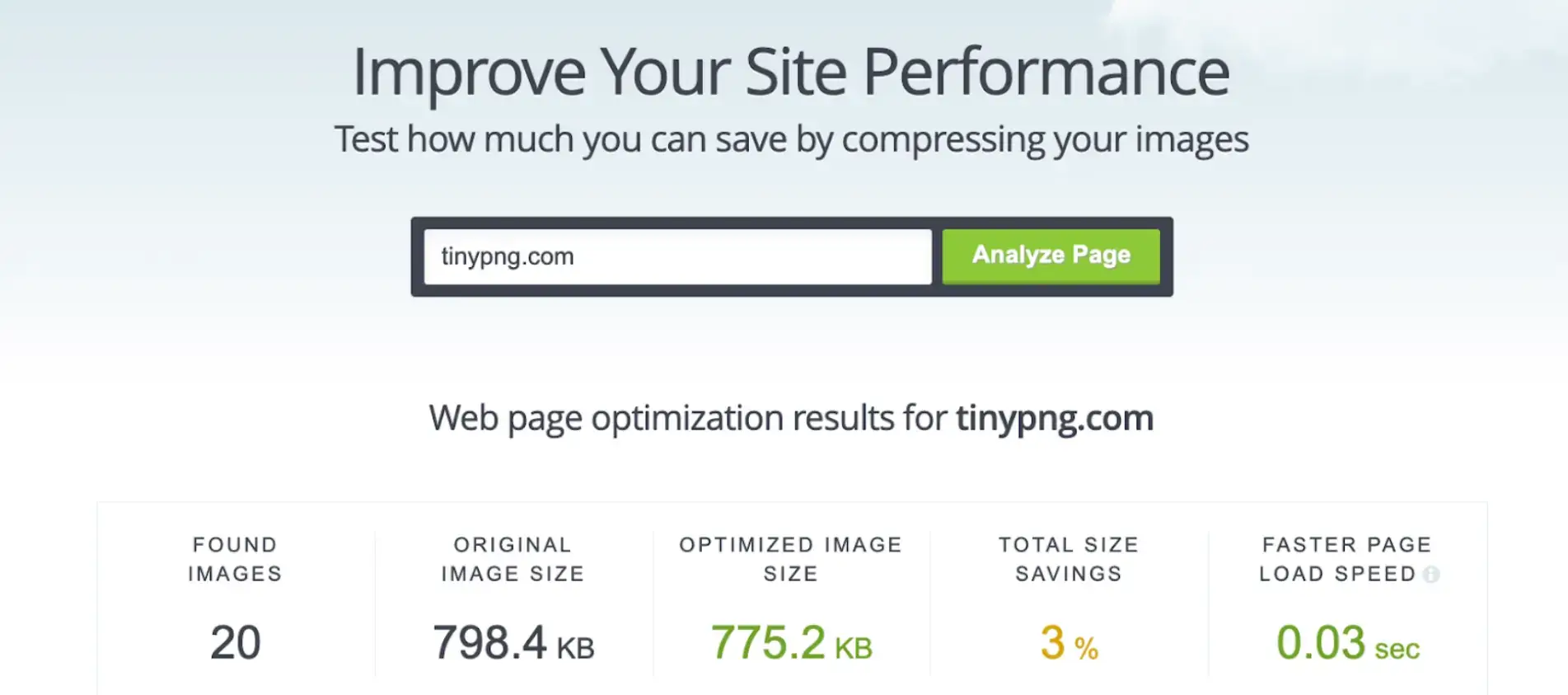
Source: TinyPNG
2. Use Lazy Loading for Media
Lazy loading makes images and videos load only when users scroll to them. That means faster initial load times and a better mobile experience.
Take a look at these blog examples to see what we mean. The ones with lazy loading will only show you images and videos as you scroll down.
3. Minify Your Code
Trim your CSS files, JavaScript, and HTML. Remove extra spaces, comments, and unused code, which is essential in front-end development to ensure optimal website performance.
Smaller files = faster download time. Tools like UglifyJS or CSSNano help you do this automatically.
4. Enable Browser Caching
Help your visitors by allowing their browser to cache your static resources.
When they return, your site will load faster since their browser already has your logo, CSS files, and images stored. (Use cache expiration headers to manage this.)
Consider mentioning how virtual office software solutions also benefit from browser caching to improve user experience in remote collaboration tools.
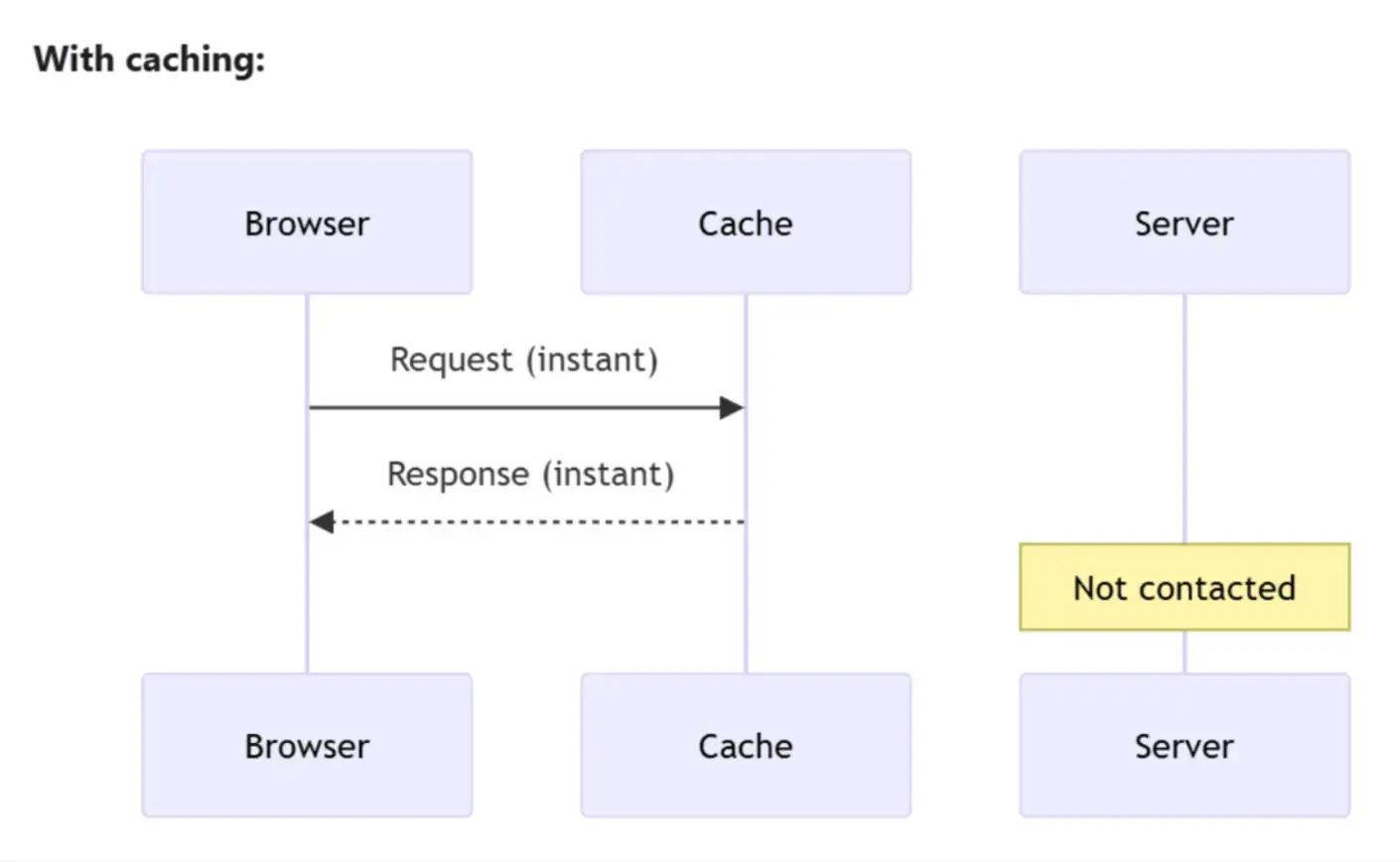
Source: DebugBear
5. Cut Down On Redirects
Every redirect adds another step and more wait time. Audit your site and remove unnecessary redirects. Keep your link paths clean and direct.
6. Switch to HTTP/2 or HTTP/3
HTTP/2 and HTTP/3 protocols handle multiple requests more efficiently. Instead of waiting one by one, your browser grabs everything at once.
7. Optimize Your Server Response Time
If your server’s slow, everything is slow. To optimize your server response time:
- Clean up your backend and databases
- Upgrade your hosting plan if needed
- Use caching tools
A faster response time means a faster load speed.
8. Add AMP For Mobile Pages
Accelerated Mobile Pages (AMP) are stripped-down versions of your site built just for speed. These are great for blogs, landing pages, and product pages. And they load lightning-fast on mobile devices.
Using the AMP Test Tool also ensures that your page meets Google Search's requirements for a valid AMP HTML document.
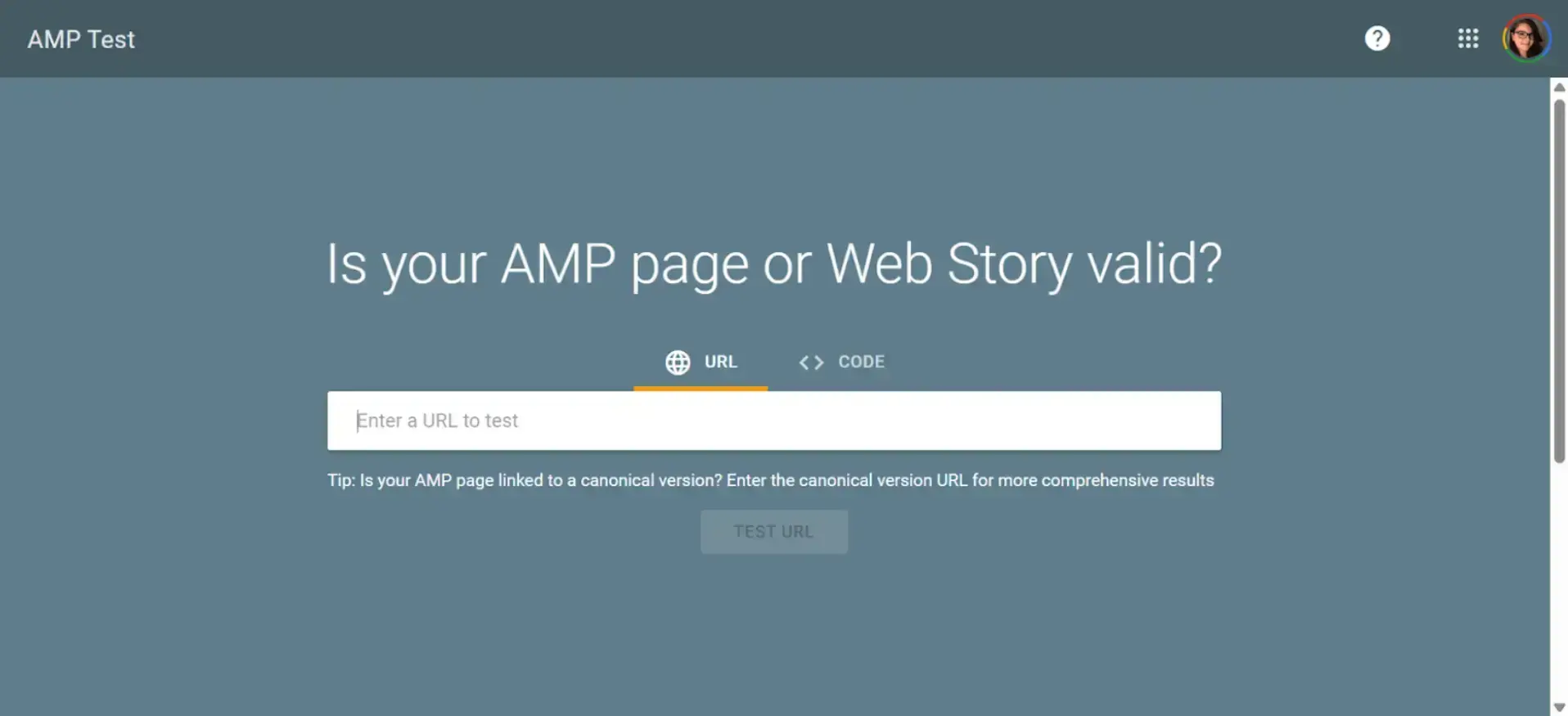
Source: Google
9. Limit Third-Party Scripts
Third-party code (such as social media buttons or chat widgets) can slow down your site. Run speed tests to identify what’s slowing down your performance. Then remove or replace what you don’t need!
Wrap Up: Site Speed Matters!
Load time is a non-negotiable factor in retaining users, improving SEO rankings, and increasing conversions. Every second counts. Prioritize performance optimizations and regularly audit your site to ensure you’re delivering the best possible user experience.
For good measure, here’s a quick recap of the nine tips we shared to help you increase your site speed:
- Compress your images
- Use lazy loading for media
- Minify your code
- Enable browser caching
- Cut down on redirects
- Switch to HTTP/2 or HTTP/3
- Optimize your server response time
- Add AMP for mobile pages
- Limit third-party scripts
FAQs
1. Why does website load time matter?
Faster load times enhance user experience, improve SEO rankings, and boost conversion rates.
2. How can I check my website's load time?
Head to PageSpeed Insights to see your website's load time. After it runs a diagnostics report, it’ll flag what you need to fix to improve your site speed and performance.
3. How do I improve my website load speed?
Key ways to improve performance include optimizing images, enabling caching, reducing HTTP requests, and utilizing a content delivery network (CDN).
4. What affects website loading time the most?
Factors such as large image files, poor hosting, uncompressed code, and excessive plugins and scripts significantly impact website loading time.
5. Does load time affect SEO?
Yes, for Google, page speed is a ranking factor, particularly when accessing a website on mobile devices.
6. Is website speed the same as load time?
Not exactly. Speed can refer to perceived performance, while load time is measurable in seconds.
7. How does mobile website load time differ from desktop?
Mobile sites often load more slowly due to network conditions and device limitations, making mobile optimization critical.
8. Can slow load time increase bounce rate?
Yes. Users are more likely to leave if a website takes too long to load. This is especially true for mobile users.

Author Bio
Ryan Robinson. I'm a blogger, podcaster, and (recovering) side project addict who teaches 500,000 monthly readers how to start a blog and grow a profitable side business at ryrob.com.