
When your business depends on email—order confirmations, password resets, newsletters, or customer updates—choosing the right SMTP provider directly impacts deliverability.
As Gmail, Outlook, and Yahoo tighten authentication requirements and spam filtering, the wrong setup can send critical emails straight to the spam folder.
This guide compares the best SMTP providers for 2025, breaking down their features, pricing, and ideal use cases so product and growth teams can choose with confidence.
In this article:
- What to Look for in an SMTP Provider
- How to Choose the Right SMTP Provider
- Detailed SMTP Provider Reviews
- Sender — Best All-in-One SMTP + Marketing for Small Businesses
- Mailtrap — Best for Developer & Product Teams
- Amazon SES — Best Value for Cost-Conscious Teams
- Postmark — Fastest Delivery for Critical Emails
- Mailgun (Sinch) — Most Flexible for Developer Integration
- SendGrid (Twilio) — All-In-One Marketing & Transactional SMTP
Quick Comparison Table
The best SMTP providers for reliable business communication in 2025 are: Mailtrap, Amazon SES, Postmark, Mailgun, and SendGrid.
Here's how they stack up:
What to Look for in an SMTP Provider
When evaluating SMTP providers for business communication, focus on these core features:
- Deliverability rates: Robust infrastructure, IP reputation management, and authentication protocols (SPF, DKIM, DMARC) ensure emails land in primary inboxes, not spam folders.
- Speed and reliability: Transactional emails need to be delivered instantly. Look for 99.9%+ uptime guarantees and sub-second delivery times for password resets and order confirmations.
- Analytics and insights: Detailed dashboards showing open rates, click rates, bounces, and spam complaints by mailbox provider help optimize performance.
- Scalability: Your provider should handle volume spikes smoothly, whether you send 10,000 or 10 million emails monthly.
- Developer-friendly features: Comprehensive API documentation, multiple SDKs, webhooks, and flexible integration options reduce implementation time.
- Support quality: Responsive 24/7 support with email deliverability experts matters when critical emails fail to reach customers.
"Deliverability is not just about the technology; it’s about the relationship." - Dylan Boyd, VP of Growth at Urban Airship
How to Choose the Right SMTP Provider
Match your requirements to the right platform:
Developers and product teams should prioritize deliverability, critical transactional emails and flexible API. Mailtrap excels with its developer-first approach and actionable analytics.
Budget-conscious teams with technical expertise benefit from Amazon SES's unbeatable pricing, especially when using AWS services.
Developers who prioritize dependable, no-frills transactional email delivery get the best value from Postmark, especially when they only need the core functionality done right.
Technical teams with high expertise that require email validation and verification at the top of sending should consider Mailgun.
Marketing teams looking for both transactional and campaign capabilities in a single platform can use SendGrid, though it comes at a higher cost.
Test deliverability with your actual use case before committing - most providers offer free trials.
Detailed SMTP Provider Reviews
Sender — Best All-in-One SMTP + Marketing for Small Businesses
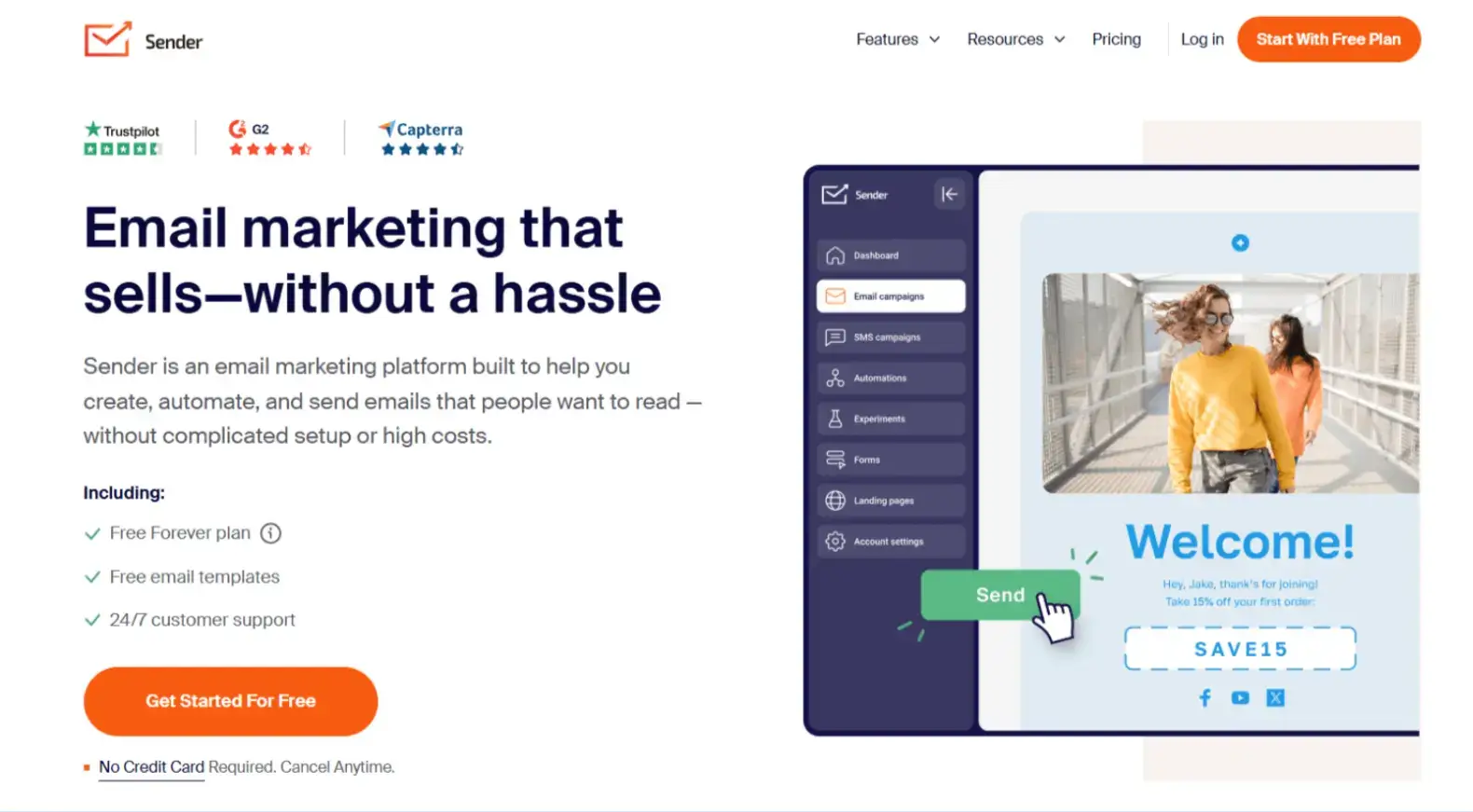
Why Consider Sender: Sender is a feature-rich email marketing platform that lets you manage transactional emails, newsletters, and bulk campaigns in a single user-friendly dashboard. It’s built for small and growing businesses that want reliable SMTP delivery with marketing tools without enterprise-level complexity or pricing.
Key Features:
- All-in-one email infrastructure: Use SMTP or API to send transactional emails for receipts, confirmations, and alerts while managing newsletters and promotional campaigns from the same dashboard.
- Built for non-technical teams: You can set up automations (welcome series, abandoned cart, win-back flows) and segmentation with no coding, making it ideal for lean SMB teams.
- Generous free plan: Sender’s Free Forever plan supports up to 2,500 subscribers and 15,000 emails per month (which is well above what many competitors offer) while still including automation, segmentation, and 24/7 human live chat support.
- Reliable transactional delivery: Sender’s infrastructure is tuned for time-sensitive emails, with low-latency delivery, smart retry logic, and real-time logs for confirmations, OTPs, and password resets.
- Affordable paid plans: As you grow, Sender adds more email volume, SMS capabilities, and advanced automation while remaining more affordable than most competitors.
Pricing:
- Free Forever: Up to 15,000 emails/month for 2,500 subscribers.
- Standard: Starts at $7/month, with additional features such as SMS campaigns and email A/B testing.
- Professional: Starts at $14/month with more advanced automation options and access to premium features suitable for fast-growing brands.
- Enterprise: Custom pricing with unlimited emails, a dedicated success manager, SSO, and advanced audit features for larger organizations.
Best For: Small and growing businesses that want one platform for transactional emails, newsletters, and bulk emailing.
Limitations: The free plan includes Sender branding, and some advanced features, such as SMS campaigns and certain premium automation options, are only available on paid plans.
Quick Comparison Table
Mailtrap — Best for Developer & Product Teams
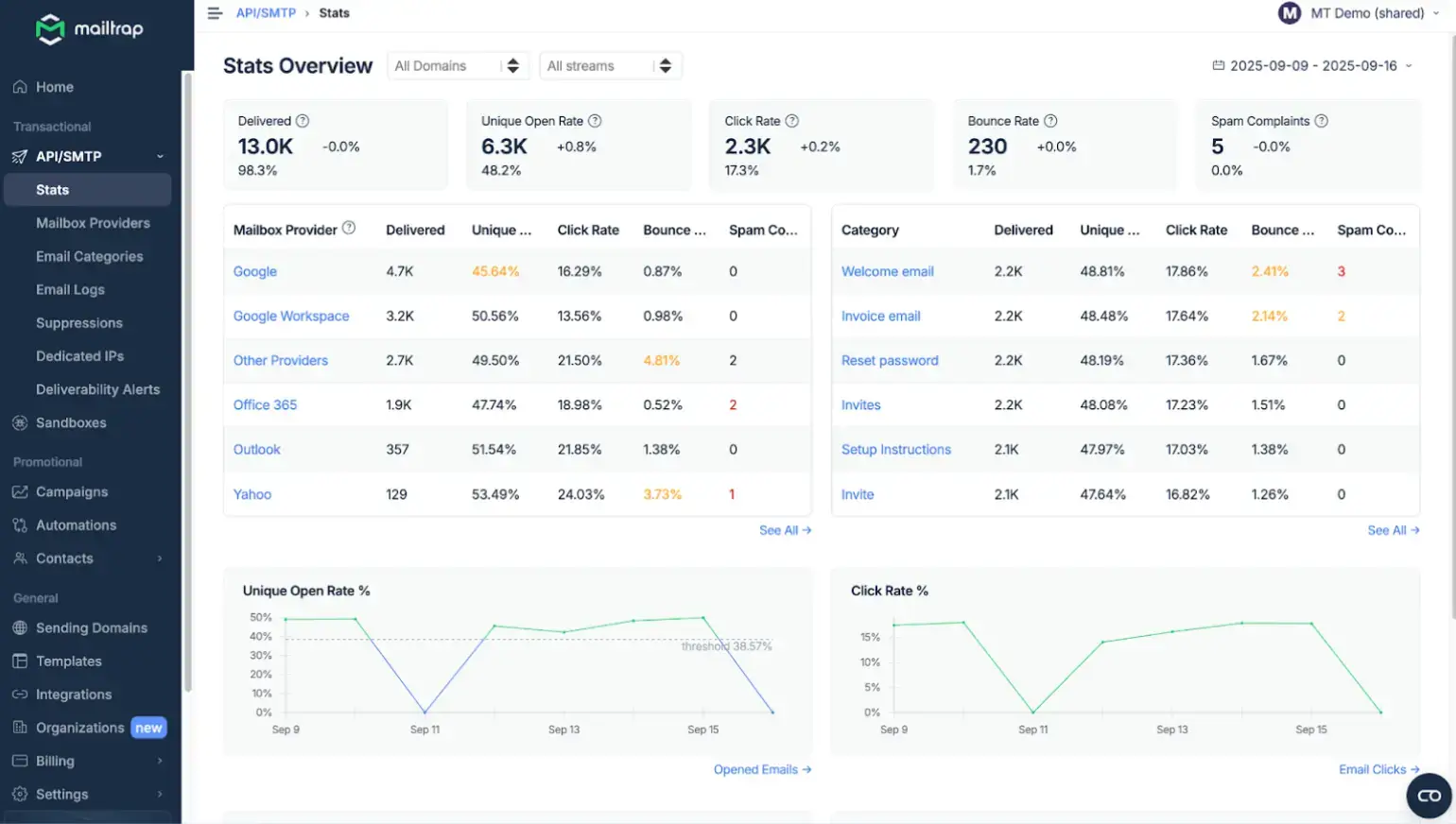
Why Mailtrap Stands Out: Mailtrap is built specifically for developer and product teams who need reliable email delivery at scale. It combines high inbox placement rates, fast delivery, and industry-leading analytics in one platform.
Key Features:
The RESTful API and SMTP integration support major programming languages, including PHP, Python, Node.js, Ruby, Elixir, and Java. Implementation is straightforward with well-documented SDKs and code examples.
Analytics dashboards give you complete visibility into email performance. Track delivery rates, open rates, click rates, bounce rates, and spam scores across major mailbox providers, including Gmail, Outlook, and Yahoo. Logs are retained for up to 30 days, giving you ample time for analysis and compliance audits.
The platform provides separate sending streams for transactional and bulk emails. This architectural choice preserves your sender reputation - marketing campaigns never affect critical transactional email deliverability. Password resets and order confirmations always get through, even during high-volume campaign sends.
Proactive IP warmup and dedicated IPs (on Business and Enterprise plans) help you build a strong sender reputation gradually. The platform automatically manages IP warming schedules, reducing the risk of landing in spam during the initial sending phase.
24/7 expert support from actual deliverability specialists, not just tier-1 support staff, helps you resolve issues quickly. Response times are fast, and the team provides actionable guidance for improving inbox placement.
ISO and GDPR compliance allow you to test and send your emails through Mailtrap’s ISO-certified, GDPR-compliant platform. Data protection is guaranteed, and the infrastructure is safe and reliable, with up-to-date security practices.
Pricing:
- Free plan: 4000 emails/month
- Basic plans: Starting at $15/month for 10,000 emails,
- Business plans (the most popular): From $85/month for 100,000+ emails with dedicated IPs and priority support
- Enterprise: Custom pricing for 1.5M+ emails/month with a dedicated deliverability manager and free migration
Best For: Digital product teams that need reliable delivery for both transactional and campaign emails - fintech platforms, booking systems, and SaaS with time-sensitive notifications. Ideal for companies sending 100,000 to several million emails monthly who value deliverability and expert support.
Use Case Example: A booking platform sends confirmation emails (transactional) and promotional newsletters (bulk) using Mailtrap's separate streams. Transactional emails maintain 99%+ delivery rates while marketing campaigns benefit from dedicated analytics showing performance across Gmail, Outlook, and other providers.
Amazon SES — Best Value for Cost-Conscious Teams
Why Consider SES: Amazon Simple Email Service offers the lowest per-email cost in the industry at $0.10 per 1,000 emails, making it attractive for high-volume senders with AWS infrastructure.
Key Features:
Unbeatable pricing is SES's main advantage. The free tier includes 3,000 emails monthly for the first year when sending from AWS compute services.
AWS ecosystem integration makes SES a natural fit if your application already runs on AWS - Lambda, S3, and SNS connect seamlessly.
IP reputation tools let technical teams manage sender reputation with granular controls and dedicated IPs (at an additional cost).
The tradeoff is technical complexity. SES requires significant engineering expertise for DNS configuration, bounce handling, complaint processing, and deliverability monitoring.
Pricing:
- Free tier: 3,000 emails/month for first 12 months
- Standard: $0.10 per 1,000 emails
- Dedicated IPs: Starting at $24.95/month
Best For: Technical teams with AWS expertise optimizing costs, businesses sending millions of emails monthly.
Limitations: No built-in analytics dashboard, minimal support without premium AWS support plans.
Postmark — Fastest Delivery for Critical Emails
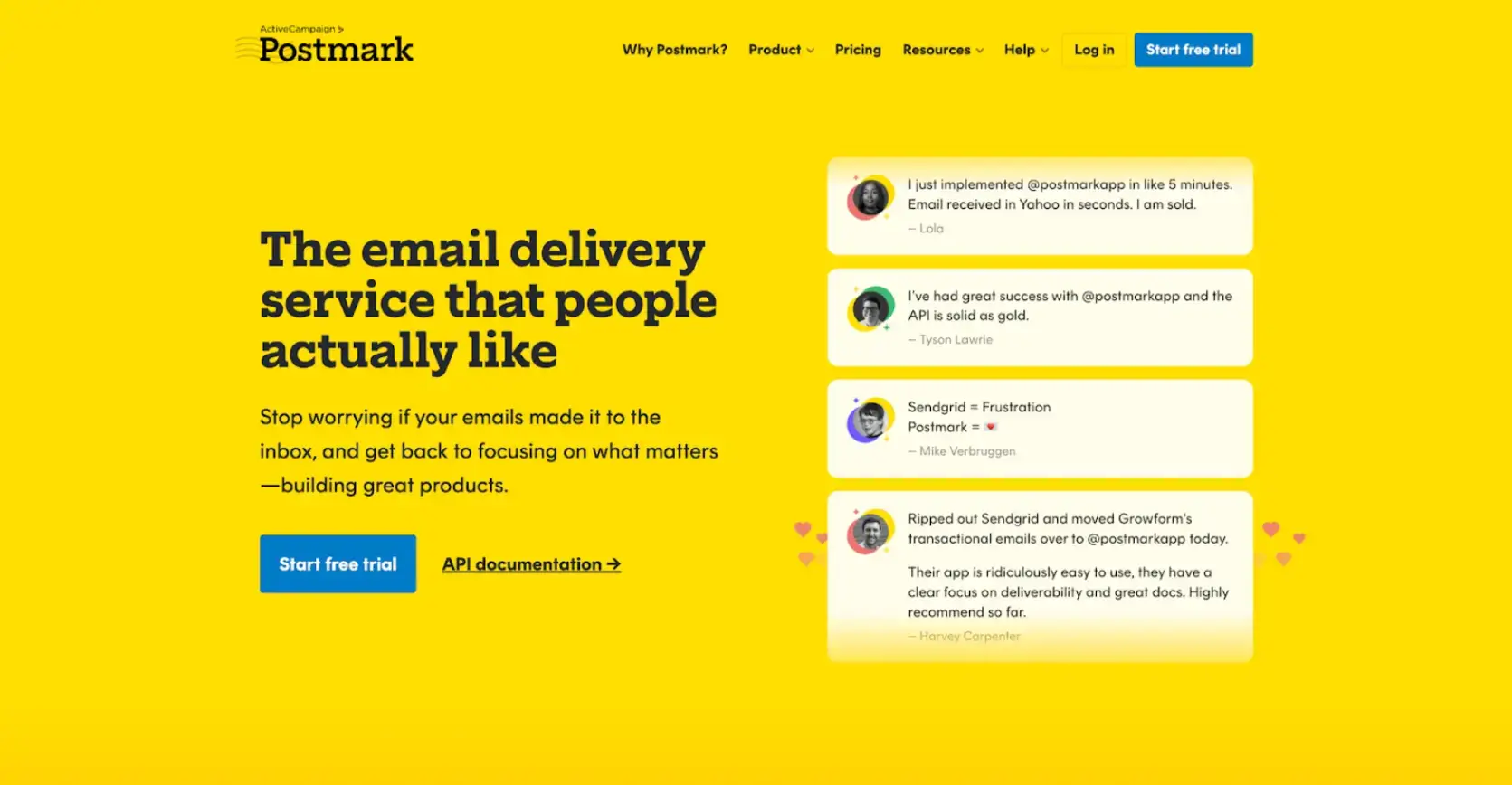
Why Consider Postmark: Postmark specializes in transactional email delivery, making it ideal for teams that need core functionality. They’re focused on essential transactional use, so if you have the budget and don’t need extra campaign tools, it’s a clean, high-performance choice.
Key Features:
Sub-2-second delivery is Postmark's signature for transactional emails like password resets and account alerts.
Separate message streams isolate transactional and broadcast emails, ensuring marketing sends never affect critical operational emails.
Detailed activity logs show exactly what happened to each email with complete transparency.
Pricing:
- No free tier (10-day free trial)
- Starting at $15/month for 10,000 emails
Best For: Developers and teams that need core functionality and reliable transactional email delivery.
Limitations: Higher pricing, limited marketing features, and no free plan.
Mailgun (Sinch) — Most Flexible for Developer Integration
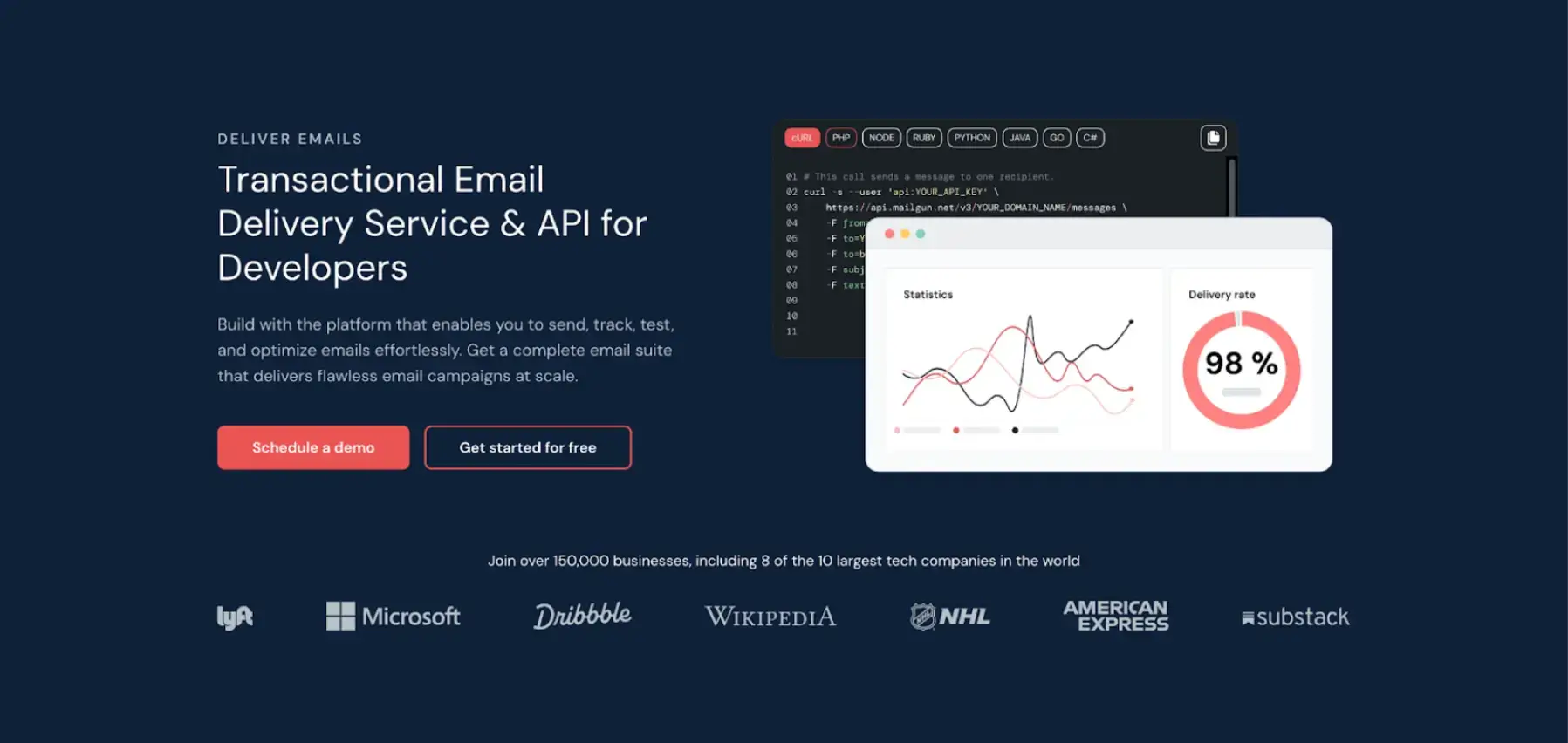
Why Consider Mailgun: Mailgun appeals to engineering teams seeking maximum control over email delivery, with powerful routing capabilities and extensive logging.
Key Features:
Advanced routing lets you customize email paths based on rules - route through specific IPs, apply different strategies by domain, or implement complex failover logic.
Detailed logs and analytics provide deep insights for troubleshooting with comprehensive data on bounces, complaints, and delivery attempts.
API-first design makes integration straightforward with thorough REST API documentation and examples in multiple languages.
Pricing:
- Free tier: 5,000 emails/month for 3 months
- Mid-range pricing with feature-rich plans
- Enterprise includes dedicated IPs
Best For: Technical teams requiring custom routing, detailed logging, and flexible configuration.
Limitations: Less intuitive for non-technical users, pricing increases with add-ons.
SendGrid (Twilio) — All-In-One Marketing & Transactional SMTP

Why Consider SendGrid: SendGrid offers both marketing automation and transactional email on a single platform, ideal for teams looking to consolidate tools.
Key Features:
Marketing capabilities include campaign builders, contact segmentation, A/B testing, and automation workflows alongside transactional email.
Comprehensive deliverability tools help optimize inbox placement with reputation monitoring and dedicated IPs on Pro and Premier plans.
Pricing:
- Free tier: 100 emails/day
- Starting at $15/month for 10,000 emails
- Pro plans with dedicated IP at higher pricing
Best For: Organizations wanting unified marketing and transactional capabilities in one platform.
Limitations: Steeper learning curve, pricing climbs with add-ons, support quality varies by plan.
Final Thoughts
Choosing the right SMTP provider depends on your specific needs, technical expertise, and budget.
Mailtrap leads for teams prioritizing deliverability, reliability, and actionable analytics. Separate streams, proactive IP warmup, and 24/7 expert support make it ideal for fast-growing product companies.
Amazon SES wins on cost, but technical resources are limited. Postmark excels for transactional-only emails. Mailgun gives technical teams maximum control. SendGrid works for unified marketing and transactional needs.
Test your top choices with actual emails before committing. Monitor delivery rates, inbox placement, and speed during free trials. The cheapest option isn't always the best value - use seasonal campaigns like Black Friday to grab a good deal.
Poor deliverability costs money in lost sales, frustrated customers, and damaged reputation. Invest in a provider that ensures emails reach inboxes reliably.
FAQ
What’s the difference between transactional and bulk emails?
User actions, such as password resets, order confirmations, and account notifications, trigger transactional emails. Bulk emails are marketing messages sent to multiple recipients, such as newsletters, promotional campaigns, and product announcements.
The distinction matters because mixing these email types can hurt your sender's reputation. If a marketing campaign generates spam complaints, it affects critical transactional email deliverability. Providers like Mailtrap and Postmark offer separate streams to prevent this issue.
Do I need a dedicated IP address?
It depends on your sending volume.
Shared IPs work well for businesses sending fewer than 100,000 emails per month. Reputable providers maintain good sender reputations across their shared pools.
Dedicated IPs make sense when you send 100,000+ emails monthly and want complete control over your sender reputation. They require warmup periods - gradually increasing send volumes over 2-4 weeks to build a reputation with inbox providers.
How long does it take to switch SMTP providers?
Technical migration typically takes 1-3 days. You'll need to update DNS records (SPF, DKIM, DMARC), modify API credentials, and test sends.
The bigger challenge is warming up your new sending infrastructure. New IPs need gradual volume increases over 2-4 weeks to avoid spam filters. Plan for parallel sending during transition to ensure zero downtime.
What causes emails to land in spam folders?
Authentication failures from misconfigured SPF, DKIM, or DMARC records trigger spam filters. Poor sender reputation develops from high bounce rates, spam complaints above 0.3%, or the use of purchased lists. Content triggers include excessive caps, spam keywords, or misleading subject lines.
Regular monitoring through your provider's analytics helps identify and fix these issues before they impact deliverability.
Can I use free tiers for production applications?
Free tiers work well for early-stage products but come with limitations. They typically lack dedicated IPs, priority support, and advanced analytics.
For production applications where email reliability affects revenue or user experience, paid plans offer better deliverability and faster support. Start with free tiers to validate your integration, then upgrade before scaling.

Author Bio
Mirjana Mijatovic, Link Building & Outreach Expert @ Mailtrap
Passionate for writing since a young age, Mirjana Mijatovic specializes in email communication, marketing, and multilingual content creation. Combining her email expertise with a deep understanding of digital strategy, she creates insightful, reader-friendly articles. Whether exploring the latest trends in email compliance or innovative marketing strategies, her writing aims to inform and inspire.