SaaS is a brutal industry to work in.
Customer acquisition can be expensive, often requiring businesses to raise prices in order to keep up with the lead generation costs on popular platforms like Google and Meta. At the same time, several SaaS categories are incredibly competitive, which mandates an aggressive pricing strategy.
This leaves little room for margins. And if that were not enough, customers expect Amazon-like customer service even from bootstrapped SaaS businesses selling a dozen subscriptions a month. Competing with billion-dollar competitors while fighting low margins cannot be easy.
One way to thrive in this ecosystem is by investing in the right SaaS customer support tools.
Studies show that great customer service improves retention, and that even a 5% improvement in retention can boost profits by as much as 25% to 95%.
In this article:
- How to Evaluate Customer Support Systems Effectively
- SaaS Customer Support Tools Comparison
- Top SaaS Customer Support Tools in 2026
- How to Successfully Implement a New Customer Support System
Why the Right SaaS Support System Matters
Choosing the right SaaS support system is important because customer support tools can significantly impact customer experience and retention.
Traditional businesses rely on one-time purchases, and retention is driven primarily by product quality.
Poor experience here can damage customer perception. Depending on the industry and customer segment you operate in, this could mean accelerated churn, which is not good for business.
Enhances Customer Onboarding and Product Adoption
A customer support tool is not just used for post-purchase problem resolution.
SaaS customers require comprehensive pre-sales nurturing and engagement before they sign up. Your customer support tool must support the various channels and formats that your marketing team needs to nurture your prospects.
Enables Faster Resolution of Technical Issues
This is particularly relevant for B2B SaaS players where your customers are on the clock while waiting for customer support.
A delay in resolving customer queries can impact their topline, potentially driving higher churn. Good support systems help with fast resolution and ensure high customer satisfaction.
Supports Scalable Growth
As your SaaS business grows in user base and features, you are likely to witness a higher number of support requests with increasing complexity.
The right customer support system can handle these scalability issues efficiently without breaking down or hindering the experience.
Strengthens Collaboration Across Teams
Although your customer support team may be in charge of handling support queries and managing expectations, resolving issues is ultimately a cross-team exercise.
The right SaaS customer support tool can enable these collaborations effectively, either directly or through integrations with popular third-party tools like Slack, Jira, Basecamp, and Salesforce.
How to Evaluate Customer Support Systems Effectively
The first step in evaluating the right customer support system for your SaaS business is to define your ideal features list.
To do this, understand your client preferences as well as your staff requirements. Once these criteria are established, it becomes easier to assess the various customer support tools.
Request Demos and Free Trials
Most SaaS tools today come with free tiers or free trials. Make use of them to comprehensively assess their suitability.
Study their feature set along with the learning curve required for onboarding.
It’s a good idea to get these products tested across different teams in your organization, as this may help you discover usage scenarios that the decision makers may have missed.
Test Real Support Workflows
In every SaaS business, incoming tickets can be classified under five broad categories: technical issues, how-to and usability, billing & account management, feature requests, and onboarding/implementation.
Run your customer support tool across each of these different categories and workflows. This helps you analyze how the tool handles these various use cases and support scenarios.
Compare Scalability and Pricing Structures
How does your preferred support system handle large ticket volumes or complex queries? Do the prices increase dramatically when you add more agents to your team?
Work on these various simulated workflows to anticipate your support tool costs one or two years from now. This helps you avoid situations where a support tool has an attractive entry-level price but turns expensive very soon.
SaaS Customer Support Tools Comparison
To help narrow your options, here's a quick comparison of some of the most popular customer support platforms for SaaS businesses in 2026.
Top SaaS Customer Support Tools In 2026
As the above sections show, it is difficult to make a definitive list of the top customer support tools for SaaS businesses since it’s a unique decision for each business.
However, here we have a top five list based on their customer rating, feature reliability, and longevity in business.
Jitbit
Source: Jitbit.com
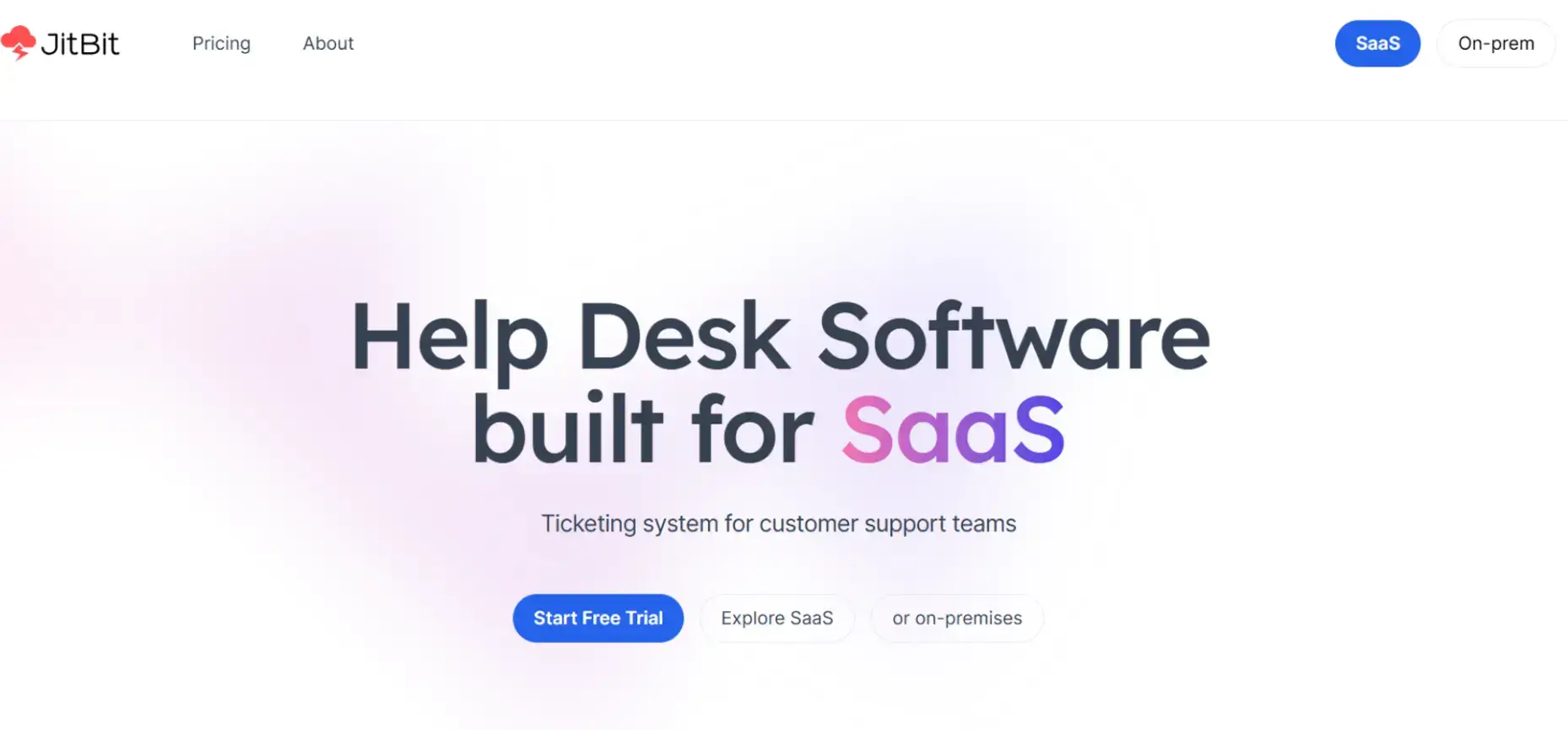
Jitbit is an email-first helpdesk platform that counts companies like Netflix, Adobe, Microsoft, Amazon, Honeywell, and Oracle among its clientele.
Jitbit offers two customer support solutions – an on-premise solution that is self-hosted, or a SaaS version that is cloud-based.
While Jitbit offers strong ticket management capabilities, organizations looking for highly advanced omnichannel support may require additional integrations.
Pricing:
The SaaS version starts at $29/month for one agent, while the self-hosted version offers a lifetime license for $2199 and supports 10 agents.
G2 rating: 4.3/5
CloudTalk
Source: Cloudtalk.io
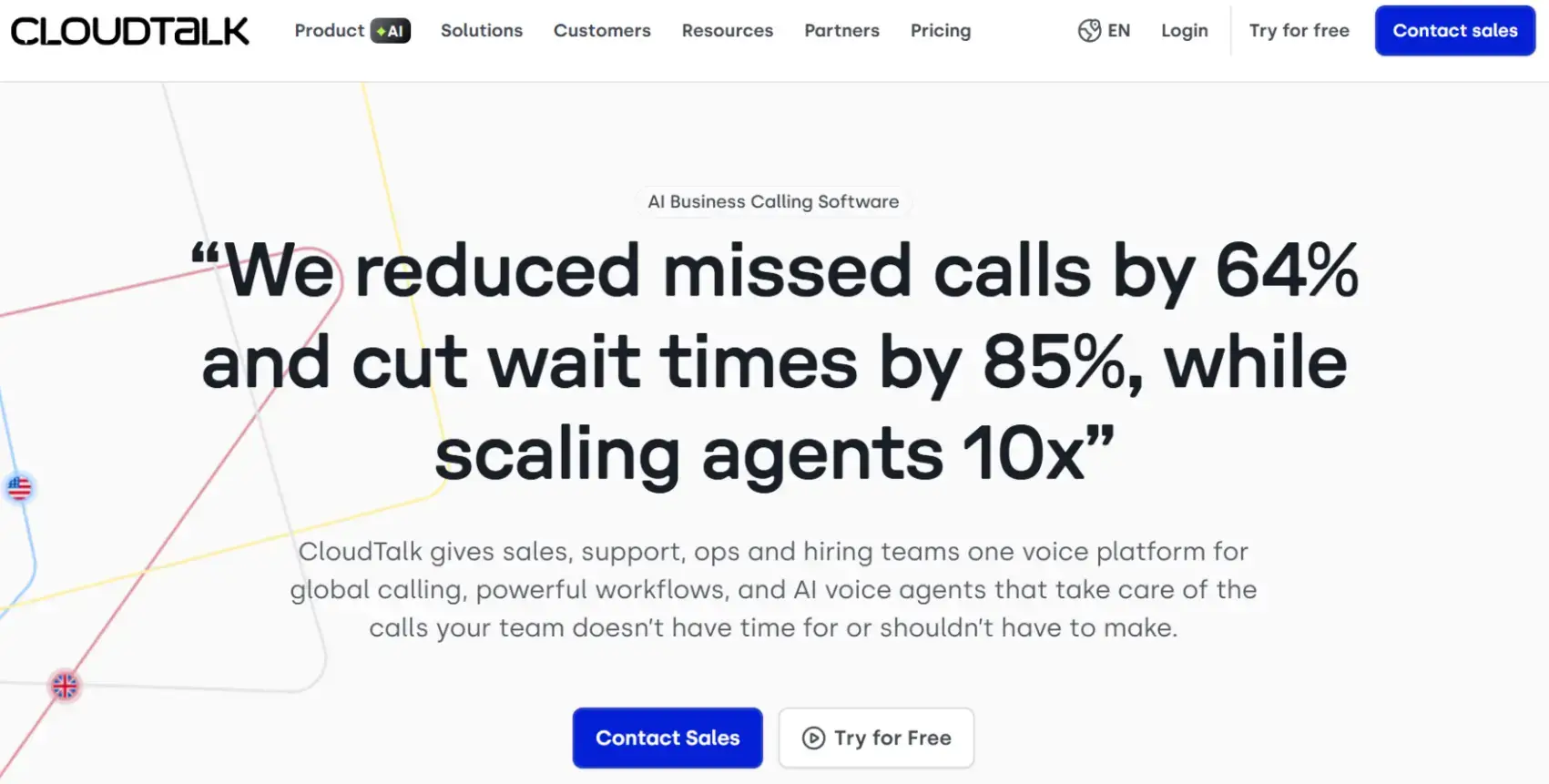
CloudTalk is a business phone and contact center platform often used by support and customer success teams that rely heavily on voice communication. It is widely used by companies like Revolut, Postman, and Miro to manage global support operations.
Teams that rarely use phone support may find some of its specialized calling features unnecessary.
Pricing: CloudTalk offers tiered pricing, starting with the Starter plan at $25/user/month. The more advanced Essential and Expert plans, which include automated workflows and advanced analytics, start at $30/month and $50/month, respectively.
G2 rating: 4.4/5
Chatway
Source: Chatway.app
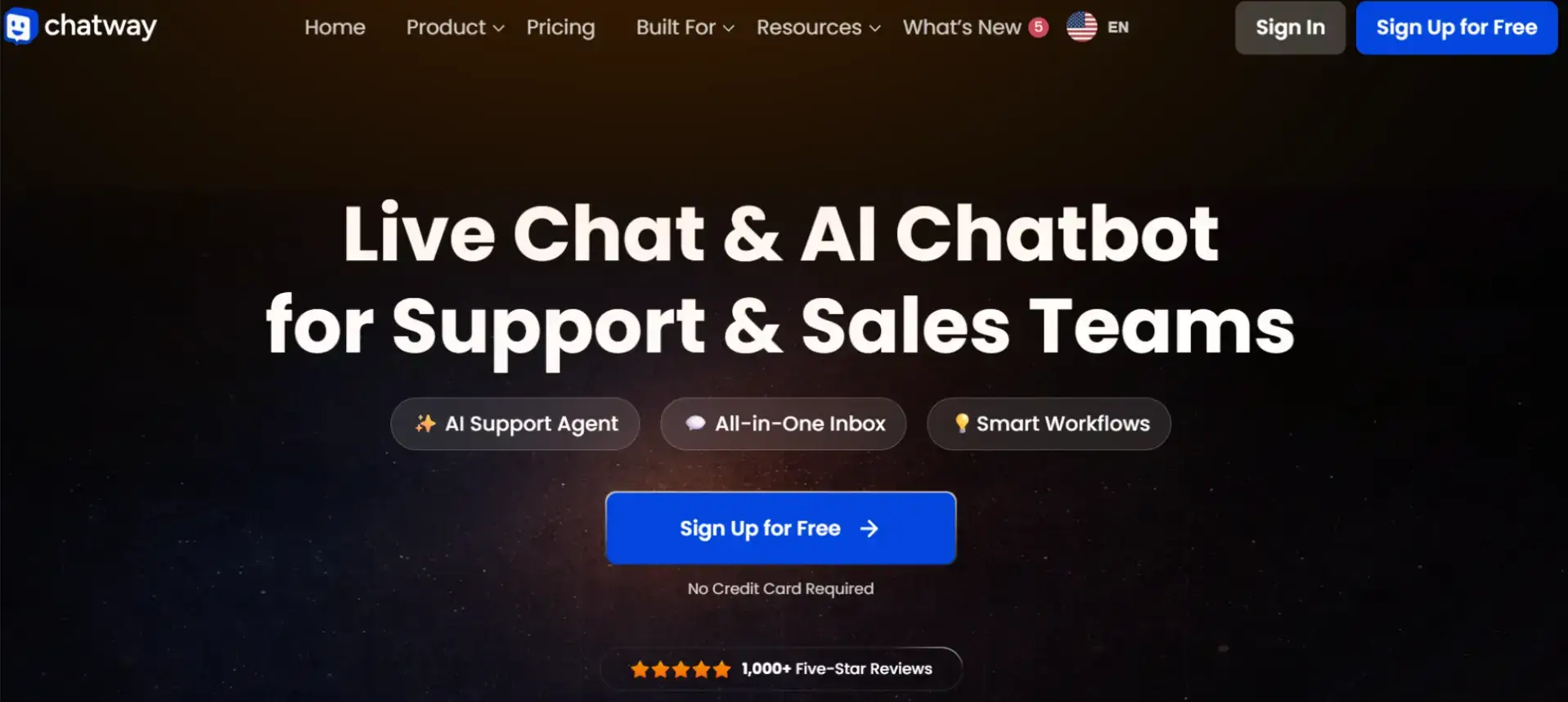
Chatway is a live chat and AI chatbot platform that helps businesses connect with customers in real time across their website, email, WhatsApp, Facebook Messenger, and Instagram.
Chatway combines live chat with AI-powered automation, making it suitable for teams that want to provide website support across multiple channels.
Key features include live chat, an AI support agent, a shared inbox, Shopify and WooCommerce integrations, and automation tools to improve customer support and sales.
While Chatway offers strong live chat and messaging capabilities, businesses with highly complex ticketing workflows may require a more comprehensive helpdesk platform.
Pricing:
Free plan available. Paid plans include:
Solo – $29/month (1 seat)
Team – $79/month (4 seats)
Plus– $149/month (10 seats)
G2 rating: 4.9/5
Kommunicate
Source: Kommunicate.io
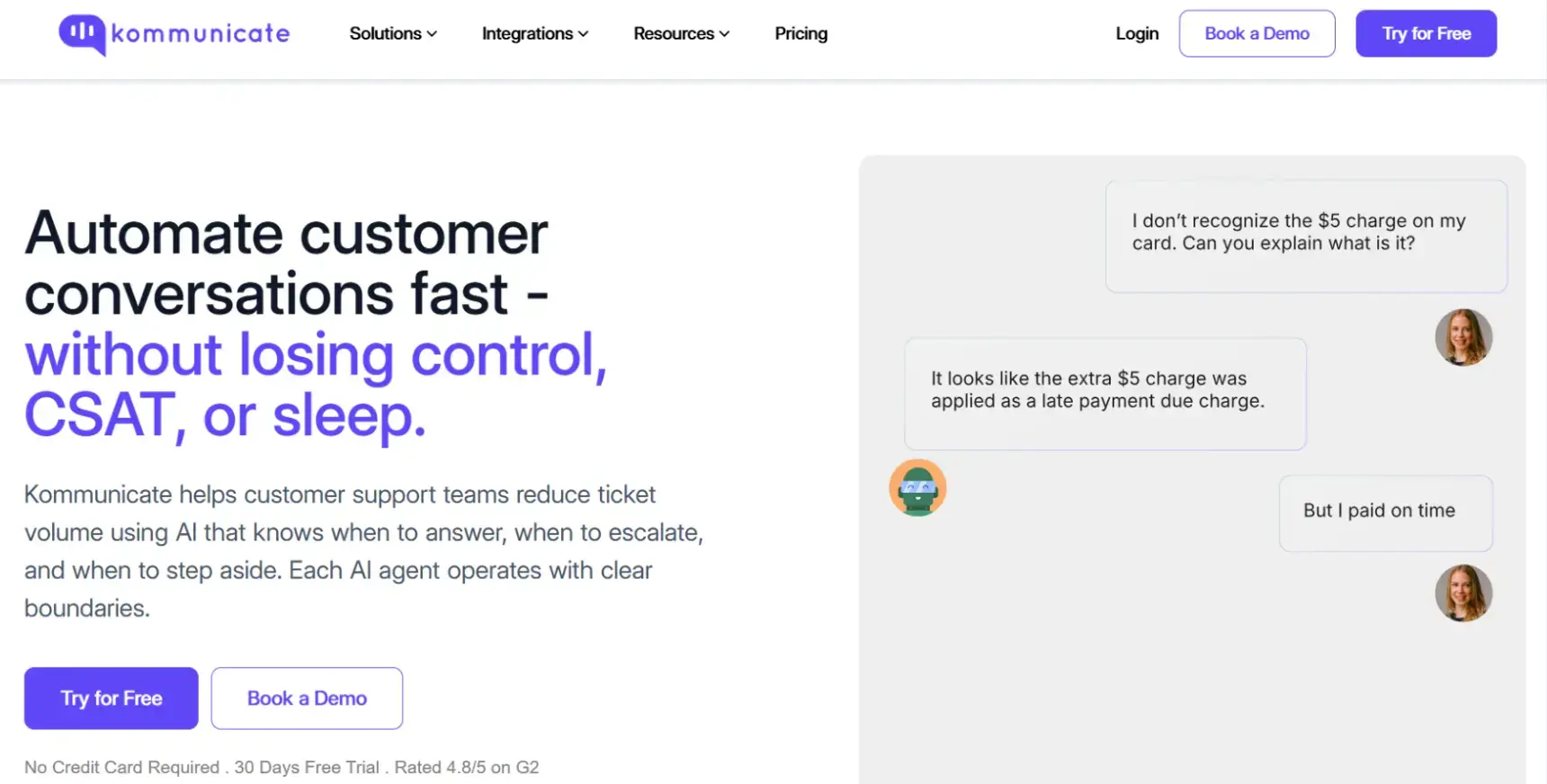
Kommunicate is an AI-powered live chat and email ticketing system that serves companies such as Rakuten, KPMG, and Amgen.
Kommunicate’s generative AI chatbot is trained on your custom data and helps SaaS companies resolve customer queries. Features include AI agent builder, voice AI agent, AI email ticketing, FAQ chatbot, and omnichannel messaging.
Although Kommunicate's AI features can help automate support operations, teams may need additional setup time to properly train chatbots and optimize their responses.
Pricing:
The Starter plan is priced at $40/month and includes 1 AI agent, 1 team member, and up to 250 conversations a month. Higher-priced plans are available at $200/month onwards.
G2 rating: 4.8/5
AskNicely
Source: AskNicely.com
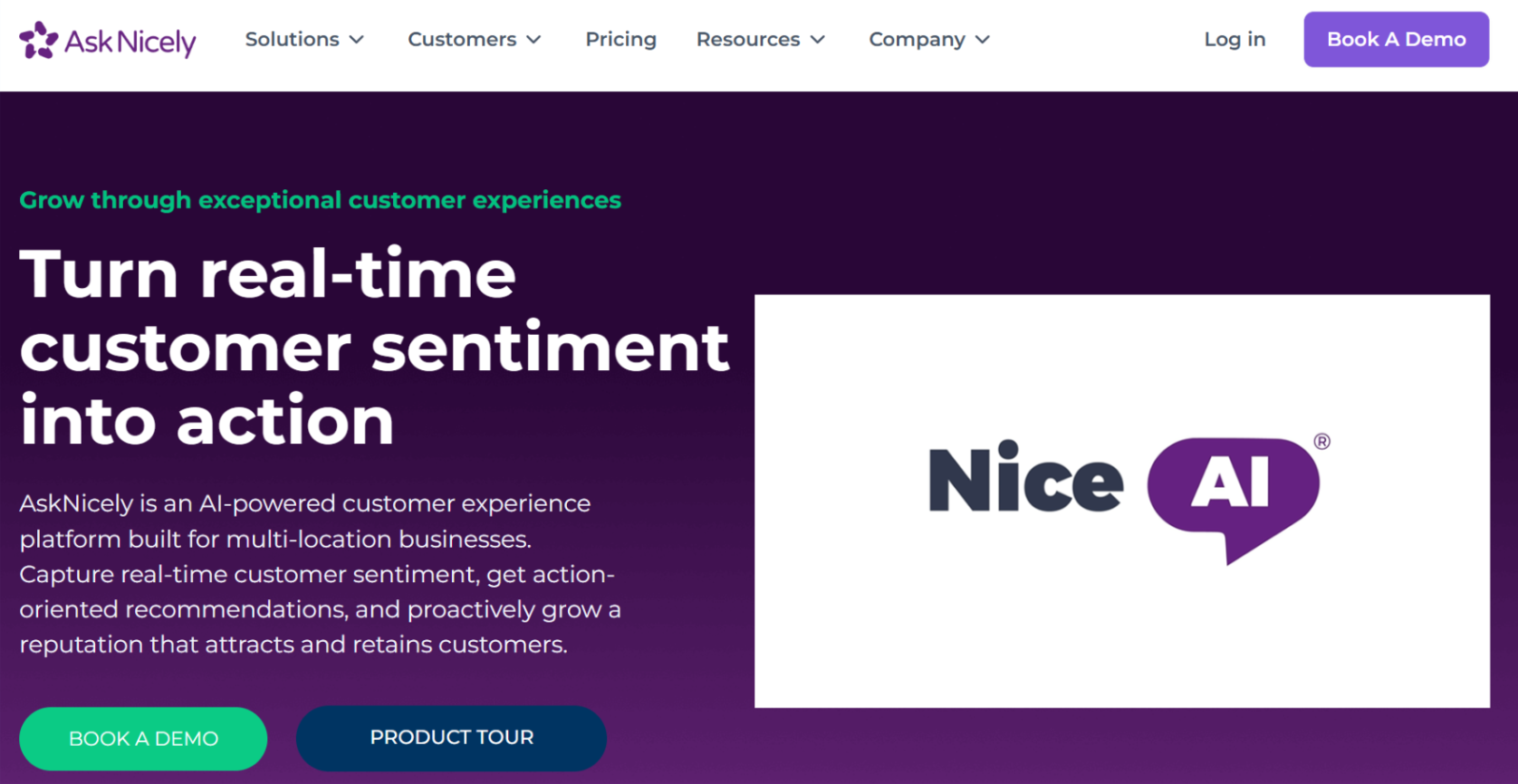
AskNicely is a customer experience platform that helps multi-location businesses capture real-time customer sentiment into action-oriented recommendations.
It’s not a customer support tool in the traditional sense, but it acts as a tool to capture customer frustrations before they result in support escalations or churn.
Since AskNicely focuses primarily on customer feedback and experience management, businesses will typically need a separate helpdesk or ticketing solution to handle support requests directly.
Pricing:
AskNicely has bespoke pricing plans based on client requirements. There are three packages to choose from: Learn, Grow, and Transform. The base plan includes email & SMS surveys, AI-powered dynamic surveys, leaderboards, and downloadable presentations.
G2 rating: 4.7/5
How to Successfully Implement a New Customer Support System
While the right tool can do wonders for your SaaS business, it is still important to follow best practices while migrating to a new customer support system or signing up with a tool for the first time.
Create a Rollout Plan
A migration and rollout plan is critical if you are a large SaaS company with an existing support tool. In such cases, switching to a new tool while retaining active tickets from a previous system is crucial.
One popular migration plan is to keep a section of your support staff handling active tickets on the old platform while activating the new platform for new tickets.
However, this can cause problems for existing users trying to access old tickets. Ideally, the new system is deployed and activated, with the migration completed in one go during a maintenance window.
Train Support and Customer Success Teams
Before you activate a new support platform, it is important to train your staff. This will make sure that your teams are fully equipped to deal with the various scenarios instead of learning on the job.
Most importantly, your support staff needs to know what is different in the new tool and how each of the various tasks is carried out.
Build Workflows and Escalation Paths
Each customer support query is unique and needs a defined escalation path.
Building a proper workflow and escalation path for each of the broad support categories is important to ensure that each query is addressed promptly.
If you are migrating from another support tool, then most of these workflows and escalation paths may be defined already.
However, there could still be certain features that don’t exist in the new tool but were part of the old tool.
Building new escalation paths and workflows for these elements is important.
Track Performance and Audit Results
Every change in an organization is an opportunity for learning and improvement.
Regardless of whether the customer support implementation for your SaaS business is a success or not, you must audit the setup and identify elements of the deployment that were done correctly and where things could be improved.
Most importantly, track your metrics, including customer satisfaction scores and NPS, to see how the deployment has changed your scores over time.
This helps you audit the success of the new tool implementation and also provides you with the necessary data to make future decisions with respect to customer success.
How to Choose the Best Customer Support System for Your SaaS Business
Picking the right customer support system for your SaaS business has a near-immediate impact on your customer satisfaction and experience.
The best way to gauge the impact of your implementation is to track critical metrics before and after the implementation.
When picking a customer support tool for your SaaS business, let your customers’ preferences guide you.
Start with tools that provide customer support through the platforms that they prefer. Make a comprehensive list of the feature set, along with the pricing, and reviews from businesses in the same industry and size as yours.
This helps you assess these tools from the perspective of similar businesses.
Once deployed, set up a system to track the Net Promoter Score (NPS), Customer Satisfaction (CSAT), as well as support metrics like Average Handle Time (AHT), and churn rate.
Tracking these numbers before implementation and after the deployment helps you measure the benefits of your investment immediately.
Frequently Asked Questions
What is the most important feature in a SaaS customer support system?
The most important feature for your SaaS customer support team depends on your specific business requirements. Some non-negotiables include scalability, automation, and third-party integration.
How do customer support tools reduce SaaS churn?
Customer support tools help streamline operations and thereby improve response times, streamline issue resolution, and enhance customer onboarding. By improving customer experience this way, they help reduce churn.
How do I measure the success of a new customer support platform?
Some of the most popular metrics to track the impact of a new customer support platform include NPS (Net Promoter Score), CSAT (Customer Satisfaction Rating), and Average Handle Time (AHT).
When is the right time to upgrade a SaaS customer support system?
The right time to upgrade to a new SaaS customer support team depends on the current ticket volume, as well as the feature stack. If your current systems are causing a huge backlog and your satisfaction ratings are dropping because your current system cannot handle tickets from across different channels, then it’s a good option to invest in an upgraded system.

Author Bio
Anand Srinivasan is the founder of ATS Friendly Resumes, an AI-powered resume customization service. He is also the man behind LeadJoint cold email agency.