


Most businesses rely on multiple tools to manage customer communication.
Over time, these tools become disconnected from one another, creating gaps in how messages reach customers and how responses are tracked. The result is slower response times, inconsistent messaging, and a loss of context between teams.
This applies to legacy channels, too. Fax, for example, often runs on standalone infrastructure, but middleware now exists to connect it with UC platforms, email, and APIs.
Businesses evaluating these options typically compare pricing guides from different communication workflow service providers, such as FaxSIPit's pricing plans, to determine which best fits their existing setup.
Modernizing communication workflows means replacing fragmented processes with systems that connect channels, automate repetitive tasks, and give teams access to shared customer data. The sections below cover the core steps involved in that transition.
Audit Your Current Communication Channels First
An audit gives you a clear picture of what tools you use, who manages them, and where breakdowns happen. Without this baseline, decisions about what to keep, replace, or consolidate are based on assumptions rather than data.
Map out every channel your business uses to communicate with customers. This includes email, live chat, phone, SMS, social media, and any in-app messaging.
For each channel, document who manages it, what platforms support it, how information flows between systems, and where handoffs break down.
Many businesses discover they use multiple platforms that serve the same function, or that interactions on one channel are invisible to teams on another.
An audit ensures you understand your current operation before making changes. Choosing the right automation tools and tips becomes far easier once you have that clarity.
Centralize Customer Data to Improve Response Times

Source: Pexels

Centralizing customer data gives every team member access to a single customer timeline, eliminating redundant information requests and speeding up resolution.
When a support agent cannot see a customer's recent purchase history, or when a sales rep has no visibility into an open support ticket, the customer experience suffers.
A centralized data layer — a CRM, customer data platform (CDP), or integration layer — connects communication tools to a shared record. This reduces time spent toggling between dashboards or requesting updates from other departments.
As McKinsey's research on omnichannel engagement notes, more than half of customers engage with three to five channels during each purchase journey or request resolution.
Maintaining a single data source across all those touchpoints prevents context loss and reduces the friction that drives customers to competitors.
Automate Repetitive Communication Tasks
Start with the highest-volume, lowest-complexity messages.
Order confirmations, appointment reminders, shipping updates, and password resets follow predictable patterns and are the strongest candidates for automated handling.
New small businesses can benefit from learning about process automation tools that maximize time and minimize headaches before committing to a platform.
Common starting points include:
- Welcome sequences triggered by new account creation
- Customer follow-up emails are sent after a purchase, booking, or service interaction
- Status notifications tied to order or ticket updates
- Emails sent to re-engage customers after a long period without activity
Setting up these workflows frees up staff to focus on conversations that require judgment or problem-solving.
According to Salesforce's customer service statistics, 83% of service decision makers plan to increase investments in automation over the next year, and teams using AI agents expect service costs and resolution times to decrease by an average of 20%.
Keep automated messages useful by including personalization tokens — name, order details, past interactions — so they feel intentional rather than generic.
Unify Communication Channels Into One Workflow

Source: Pexels

A unified workflow integrates all channels into a single interface, allowing agents to view and respond to messages from email, chat, social media, and SMS in one place. This eliminates the need to check three different platforms to reconstruct a conversation history.
When each channel operates independently, a customer who starts a conversation over email and follows up via live chat has to repeat their issue.
Channel integration also supports better reporting. When all communication flows through a connected system, businesses can measure response times, resolution rates, and customer satisfaction across channels rather than within each silo.
Companies still building out their approach can start with customer communication strategy best practices to establish a solid foundation.
Channel integration also enables routing rules that assign conversations based on topic, priority, or customer segment.
Train Teams Around Workflows, Not Features
Team training is essential because technology changes fail when teams revert to old habits or create workarounds. Rolling out a new communication platform without adequate training leads to inconsistent usage and frustration.
Build training around workflows, not features. Show teams how to complete the tasks they perform daily rather than walking through every menu in a new tool.
Focus on the specific scenarios each role encounters: how a support agent escalates a ticket, how a sales rep logs a conversation, how a manager pulls a report.
Measure the Success of Your Communication Overhaul
Source: Pexels

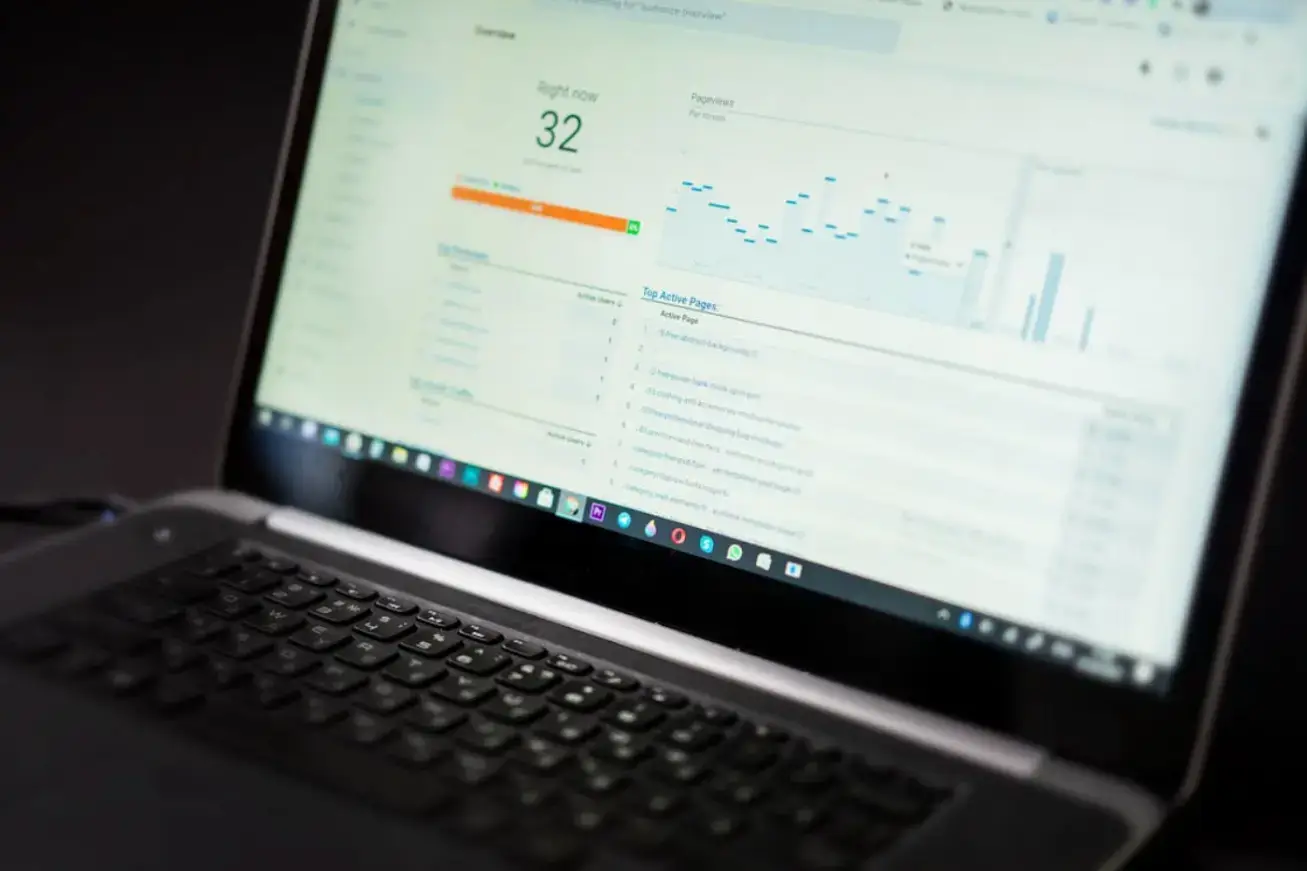
Measure success by comparing key performance metrics against your pre-transition baseline. Set clear benchmarks from the start so you can track improvement over time.
Useful metrics to monitor include:
- Average first response time across all channels
- Customer satisfaction scores before and after the transition
- Percentage of inquiries resolved without escalation
- Hours recovered by replacing manual tasks with automated workflows
According to HubSpot's State of Service report, 90% of consumers rate an immediate response as important when they have a service question, and 60% define "immediate" as 10 minutes or less. Tracking how your response times compare to these benchmarks helps quantify the impact of your workflow changes.
Review these metrics regularly and use the data to identify what needs adjustment. E-commerce businesses, in particular, should watch for workflow bottlenecks that slow communication between fulfillment, support, and marketing teams. Small, ongoing changes tend to produce better outcomes than large, infrequent overhauls.
Final Thoughts
Modernizing customer communication workflows comes down to six core steps: auditing your current channels, centralizing customer data, automating repetitive messages, unifying channels into a single interface, training teams on new processes, and measuring results against clear benchmarks
None of these steps requires a full system replacement. Many businesses see meaningful improvements by integrating existing tools and addressing the gaps between them.
The key is to start with a clear picture of how communication works today and make incremental changes that reduce friction for both your team and your customers.
Frequently Asked Questions
What is the first step in modernizing customer communication?
The first step is auditing your current communication channels and tools. Understanding what you have in place, who manages each channel, and where breakdowns occur provides the foundation for planning improvements.
How long does it take to modernize communication workflows?
The time required depends on the business’s size, complexity, and internal processes. Small businesses with a few tools may complete a transition in weeks. Larger organizations with multiple departments and legacy systems may need several months for planning, implementation, and training.
Do I need to replace all my current tools?
Not necessarily. Modernization can involve integrating existing tools through APIs or middleware rather than replacing them entirely. The priority is ensuring that data flows between systems and that teams can access shared customer context.
How do I measure the success of a modernization effort?
Use metrics like average response time, CSAT, resolution rates, and agent efficiency to evaluate performance. Compare these against your baseline data from before the transition to quantify improvements.

Author Bio
Grace is a content writer who specializes in creating well-structured articles and web content that improve online visibility and drive audience engagement. Her work focuses on breaking down complex topics into clear, accessible language that keeps readers informed from start to finish. When she isn't writing, Grace spends her time researching emerging trends in digital communication and content strategy to bring fresh perspectives to every piece she publishes.