No designing skills, no problem. AI logo generators create logos in minutes. A logo is the first thing that comes to mind when starting a business or building a brand.
AI logo generators use machine learning and design automation to quickly create professional logo concepts, allowing entrepreneurs and small businesses to develop brand identities without hiring a designer.
Gone are the days when a brand needed to hire an expert to design a logo according to its needs. With the best logo generators, anyone can create a logo in an instant, with no technical skills required.
In this article, we will explore the top AI logo generators of 2025, enabling you to design a logo in under a minute and export it in various digital formats.
In this article:
- Zoviz
- Design.com
- BrandCrowd
- Brandmark
- LogoAI
- DesignCap
- Designs.ai
Latest News and Statistics About AI Logo Generators 2025
The AI-powered logo design tool market size is projected to grow significantly and reach $12.34 billion by 2028 at a CAGR of 14.3%.
The need for cost-effective branding tools among startups and small businesses is driving growing demand for AI-driven design solutions.
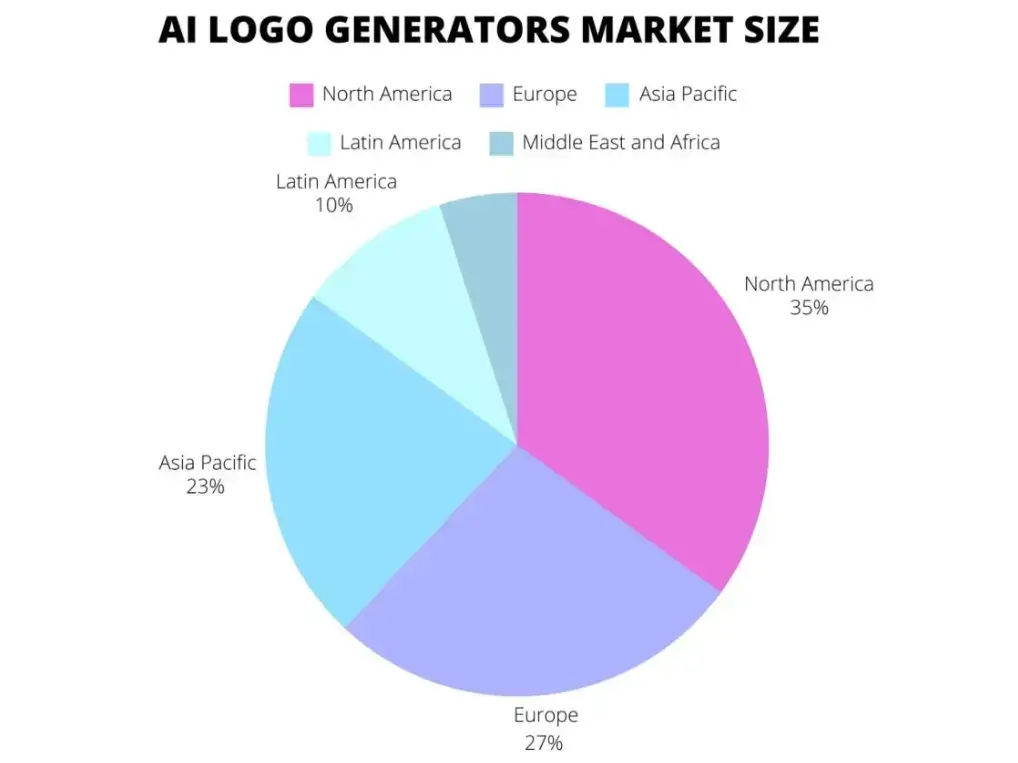
North America leads the AI logo design tool market by 35%, followed by Europe at 27%, Asia Pacific at 23%, Latin America at 10%, and the Middle East and Africa at 5%.
AI-powered logo makers are getting smarter and more flexible, making it easier than ever for anyone to design a unique, high-quality logo.
Plus, as AI tools become more user-friendly and work easily with other design software, even those with no design experience can create a professional-looking logo in just a few clicks.
Even with branding agencies, freelancers, and complex software out there, many users and businesses still lean toward AI for its speed and convenience.
What Is an AI Logo Generator?
An AI logo generator is an online tool that uses artificial intelligence to automatically generate logo designs based on user inputs such as company name, industry, design preferences, and style choices.
Instead of designing a logo manually, users typically follow a simple process:
- Enter their business name
- Select their industry
- Choose preferred styles or colors
- Review AI-generated logo concepts
These logo design tools combine design templates, machine learning algorithms, and automated layout systems to quickly generate logo options.
For startups and small businesses, AI logo generators offer a fast and affordable alternative to traditional logo design services.
Why Businesses Use AI Logo Generators
AI-powered design tools have become popular because they significantly reduce the time and cost of creating a brand identity.
Faster logo creation
AI branding tools can generate dozens of logo concepts in seconds.
Lower design costs
Hiring a professional designer can cost hundreds or thousands of dollars, while many AI logo tools offer free previews or low-cost downloads.
Easy customization
Users can modify fonts, colors, layouts, and icons to match their brand style.
Ideal for startups and solopreneurs
Small businesses that need quick branding solutions often rely on AI logo generators in the early stages of business.
Comparison Table of the Top AI Logo Generators
| Tool | Pricing | Formats |
|---|---|---|
| Zoviz | $19.99 one-time | PNG, SVG, EPS, PDF |
| Brandmark | $25 one-time | SVG, EPS, PNG, PDF |
| LogoAI | $29 one-time | JPG, transparent PNG, PDF, vector |
| DesignCap | $4.99/month | JPG, PNG, PDF |
| Designs.ai | $19/month | PNG, SVG, JPG, PDF |
1. Zoviz - The Best AI Logo Generator
Pricing:
- Basic Logo Pack: $19.99 one-time
- Full Brand Kit: $49.99 one-time
Reasons to choose Zoviz:
- The AI-driven logo creation process.
- Customizable templates and branding options.
- High-resolution file downloads (PNG, SVG, EPS, PDF).
- Brand kit with social media assets.
- User-friendly design interface.
Pros:
✔ AI-powered suggestions for unique logos
✔ Wide range of customization options
✔ Offers branding tools beyond logo design
✔ High-resolution files for professional use
Cons:
✘ Premium features require a paid plan
✘ Limited free customization
2. Design.com
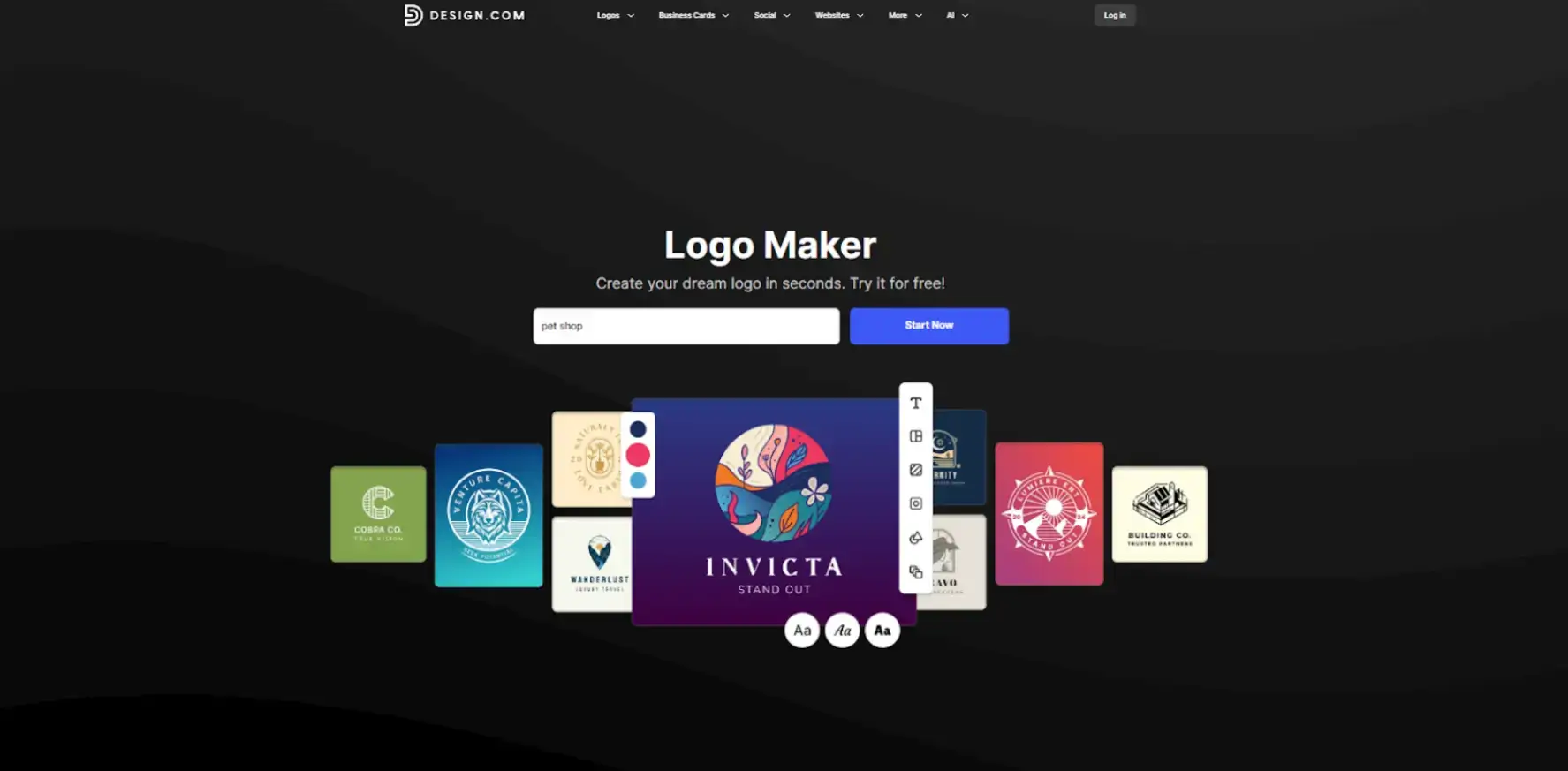
Design.com is the #1 logo maker in the world, offering over 350,000 logo templates and powerful AI tools to help anyone create a professional logo in minutes. It’s simple to use, even without design skills, and includes free logo options, automatic branding, and printing services with global delivery.
Pricing:
Free plan available. Premium logo and brand assets start from $9.
Features:
- Create a logo instantly with AI.
- Access the world’s largest logo library with 350K+ templates.
- Edit colors, fonts, and icons easily.
- Download in SVG, PNG, JPG, and MP4.
- Build matching websites, business cards, and more.
Pros:
✔ #1 logo maker in the world
✔ 4.7 stars on Trustpilot with 3K+ reviews
✔ 24/7 support and multilingual platform
Cons:
✘ Some premium logos require a paid license
✘ No mobile app yet
3. BrandCrowd
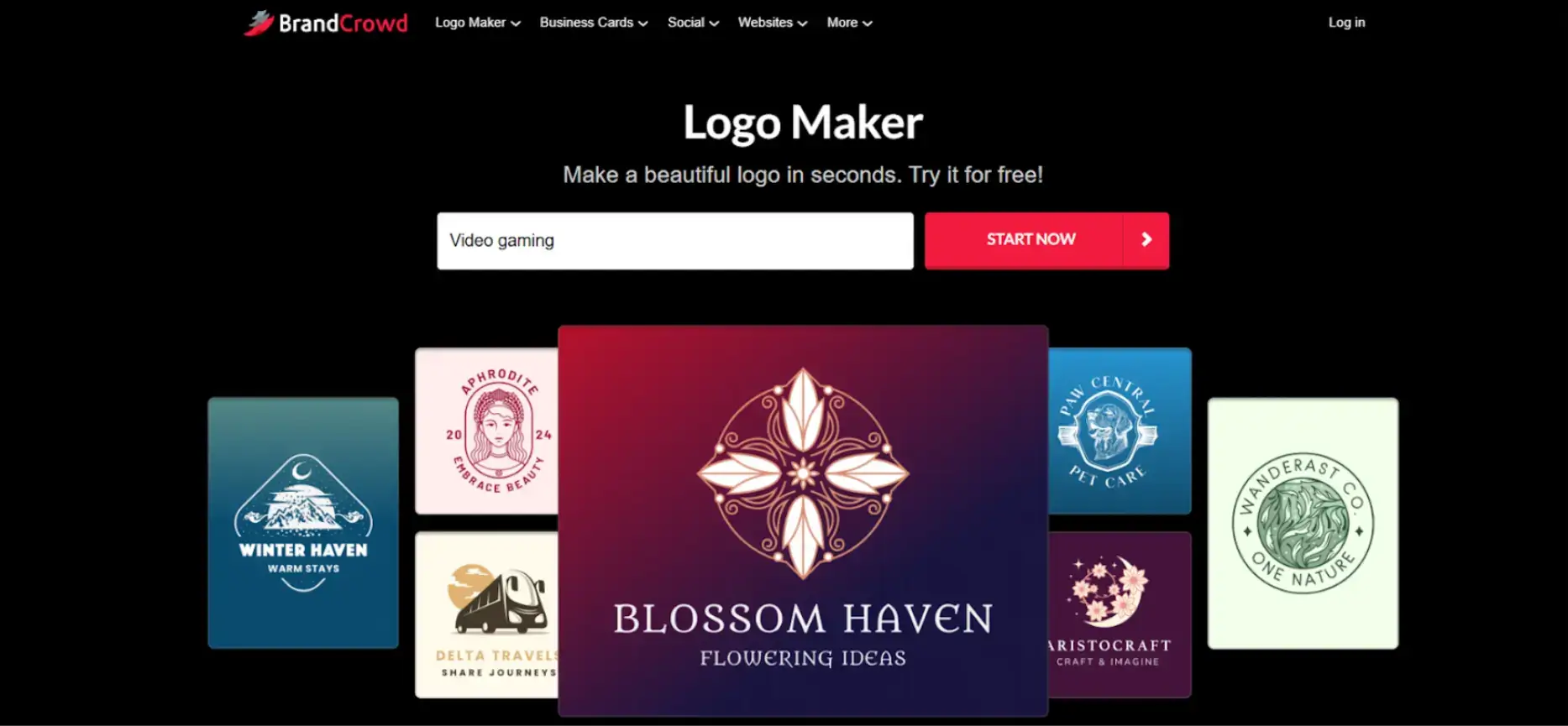
BrandCrowd is the world’s best logo maker, trusted by millions of users for quick and professional automated logo creation. With a huge design library, exclusive fonts, and smart branding tools, it helps you design everything your business needs—from logos to business cards—in one easy platform.
Pricing:
Free plan available. Premium logo and brand assets start from $9.
Features:
- AI logo generator for any industry.
- 300K+ logo templates and over 1M design assets.
- Easy customization for fonts, shapes, and colors.
- Download in multiple file formats including SVG and PNG.
- Create branded materials automatically.
Pros:
✔ World’s best logo maker
✔ 4.8 stars on Trustpilot with 9K+ reviews
✔ Fast, professional, and beginner-friendly
Cons:
✘ Some exclusive designs require purchase
✘ Limited advanced animation options
4. Brandmark Logo Maker
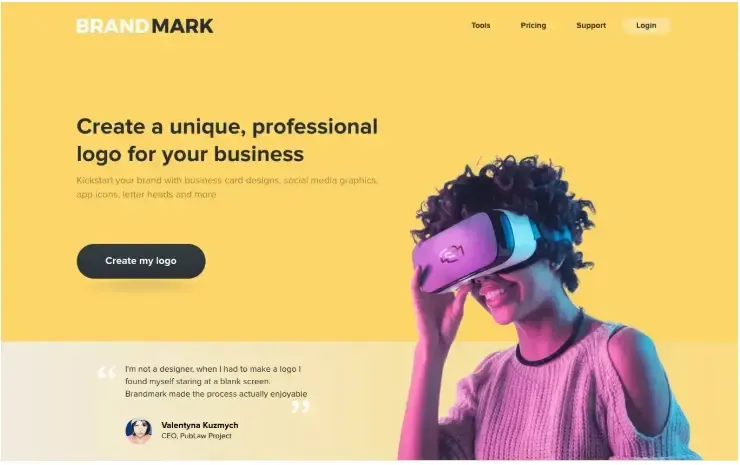
Pricing:
- Basic: $25 one-time
- Designer: $65 one-time
- Enterprise: $175 one-time
Features:
- AI chatbot with free suggestions and customizations.
- Full customization of fonts, colors, and icons.
- Adjust the size for digital sharing and printing.
- Export files to SVG, EPS, PNG, and PDF.
- The downloaded logo includes copyright ownership.
Pros:
✔ Pay only once and edit for a lifetime
✔ Free preview before purchase
Cons:
✘ No free trial
✘ No money-back guarantee
5. LogoAI
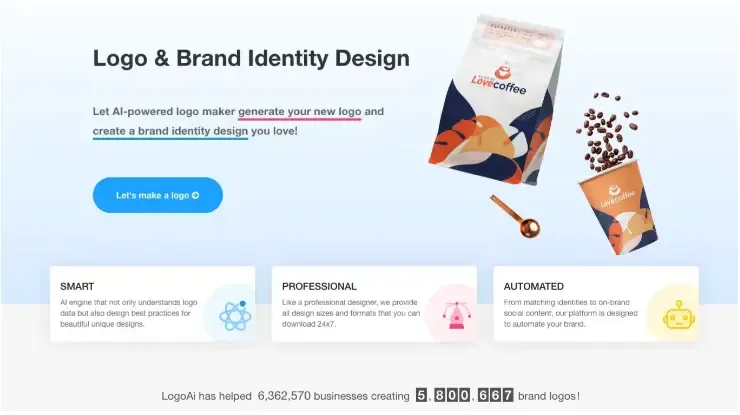
Pricing:
- Basic: $29 one-time
- Pro: $59 one-time
- Brand: $99 one-time
Features:
- Download your AI-made logo in all sizes and formats.
- No brainstorming with multiple AI logo idea templates.
- Easy logo generation based on industry and vertical.
- Various pricing options for different needs.
- Download logos in JPG, transparent PNG, PDF, and vector.
Pros:
✔ Text-based, 3D, signature, and more AI-generated logos
✔ Pay via PayPal or credit card
✔ AI-based customization with manual editing and previewing
Cons:
✘ Some templates may look generic
✘ Advanced customization requires extra payment
6. DesignCap
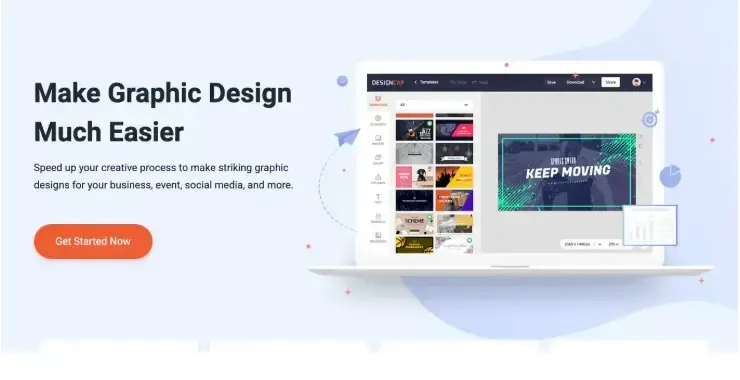
Pricing:
- Free: $0/month
- Basic: $4.99/month
- Plus: $5.99/month
Features:
- Explore and customize gradient templates.
- Thousands of fonts and elements for tweaking logos.
- Design logos for free with endless customization options.
- Download in JPG, PNG, PDF (all sizes).
- Generate a sharing link for collaboration.
Pros:
✔ Multiple AI-generated logo styles
✔ Affordable monthly plan
✔ Manual editing and real-time previews
Cons:
✘ Free version allows saving up to five designs only
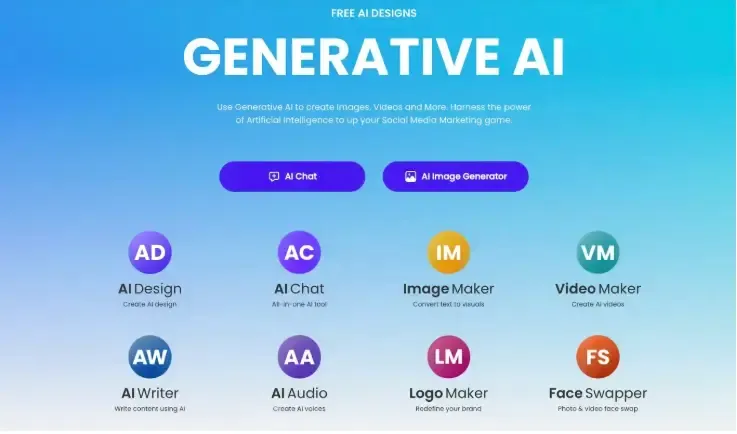
7. Designs.ai
Pricing:
- Basic: $19/month
- Pro: $49/month
- Enterprise: $169/month
Features:
- Create logos instantly.
- AI suggests colors, fonts, and icons.
- Export in PNG, JPEG, SVG, and PDF.
- Cloud storage, no software required.
- Access to full brand kit.
Pros:
✔ Up to 15,000 AI credits per month
✔ Millions of videos and icons included
✔ Complete branding kit and mock-ups
Cons:
✘ No free plan
✘ Basic plan limits voice clone slots
How To Generate a Logo Using Zoviz AI Logo Generator
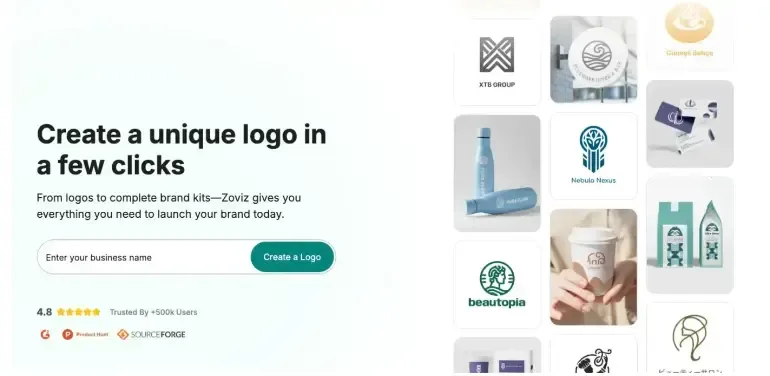
Step 1: Visit the official Zoviz website, enter your business name, and click the Create a logo button.
Step 2: AI generates multiple logo designs. Customize them by choosing an industry, keywords, and colors.
Step 3: After customization, download your previewed logo by paying a one-time fee. This gives unlimited customization and full copyright ownership.
How to Choose the Best AI Logo Generator
When evaluating AI logo generators, businesses should consider several factors.
Customization options
Some platforms offer limited templates, while others allow more extensive design customization.
Download formats
Look for tools that provide high-resolution logo files such as PNG, SVG, or vector formats.
Branding assets
Some AI logo tools also generate additional branding materials like:
- social media graphics
- brand guidelines
- website assets
Pricing
While many tools offer free previews, final logo downloads usually require a paid plan.
Conclusion
AI-powered logo generators speed up the designing process with no brainstorming needed.
Zoviz stands out as the best AI logo generator in 2025 due to its advanced AI capabilities and affordable one-time payment options.
Brandmark and LogoAI are excellent for branding solutions. DesignCap, Logo Maker, and Designs.ai offer cost-effective kits with subscription plans.
FAQ: AI Logo Generators
What is the best AI logo generator in 2025?
Zoviz is widely considered the best in 2025 because it balances affordability and functionality — a one-time fee of $19.99 gets you high-resolution files in multiple formats (PNG, SVG, EPS, PDF), plus branding kits for social media. Unlike some competitors that lock features behind monthly subscriptions, Zoviz provides long-term value without recurring costs. For startups and small businesses, this makes it both cost-effective and scalable.
Are AI logo generators free?
Most AI logo makers let you experiment and preview logos for free, but downloading professional-quality files usually requires payment. For example, DesignCap has a free tier but limits how many logos you can save, while Zoviz offers free previews but charges for final downloads. Tools like Brandmark and LogoAI require a one-time purchase starting around $25–$30, and subscription-based services like Designs.ai start at $19/month. In practice, “free” usually means try before you buy.
Can I customize my AI-generated logo?
Yes, but the level of customization varies by tool. Most platforms let you adjust fonts, colors, layouts, and icons so the logo matches your brand identity. Higher-end generators like Brandmark and LogoAI offer real-time editing and industry-specific templates, while others like Zoviz provide complete brand kits with social media assets. Keep in mind that while AI handles the initial design, fine-tuning for uniqueness often requires hands-on customization.
In which file formats can I download my AI-generated logo?
The available formats depend on the platform. Standard downloads usually include PNG and JPG for web use, while professional plans add vector formats like SVG, EPS, or PDF — essential for printing and scaling. For example, Zoviz and Brandmark both support SVG and EPS, while LogoAI also includes transparent PNG and vector files. If you plan to use your logo across multiple mediums (web, print, merchandise), make sure your chosen tool includes vector exports.
About the author
I'm Mick and I run the growth team at POWR. We make no-code apps and plugins for e-commerce shop owners and small businesses globally. Last I checked, we have over 18 million POWR apps in the wild and in every country on Earth 😎
My career spans two decades, primarily in growth marketing and advertising with stints in broadcast television, healthcare marketing, and copy editing.
I went to the College of Journalism at the University of Louisiana - Monroe. My wife Elizabeth, son Gavin, and pup Jolene call Lafayette, Louisiana, home.
Follow me on LinkedIn