

Wix and Shopify are two of the biggest names in the fast-growing field of web development. For two decades, both platforms have provided easy-to-use solutions for creating and managing online presence, helping startups and enterprises go digital.
Wix has become synonymous with user-friendly and adaptable website building, thanks to its millions of active sites worldwide.
Instead, more than 5.6 million online retailers throughout the globe are powered by Shopify, an 'all-in-one' e-commerce platform. You can easily develop websites and sell items online with both platforms, but they also have their own capabilities.
In this detailed comparison, we will discuss Wix and Shopify side-by-side to find out which platform is better suited to your needs. We will look at their functions, performance, and user experience in detail.
In this article:

Source: Unsplash
Key Functionality: Wix vs. Shopify
To set the stage, let's take a look at what Wix and Shopify have to offer.
1. Drag & Drop Feature
Source: Revealbi
Editing a website is where all the action takes place.
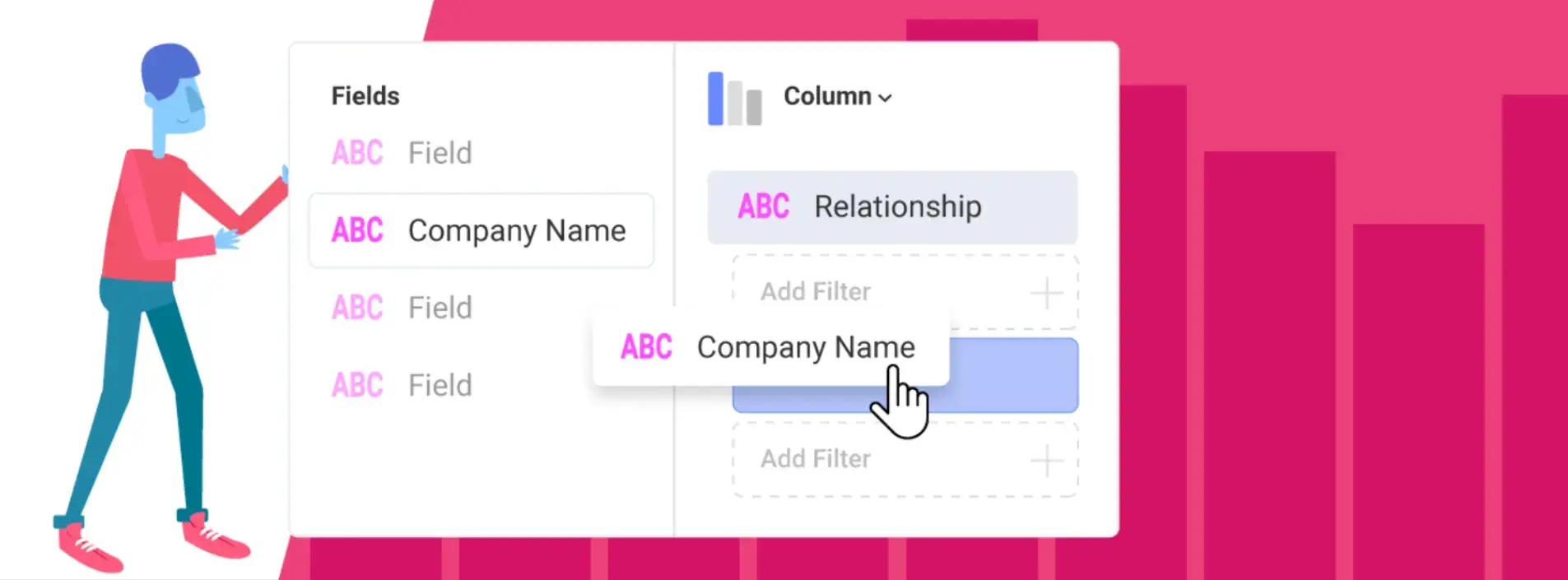
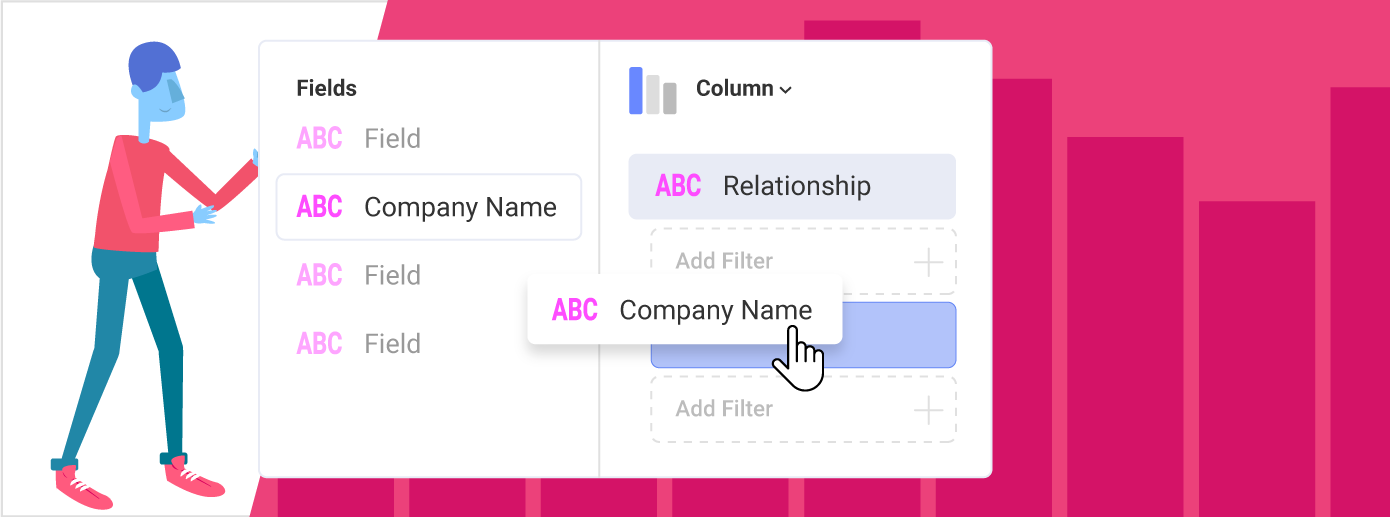
With its user-friendly drag-and-drop builder, Wix stands out in this area, catering to both programmers and non-coders alike. The editor makes the web development process easier even for those who have never touched a line of code.
You have full control over your design, right down to the pixel, with this intuitive interface that lets you effortlessly rearrange elements on the page. With over 120 e-commerce-specific designs, Wix offers an abundance of options for any business.
Shopify, on the other hand, has an easy-to-use editor but lacks drag-and-drop features. You may alter pre-existing layouts by dragging and dropping elements and changing their properties. On Shopify, you can find over 200 themes, with 246 paid and 23 free.
The Wix platform's free-form drag-and-drop tools allow for even more personalization. In contrast to Shopify, Wix's website builder isn't limited to e-commerce; it offers a wide range of free designs across industries.
2. AI-based Web Design
Wix and Shopify have come a long way in leveraging AI for website building and maintenance. Let's take a closer look at how these platforms use AI to simplify company processes and construct websites.
Wix's AI Features
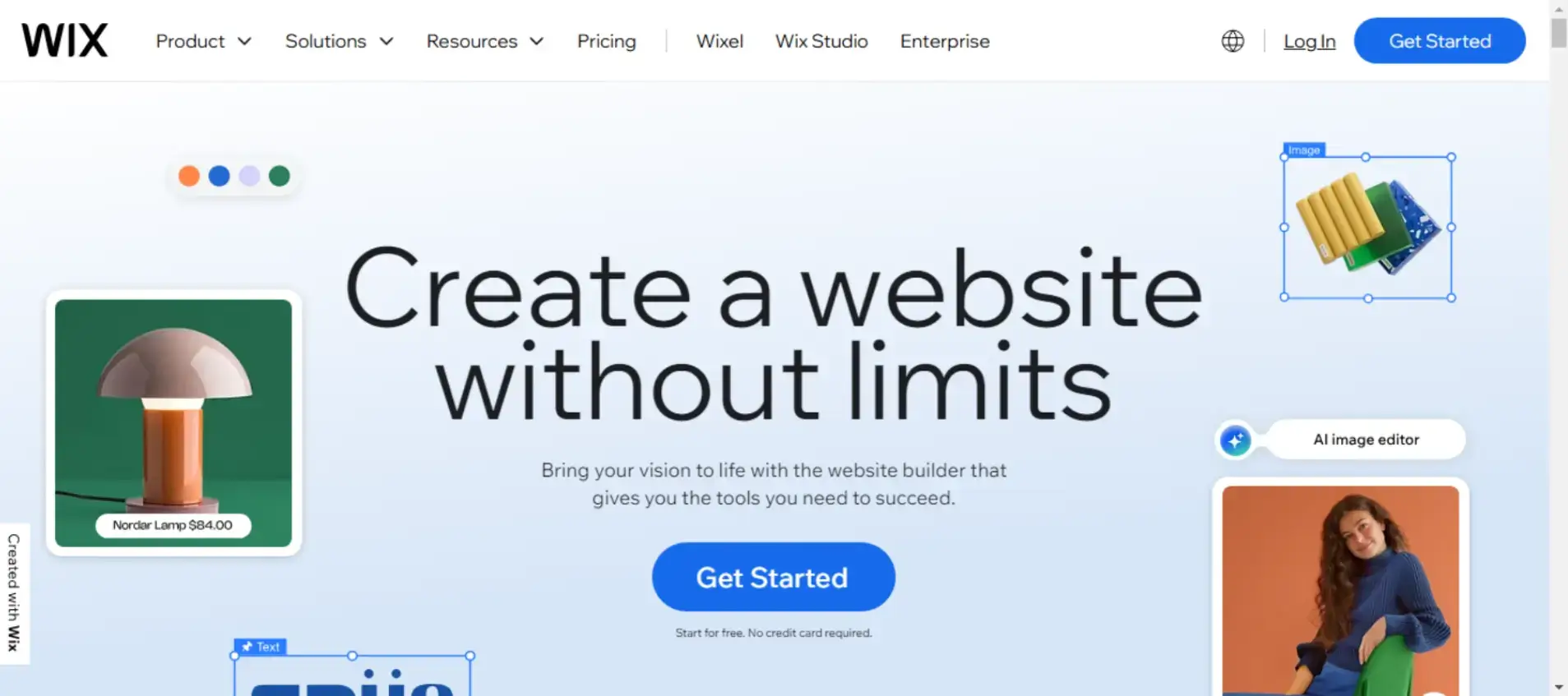
Wix began investing in artificial intelligence (AI) with the launch of Wix ADI (Artificial Design Intelligence) in 2016. The Wix set of tools is one differentiating factor:
- Wix AI website builder: Regardless of your skill level, Wix's AI website builder will allow you to create a one-of-a-kind, fully-functional site in no time. Once you explain what you want to achieve using the intuitive chat interface, the AI will generate a unique, business-ready site that you can adapt to meet your requirements.
- In-built artificial intelligence tools: Creating websites isn't the only thing you can accomplish with Wix's AI. Create a unified brand appearance on your site by incorporating branded content, product descriptions, and full blog entries. Another use of AI is the ability to create or edit images immediately. In addition, Wix offers sections and layouts that are customized to your style by AI. It also provides marketing and SEO tools, such as optimized meta tags, email campaigns, and content for Google Ads.
- AI assistants: The artificial intelligence (AI) helpers offered by Wix make it easy to create a site and grow your business. Several helpful widgets in Wix can guide you through common tasks, such as finding specific Editor tools or choosing a theme that complements your brand's style.
With Wix Studio, the company caters to agencies, freelancers, and organizations that want more advanced design and development services.
Create more intricate designs, incorporate responsive activities, and effortlessly manage many sites with Wix Studio.
Shopify's AI Features

Artificial intelligence (AI) capabilities targeted to e-commerce features are offered by Shopify with two separate toolkits. These features include:
- Shopify Magic: This free AI package includes features such as photo editing, chat, shopping carts, email marketing, SEO (search engine optimization), theme building from a single command, and more.
- Shopify Sidekick: Intelligent software that can help you set up Shopify and provide advice on content and strategy. If you give Sidekick a few keywords, it can make up new visuals and speak multiple languages.
Though they both offer AI-driven tools, Wix and Shopify aren't quite the same.
Wix's flexible AI website builder provides a conversational interface for easy website development and design, making it perfect for individuals and business owners across a wide range of sectors.
Conversely, Shopify's AI features are designed with e-commerce in mind, which is why it's so attractive to store owners who are always on the go.
With its extensive library of premade layouts and AI-powered personalization options, Wix is a great pick for anybody looking for greater design freedom.
While both systems may grow with your business, Wix's extensive AI features make it ideal for a wider range of online endeavors than just e-commerce.
Compared to its competitors, Wix offers superior AI-driven website building and greater design freedom. On the other hand, Shopify is stepping up its game, especially in e-commerce, with AI solutions that streamline administrative and sales processes for online stores.
3. Market Demand and App Market
Wix and Shopify are two of the best website builders for app markets. It should be noted that Wix uses a "native solution" concept before we analyze.
Wix offers many capabilities that other platforms require third-party applications for, so it's convenient for company owners to have all their solutions in one place.
Consider Shopify, which caters especially to fulfillment centers and shipping companies with its extensive app selection and direct connections.
In contrast, Wix's app ecosystem serves a broader range of sectors and website types, including those that accept online bookings (e.g., flights or shows), offer online purchases, feature cafe menus, and more.
You can discover what you're searching for in Wix, despite Shopify's statistical advantage in applications and its tilt towards e-commerce.
Wix has invested in native solutions. This implies you can run and grow your business without integration or multiple subscriptions.
4. Blogging Capabilities

Source: contentfuel

Although both Wix and Shopify offer built-in solutions for blogging, Wix's more feature-rich platform gives it a slight advantage.
Wix offers a feature-rich, user-friendly blogging platform accessible to novices and experts alike. Flexible layout choices are available, and tools powered by AI may produce blog articles, outlines, and ideas depending on your target demographic, keywords, and content goals.
They can even edit the text for you. To further aid in optimizing each piece of content, the software includes an SEO checklist and an AI meta tag maker.
Optimize your blog's exposure with built-in organizational tools like categories and tags. Plus, receive automated SEO support for sitemaps and metadata.
While Shopify does come with a blogging engine, it lacks more complex tools for managing content, such as the ability to directly react to comments or add additional authors.
Additionally, unlike Wix, it does not provide comprehensive blog metrics, such as the ability to monitor blog views. Blogs on Shopify also have fewer native SEO tools and fewer design choices than those on Wix.
If you want to create a professional-looking blog that people will want to read, go no further than Wix's feature-rich blog builder. Shopify's blogging tools are more focused on helping you establish a community around your business.
5. E-commerce Features
The capacity to manage inventory, collect payments securely, and sell through several channels is an important capability offered by both platforms.
The power of Wix lies in its built-in, no-connections e-commerce tools, which are ideal for small to medium-sized businesses or those just beginning out in online sales.
In contrast, Shopify's robust order and inventory management capabilities, along with its numerous integrations with other channels, make it an excellent choice for businesses looking to expand their operations or operate across multiple locations.
Putting the specifics aside, you can use any platform to sell on popular marketplaces such as Amazon, TikTok, eBay, and Google Merchant.
But by integrating with other services, Shopify broadens its reach even further. This includes Walmart, Target Plus, and Pinterest. Plus, it works with WhatsApp and SMS for sales.
With the latest addition of the "Buy with Prime" button, retailers can reach the massive Amazon Prime consumer base and offer Prime perks like free shipping. Another major feature of Shopify is the "Shopify Buy" button, which is included with each Shopify subscription.
Along with all this, Shopify also offers a special tool called "Handshake," its marketplace. This marketplace links sellers with wholesalers that Shopify has specifically selected. The business-to-business network might be a great resource for companies looking to expand their wholesale operations or source products.
Among Wix's many advantages is its one-of-a-kind checkout procedure. Users of Wix may fill a single shopping basket with a vast array of goods and services.
Customers may pay for many items in one transaction by adding services (like a manicure), event tickets, and physical objects (like detergent, assuming we're continuing with the washing items) to a single shopping cart. As it is, this is not an option in Shopify's default configuration.
Moreover, Wix allows you to personalize your checkout process, unlike Shopify, which costs more than $2,500 per month for Shopify Plus. This is a great feature for Wix users, as it lets them personalize checkout forms to collect the data they need.
Plus, you may tailor the criteria for certain areas to fit your company's requirements. Make a custom field that asks if the purchase is for business, for instance. If the buyer clicks "Yes," other fields related to their inquiry will appear.
Individuals who choose "No" will not be shown these additional fields. This is an excellent method for learning about your clients, their needs, and how to meet them.
In the end, your business's unique requirements will determine whether Wix or Shopify is the better e-commerce platform for you.
Shopify is a good fit for companies that specialize in B2B operations, complex inventory management, or multichannel sales. At the same time, Wix is a good choice for those looking for an all-in-one solution.
6. Branding & SEO Tools
Wix and Shopify are similar in that they both offer robust marketing and SEO capabilities; nevertheless, there are significant distinctions between the two.
As an industry leader, Wix provides a one-stop shop for retailers seeking to cover all bases without the headache of managing third-party applications with its extensive range of in-house CRM and marketing tools.
Shopify offers certain complex features that Wix doesn't, but Wix is built to provide you with what you need immediately.
Wix offers a broader range of tools that advanced marketers would find useful, matching, and perhaps surpassing, these capabilities.
Along with their website creation services, Wix and Shopify also offer marketing resources, including logo and company name generators. The native-solution marketing strategy is the true differentiator for Wix.
For example, Wix lets you create videos and images for social media, and you can also manage your campaigns and upload them directly.
Although both platforms give good marketing basics, Wix has a lot more in-house CRM and marketing tools. While Shopify offers more sophisticated features, you can cover the basics on Wix without installing or managing any additional apps.
POWR On Wix
With the most cutting-edge security technologies and large-scale features available, POWR applications are designed to grow alongside your Wix business, ensuring the privacy of both your customers and business.
With POWR on Wix, you can,
1. Install an eCommerce App
The simple method to integrate eCommerce with Wix in a matter of minutes, without the need for a developer or technical knowledge.
2. Add a Job Board App
Personalize the Job Board to fit your website's theme and style. You can add it anywhere on a Wix page, blog, sidebar, or a specific page.
3. Install a Social Feed App
With POWR, we focus on the security of our Social Feed app and other 60+ applications on Wix to keep malicious activity and theft at bay, and we assist Wix sites with high user volumes.
POWR On Shopify
Regardless of your stage of growth, we are just as dedicated to assisting you as Shopify is to helping you expand your business beyond online sales.
With POWR on Shopify, you can,
1. Add a Pop-up App
Using POWR, you can customize different pop-up messages, notifications, and automated emails for your unique needs.
2. Create a Media Gallery
With the help of POWR, one can add slideshow galleries to product or collection pages and attach and display videos.
3. Create a Form
With this option, you can build lead‑generation and contact & survey forms, upload files, and collect payments via integrated payment apps.
Conclusion: Wix vs. Shopify — Which One Should You Choose?
Choosing between Wix and Shopify ultimately comes down to what you want your website to do today—and how you plan to grow tomorrow.
If your priority is design freedom, ease of use, and an all-in-one platform that supports websites, blogs, and smaller online stores, Wix is a strong choice.
Its drag-and-drop editor, built-in marketing tools, AI-powered features, and native functionality make it ideal for creators, service-based businesses, and entrepreneurs who want flexibility without technical complexity.
On the other hand, if your main focus is running and scaling an online store, Shopify stands out. Its robust inventory management, multichannel selling capabilities, advanced integrations, and eCommerce-first approach make it well-suited for businesses with larger product catalogs or plans for rapid growth.
Both platforms are powerful, reliable, and constantly evolving.
The best option isn’t about which one is “better” overall—it’s about which aligns more closely with your business goals, technical comfort level, and long-term vision.
By understanding the strengths of each, you can confidently choose the platform that sets your business up for success.
FAQs
1. Which one is better: Wix or Shopify?
Wix and Shopify are both fantastic platforms, yet they cater to significantly different audiences: For online stores, Shopify is the platform of choice. It has strong connectivity with payment and shipping providers, an extensive app ecosystem, improved scalability, and sophisticated inventory management.
2. What sets Shopify apart from Wix?
Unlike Wix, Shopify lets you see all your sales—online and offline—in one convenient location. To further assist you in analyzing your business's performance, Shopify also provides a more comprehensive sales data dashboard.
3. Why is Shopify more popular than Wix?
Shopify is the Best for Online Sales. For good reason, Shopify boasts the most advanced sales tools available, which is why it is a preferred e-commerce platform. While Wix is better suited to operating a small business with a few products, Shopify is ideal for online companies with expanding or large inventories.
4. Is Wix compatible with Shopify?
It is easy to set up connectivity between Wix and Shopify. You can quickly turn your Wix site into a mini-store with the Shopify Buy Button. To ensure your site has a consistent aesthetic, this option is adaptable, modifiable, and designed to complement your brand.
5. Are Wix websites free to use?
With Wix's free, dependable, and secure hosting, you can build a basic website using its drag-and-drop editor. For those just starting or companies seeking to expand their online visibility, Wix's free plan is an ideal no-code website builder.
