

- A tech stack is the full set of technologies a business uses to build and run its digital operations, from front-end interfaces built by firms like Netguru to back-end systems, databases, and cloud infrastructure
- Website analytics tools like FullStory sit at the core of a well-functioning stack, giving businesses the visibility to understand user behaviour and make evidence-based decisions
- Platforms like Salesforce often require specialist configuration, and Salesforce managed service providers like Think Beyond help businesses get full value from complex tools without an in-house dev team
- The biggest stack mistake is poor integration. Disconnected tools create data silos, manual workarounds, and missed revenue. The right stack connects every layer automatically
A tech stack is the combination of software, tools, and technologies a business uses to build products and run operations. Every company has one, whether or not it has named it.
In this guide, we'll walk you through what a tech stack actually includes, why it matters for your bottom line, and how to build one that fits where your business is today and where it is going.
In this article:
- What Is a Tech Stack in Business?
- The Core Layers of a Tech Stack
- Why Your Tech Stack Directly Impacts Business Performance
- How to Build a Tech Stack for Your Business
- Common Tech Stack Mistakes Small Businesses Make
- Real Examples of Business Tech Stacks

Source: Freepik

What Is a Tech Stack in Business?
A tech stack is the full set of technologies a business uses to build, run, and scale its digital operations. It includes programming languages, frameworks, databases, cloud infrastructure, and the software tools teams use every day.
The term covers two distinct categories:
- Development stack — the technologies used to build websites, apps, or digital products (front end, back end, database, hosting)
- Operations stack — the tools that run the business itself (CRM, email marketing, accounting, customer support, analytics)
Most small businesses interact primarily with the operations stack. A SaaS company or ecommerce brand typically needs both.
Tech Stack vs. a Software List
A software list is just a collection of apps. A tech stack implies those tools are connected, with data flowing between them.
When your CRM syncs with your email platform, and your support desk pulls in order history from your ecommerce platform, that is a stack working as intended. Disconnected tools are just subscriptions.
The Two Types of Tech Stacks Businesses Use
Development stacks are built around programming languages and frameworks. Common examples include the MEAN stack (MongoDB, Express.js, Angular, Node.js) and the LAMP stack (Linux, Apache, MySQL, PHP). These are the foundations on which apps and websites are built.
Business operations stacks are tool-based. They typically include a CRM such as Salesforce, a project management tool such as Asana or Monday.com, a communication platform such as Slack, and financial software such as QuickBooks or Xero.
If you want to automate more of these operations, the tools you choose and how they connect will determine how much manual work you can eliminate.
Over 70% of small business leaders say digital tools help them operate more efficiently and cut costs, but only when those tools are properly connected. (Prialto)
The Core Layers of a Tech Stack
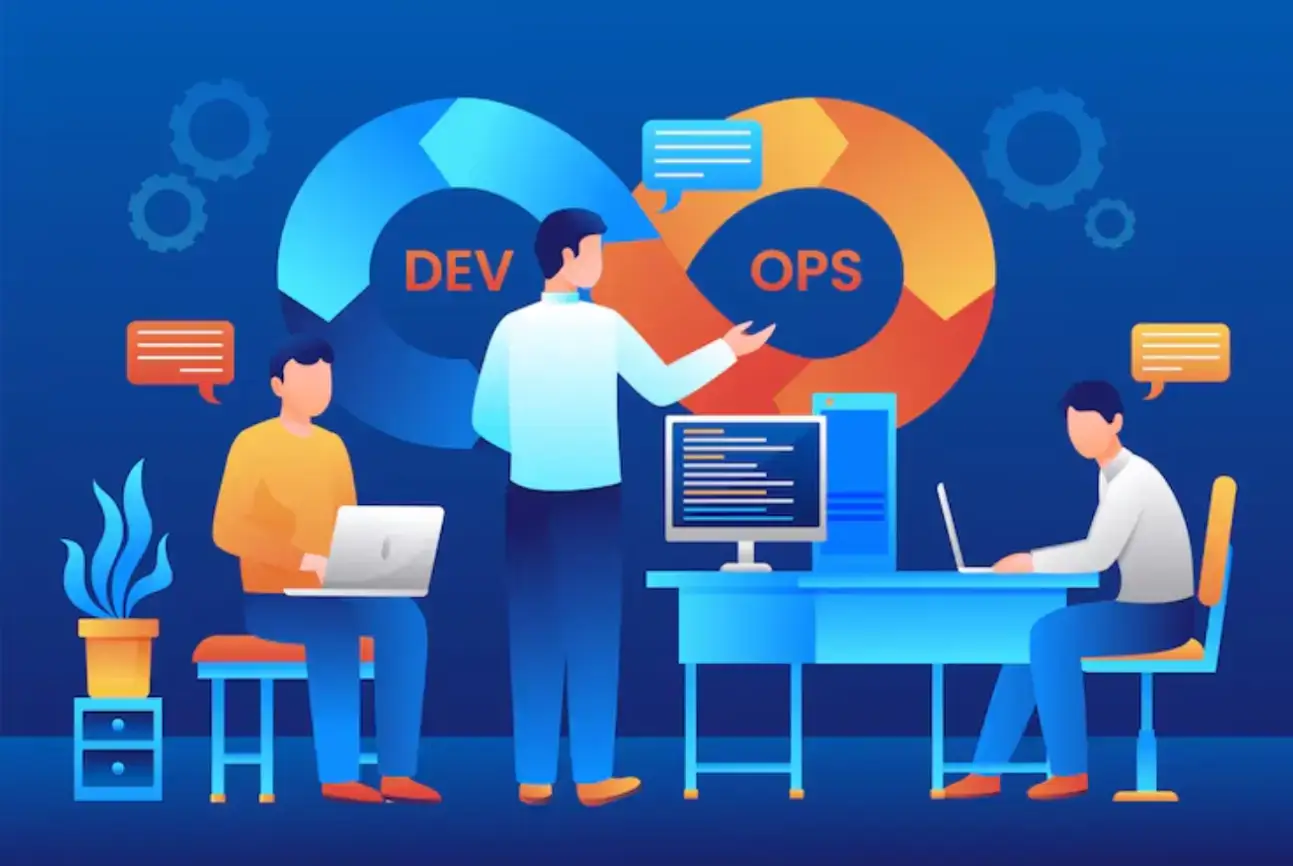
Every tech stack, whether for a two-person shop or a 500-person company, is built from the same fundamental layers. Each layer handles a specific function, and together they determine how fast, reliable, and scalable your digital operations are.
Source: Freepik

Front End — What Customers Interact With
The front end is the user-facing layer of any website or application. It is built with HTML, CSS, and JavaScript and is often extended with frameworks such as React or Angular.
Front-end decisions directly shape how users navigate your site, complete a purchase, or interact with your product.
For businesses investing in custom digital products, the front end is where brand experience becomes code. Development firms specialising in building web apps, like Netguru, help companies translate product requirements into interfaces that are fast, accessible, and conversion-focused.
Back End — The System That Processes Data
The back end handles business logic, authentication, APIs, and server-side processing. When a customer places an order, the back end validates payment, updates inventory, and triggers a confirmation email.
Languages such as Python, Node.js, Java, and Ruby on Rails are common here, alongside frameworks that handle routing, security, and database connections.
Database and Storage
Databases store and organise all business and user data. Relational databases such as MySQL and PostgreSQL are well-suited to structured data with clear relationships.
Document databases like MongoDB offer more flexibility for complex, variable data structures. Cloud storage services from AWS, Google Cloud, and Microsoft Azure sit alongside databases to handle files, media, and backups.
Infrastructure and DevOps
Infrastructure covers the servers, cloud platforms, and deployment pipelines that keep everything running. DevOps tools manage how updates are released, how the system scales under traffic, and how downtime is avoided.
Common tools include AWS for cloud hosting, Docker for containerisation, and Kubernetes for deployment automation.
Business Operations Layer
This is the layer most business owners build first. It includes the tools that run sales, marketing, customer service, finance, and internal communication.
A typical setup might combine Salesforce for CRM, Mailchimp or Klaviyo for email, FullStory for web analytics, and Slack for team communication.
The key is not which tools you choose, but how well they integrate with each other.
Why Your Tech Stack Directly Impacts Business Performance
A poorly connected stack does not just create inconvenience. It creates real operational drag: manual data entry, missed leads, duplicate customer records, and reporting gaps.
The biggest mistake a company can make is failing to integrate its tech stack, keeping data and teams siloed.
What Happens When Tools Do Not Talk to Each Other
If your CRM does not sync with your email marketing platform, your sales team loses visibility into which leads have been nurtured.
If your ecommerce platform does not connect to your accounting software, someone is manually reconciling transactions. These gaps cost time and introduce errors at scale.
According to the 2025 MuleSoft Connectivity Benchmark Report, organisations estimate integration challenges cost them an average of $6.8 million annually in lost productivity and delayed projects, and 80% say data silos are the single biggest barrier to achieving their automation goals.
Why Analytics Is a Critical Layer of Your Stack
Analytics is not optional; it is the feedback layer that tells you whether the rest of your stack is working.
Website analytics tools like FullStory go beyond traffic counts, letting businesses replay user sessions, identify friction points, and understand exactly where and why users drop off.
That data informs decisions across product, UX, and marketing teams.
Without a dedicated analytics layer embedded in your stack, you are making product and marketing decisions without evidence.
Scalability: Can Your Stack Grow With Your Business?
Most small businesses grow into their tech stack over time.
A phased approach works best: start with the essentials, expand as your needs become clearer, and review your stack at least once a year.
Tools that work well at 10 employees or 1,000 monthly orders may become bottlenecks at 100 employees or 50,000 orders.
The average enterprise manages 897 applications, yet only 29% are properly integrated, a gap that compounds in cost and complexity the longer it goes unaddressed. (MuleSoft, 2025)
How to Build a Tech Stack for Your Business
The first step in building a tech stack is not picking tools; it is figuring out what you actually need. Start by mapping how your business operates, then match technology to each function.
Source: Freepik
Step 1 — Map Your Business Workflows
List every core process: how leads come in, how orders are fulfilled, how customers get support, how your team communicates, and how invoices get paid.
A good place to start is understanding how lead generation fits into your overall stack before you commit to any specific tools.
Step 2 — Prioritize Integration Over Features
A tool with fewer features that connects cleanly to the rest of your stack is almost always more valuable than a feature-rich tool that sits in isolation.
If your CRM does not sync with your email marketing platform, or your analytics tool is not pulling data correctly, you will waste time on manual work and miss insights that directly affect revenue.
When evaluating any new tool, ask: Does it have a native integration or a well-documented API for the tools you already use?
Step 3 — Decide When to Customise vs. Use SaaS Tools
For most small businesses, off-the-shelf SaaS tools cover 80-90% of operational needs.
But as businesses scale, standard configurations often hit a ceiling, particularly with platforms like Salesforce, which require significant customisation to reflect complex sales processes, multi-team workflows, or industry-specific requirements.
The decision to customise should be driven by a clear ROI case, not by feature envy.
Step 4 — Budget for the Full Stack
Software licensing is only one part of the cost. Factor in:
- Integration development — connecting tools via APIs or middleware like Zapier or Make
- Onboarding and training — time for your team to adopt new tools effectively
- Ongoing maintenance — updates, troubleshooting, and vendor management
- Data migration — moving existing records into a new system cleanly
Underestimating these costs is one of the most common reasons tech stack projects go over budget.
Step 5 — Review Your Stack Annually
As your business grows, your stack needs to grow with it.
Schedule an annual audit: identify tools that are underused, flag integrations that have broken, and evaluate whether the tools you chose two years ago still fit your current scale and workflows. Software pricing and capabilities change fast.
Common Tech Stack Mistakes Small Businesses Make
Over-Stacking: Too Many Overlapping Tools
It is easy to accumulate subscriptions.
Many businesses end up with two project management tools, three communication channels, and overlapping CRM and email platforms — each solving a problem in isolation.
Audit your stack annually and consolidate wherever you can. Fewer, better-connected tools outperform a sprawling collection of apps.
Under-Integrating: Tools That Do Not Connect
This is the single most costly mistake.
When data does not flow automatically between systems, teams compensate with manual workarounds that are slow, error-prone, and unscalable.
Prioritize integrations at the point of selection, not as an afterthought.
Choosing Enterprise Tools Too Early
Platforms built for large organisations often come with steep pricing, long implementation timelines, and complexity that a 10-person team does not need.
Start with tools designed for your current scale and migrate up when the limitations become real, not theoretical.
Ignoring Security and Compliance
Choosing tools that comply with compliance standards such as SOC 2, ISO 27001, and GDPR is especially critical as companies scale.
Most enterprise clients and partners will ask about your security posture before signing a contract. A stack built on compliant, auditable tools makes that conversation straightforward.
Letting the Stack Go Unreviewed
A tech stack that worked well two years ago may now include deprecated integrations, tools your team has stopped using, or platforms that have been acquired and changed their pricing model.
Treat your stack as a living system, not a one-time decision.
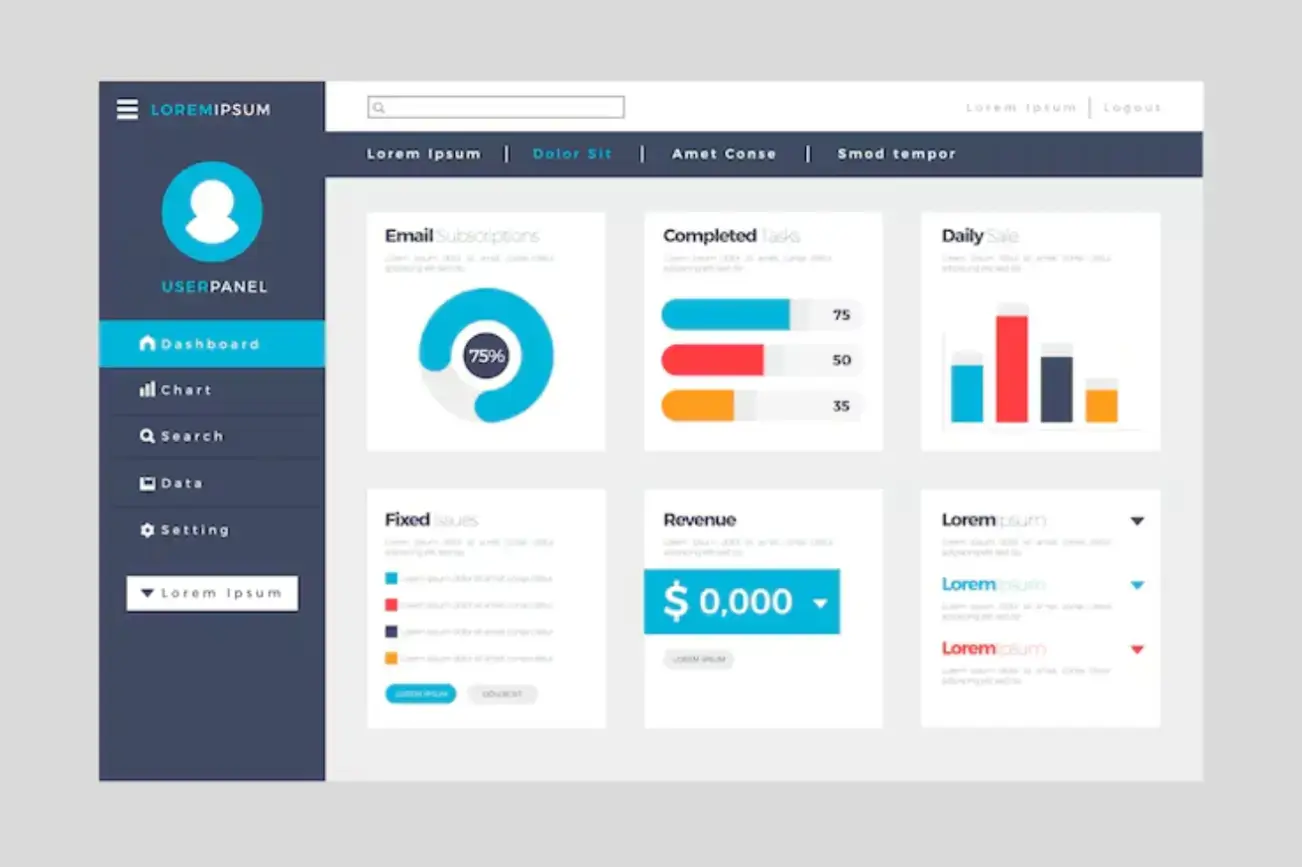
Real Examples of Business Tech Stacks
Source: Freepik

Example: A Simple Ecommerce Tech Stack
A direct-to-consumer brand selling on Shopify typically builds around these core tools:
Each of these tools has native Shopify integrations, meaning data flows automatically between them.
Orders sync to accounting, support tickets pull in order history, and email segmentation updates based on purchase behaviour.
If you are evaluating which email marketing platform fits your stack, a side-by-side breakdown of the leading options can help narrow the decision.
Example: A Growing SaaS Company Stack
A B2B SaaS company at the Series A stage typically runs a more complex stack that spans both development and operations:
At this stage, integrating the product data layer (what users do in the app) with the CRM (how sales and success teams manage relationships) becomes a strategic priority. Product-qualified lead (PQL) models depend on this connection working reliably.
Summary
Your tech stack is not a one-time purchase. It is an evolving system that should reflect how your business actually operates.
Start with the tools that cover your highest-priority workflows, prioritize integration from day one, and schedule a review at least once a year.
A well-connected stack reduces manual work, improves data quality, and gives you the visibility you need to make better decisions.
The businesses that treat their stack strategically, not just as a collection of subscriptions, consistently outperform those that do not.
FAQ
1. What is a tech stack in simple terms?
A tech stack is the collection of software, tools, and technologies a business uses to build its products and run its day-to-day operations. It covers everything from the code that powers your website to the CRM your sales team uses to log calls.
2. What is the difference between a tech stack and a list of software tools?
A software list is just an inventory of apps. A tech stack implies those tools are connected and work together, with data flowing between them automatically. Integration is what turns a list of tools into a functioning stack.
3. How do I choose the right tech stack for my small business?
Start by mapping your core workflows, sales, fulfilment, support, finance, and communication. Identify where time is being lost, or data is falling through the gaps. Then select tools that meet those needs and, critically, integrate with one another. Prioritize API availability and native integrations when evaluating any new platform.
4. Can I change my tech stack after my business is already running?
Yes, and most businesses do this multiple times as they grow. Migrations require planning, especially data migration and team training, but are entirely manageable. The key is to avoid switching tools reactively. Make changes based on evidence from your annual stack review, not frustration with a single feature.
5. What tech stack do most small businesses use?
There is no single standard, but a common small business operations stack includes: Google Workspace or Microsoft 365 for communication and documents, Salesforce for CRM, QuickBooks or Xero for accounting, Shopify or WooCommerce for ecommerce (where applicable), and Slack or Teams for internal communication. The right combination depends on your industry, team size, and growth stage.

Author Bio
Daniel Ząbczyk is Head of Outreach at Chilli Fruit Web Consulting and ranks among Favikon's Top 20 SEO Experts in Poland. He co-authored the link-building chapter in “SEO w praktyce” (Helion) and specializes in AI visibility for SaaS and B2B brands. Daniel tests strategies on his content hobby websites, CzerwonyRower.pl and CasioRestore.com, shares insights from events like BrightonSEO, and continues learning through SensAI courses.