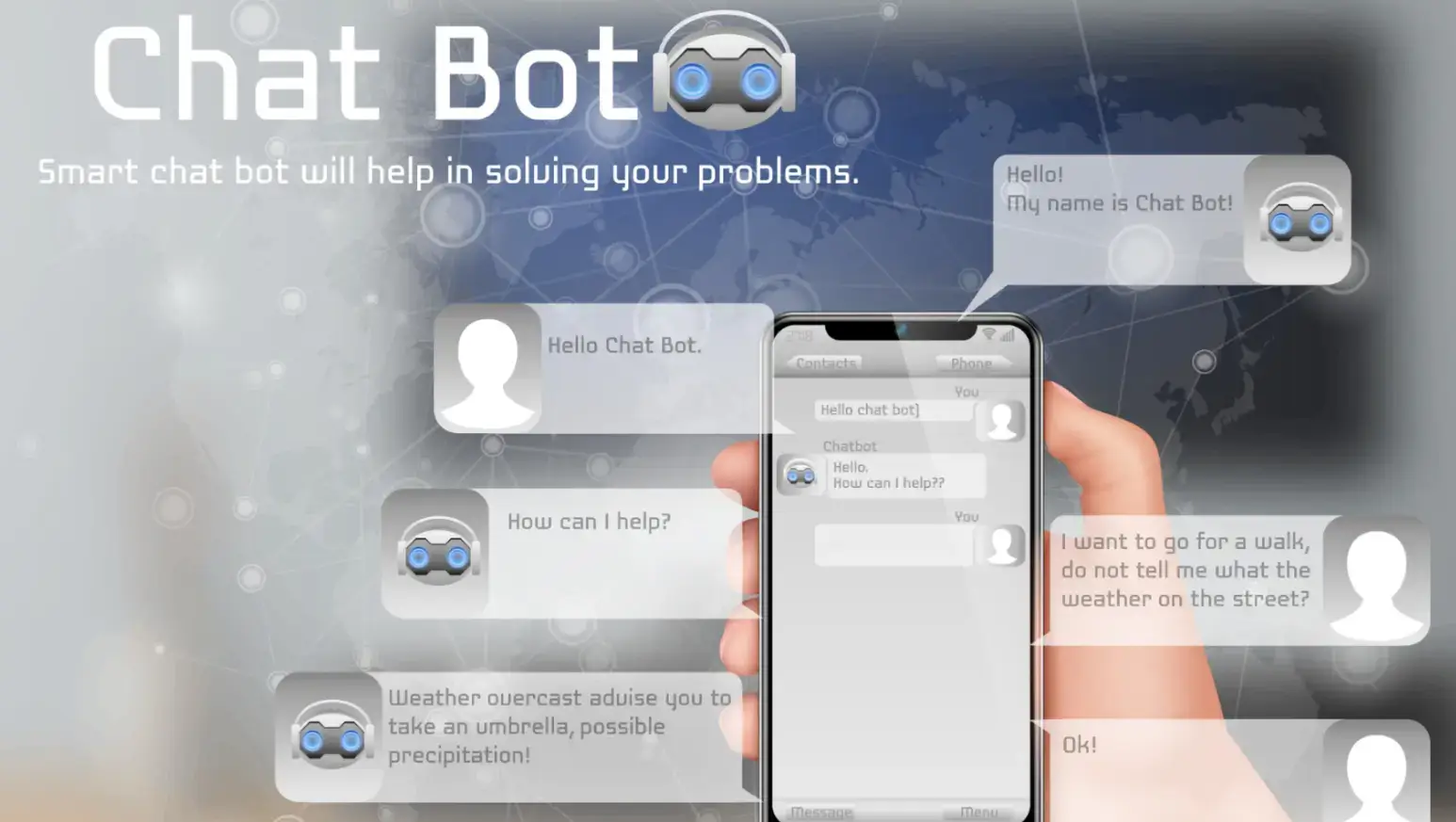
Running a small business today often feels like being on call 24/7. Customers expect fast responses, personalized answers, and consistent communication across website chat, email, and social platforms.
For founders and small teams, this constant flow of messages can quickly become overwhelming.
In some industries, teams may even need to find person online to verify identity or better understand the context behind an inquiry before responding.
Instead of manually sorting every message, AI chatbots gather structured information upfront, qualify conversations automatically, and protect your most valuable resource: time.
According to Gartner, conversational AI is projected to handle the majority of routine customer interactions in the coming years. For small businesses, this isn’t about replacing human connection — it’s about creating operational leverage.
Why Constant Customer Communication Is Draining Small Business Owners
Most small business owners underestimate how many hours disappear into repetitive replies:
- “What are your prices?”
- “Do you offer custom packages?”
- “Can I book a call?”
- “What’s included in your service?”
Even if each interaction takes only 3 minutes, 40 daily inquiries add up to 2 hours of reactive work. Add follow-ups and clarification messages, and half the day is gone.
Small teams simply cannot meet that expectation manually without sacrificing strategic focus. AI chatbots solve this by automating predictable communication.
How to Design a Chatbot That Actually Saves Time

Source: Pexels
Adding a chatbot widget to your website takes minutes. Designing one that genuinely improves conversions, reduces repetitive work, and upgrades customer communication takes strategy.
Modern chatbots don’t just respond — they reshape how conversations start. Instead of waiting for long, unstructured messages, businesses guide users through focused pathways that collect intent, qualify needs, and reduce confusion from the very first click.
If you want a deeper breakdown of what improves performance (and what quietly damages UX), read this guide on what boosts conversion and what hurts UX in chat support bots.
Step 1: Audit Your Real Customer Communication
Before building flows, analyze how customers already communicate with you.
Export the last 30–60 days of:
- Support emails
- Chat transcripts
- Contact form submissions
- Social media DMs
Look for:
- Frequently repeated questions
- Missing qualification details
- Points where conversations stall
- Requests that should have been automated
This audit reveals exactly where your chatbot can remove friction and speed up decision-making.
For more advanced automation logic, explore how agentic AI automates customer issue resolution — especially useful if you’re handling recurring support tickets.
Step 2: Replace Open-Ended Prompts With Guided Flows
Open-ended prompts like:
“How can I help you?”
Often create longer conversations — not better ones.
Instead, use structured prompts such as:
- What service are you interested in?
- What is your budget range?
- What is your timeline?
- Is this about an existing order?
Guided flows reduce unnecessary back-and-forth and dramatically improve lead quality. Instead of sorting through vague inquiries, you receive structured data ready for action.
Step 3: Build a Three-Layer Qualification System

Source: Pexels
A time-saving chatbot isn’t one long script — it’s layered.
Tier 1 – FAQ Automation
Instant answers to repetitive questions (pricing, timelines, policies).
Tier 2 – Structured Data Collection
Automatically collect:
- Name
- Contact details
- Budget
- Scope
- Timeline
Tier 3 – Smart Human Escalation
Only qualified or complex inquiries reach you. This layered approach ensures that your time is spent only where human judgment adds value.
For a broader perspective on workflow efficiency, review process automation tools for modern entrepreneurs — especially if you want your chatbot to connect seamlessly with your wider automation stack.
A well-designed system like this can realistically save 5–10 hours per week.
Case Study: Turning Reactive Communication Into Structured Growth
Consider a small digital agency receiving 25–40 inquiries per day.
Before chatbot optimization, the founder personally handled most inquiries, spending 12–15 hours weekly qualifying leads.
After implementing:
- Structured budget filters
- Automated calendar booking
- Pre-answered FAQ responses
Unqualified inquiries dropped by 30%.
Response time decreased from 6 hours to under 5 minutes (automated).
Nearly 10 hours per week were recovered.

Source: Pexels
That recovered time was redirected toward outbound partnerships and proposal refinement — resulting in a 22% revenue increase within one quarter.
Automation didn’t replace conversations. It improved conversation quality.
How to Integrate Chatbots Into Your Business Workflow
A chatbot that doesn’t integrate creates more tasks, not fewer.
Your system should:
- Push leads directly into your CRM
- Tag conversations automatically
- Trigger follow-up email sequences
- Send scheduling links
- Log conversation data for performance review
Without workflow integration, you’re simply shifting effort from inbox to dashboard.
According to McKinsey & Company, automation remains one of the strongest drivers of productivity growth for small and mid-sized businesses.
As Brian Manusama, Senior Director Analyst at Gartner, explains:
Similarly, Dharmesh Shah, Co-Founder and CTO of HubSpot, notes:
The common theme? Automation increases leverage — not distance.
How AI Chatbots Protect Your Most Valuable Asset: Time

Source: Pexels
Time is not just operational — it’s financial.
If one strategic hour produces $150 in value, saving 8 hours weekly protects $1,200 in growth capacity.
AI chatbots protect that capacity by:
- Reducing constant interruptions
- Collecting complete information upfront
- Sending booking links automatically
- Providing instant confirmations
Within 60–90 days, most small businesses experience:
- Fewer repetitive conversations
- Faster first-response times
- Better-qualified leads
- More focus on revenue-generating work
The result isn’t just efficiency — it’s structural clarity in how your business communicates and grows.
Common AI Chatbot Mistakes Small Businesses Make
- Overcomplicating chatbot flows
- No “Talk to human” option
- Failing to review chat data monthly
- Using robotic tone instead of natural language
- Not integrating with CRM
Automation should reduce friction, not create it.
Final Thoughts: Automation as a Strategic Growth Lever
Using AI chatbots to manage customer communication is a strategic move for small businesses that want sustainable growth without hiring large teams.
By automating repetitive interactions and qualifying inquiries before human involvement, chatbots create space for deep work, strategic thinking, and higher-value execution.
In a world of constant notifications and divided attention, protecting your time means protecting your business. AI chatbots make that possible — intelligently, efficiently, and with structure.
Frequently Asked Questions About AI Chatbots for Small Businesses
1. Are AI chatbots suitable for solo founders?
Yes. They are especially valuable for founders managing communication alone.
2. Will automation hurt customer experience?
No. Most customers prefer instant clarity over delayed manual responses.
3. How long does setup take?
Basic setup: 3–7 days.Advanced CRM integration: up to 3 weeks.
4. Can chatbots operate outside business hours?
Yes. They provide 24/7 structured responses and collect data even when you’re offline.
5. How do you measure chatbot performance?
Track time saved, response speed, and reduction in repetitive inquiries over 60–90 days.

Author Bio
Robin Johns is a marketing strategist and content writer specializing in customer communication, automation, and digital growth systems. She writes about how businesses can build structured, scalable communication strategies that improve audience engagement and protect founders’ time. Her work focuses on practical implementation, conversion optimization, and smarter marketing workflows.