
Managing walk-ins and scheduled visits isn’t easy without the right tools. Long lines, missed slots, and overwhelmed staff are common problems in public offices, clinics, and service centers.
That’s where queue management software and automated appointment scheduling come in. These tools help you stay organized, reduce wait times, and offer a better experience for everyone involved.
In this blog, we’ll go over five top solutions that make scheduling appointments and handling queues simple and efficient, whether you're working from a single location or managing multiple branches.
Top 5 Appointment Scheduling and Queue Management Systems
Finding the right tools to manage customer flow and appointment bookings can make a big difference in day-to-day operations.
Below are five top solutions that combine automated appointment scheduling with effective queue management software:
1. Qminder
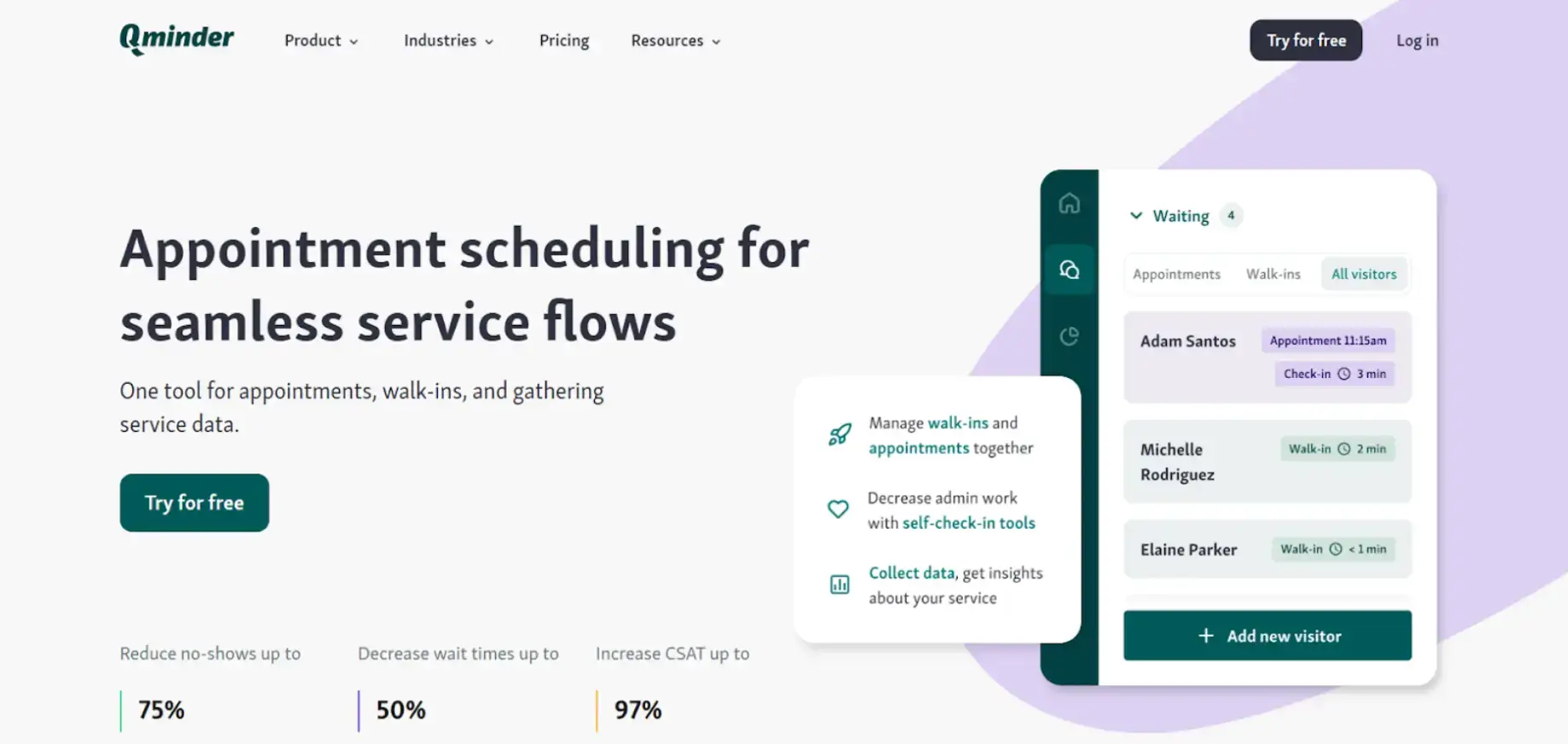
Qminder is a smart, easy-to-use solution that brings together queue management software and automated appointment scheduling in one platform.
It helps public offices, clinics, and service-based businesses manage visitor flow more smoothly, cutting down on wait times and improving communication through streamlined appointment scheduling with software like Qminder.
Visitors can book appointments online and check in through self-service kiosks, mobile links, or web.
With features like custom workflows, remote sign-ins, and multi-location support, Qminder is ideal for organizations handling high foot traffic.
Key Features:
- Self-check-in options via kiosk, mobile, or web
- Real-time status updates and automated reminders
- Multi-location support with centralized tracking
- Analytics on wait times, service duration, and staff performance
- Integrates with CRM and other scheduling tools
- Secure, GDPR-compliant data handling
Pros:
- Clean, simple interface for both staff and customers
- Automates both queuing and scheduling tasks
- Detailed reporting for better resource planning
Cons:
- May offer more features than needed for smaller teams
- Setup can take time for low-volume locations
Pricing: 14-day free trial available, paid plans starting at $389/month. Custom pricing for larger enterprises.
2. Noterro
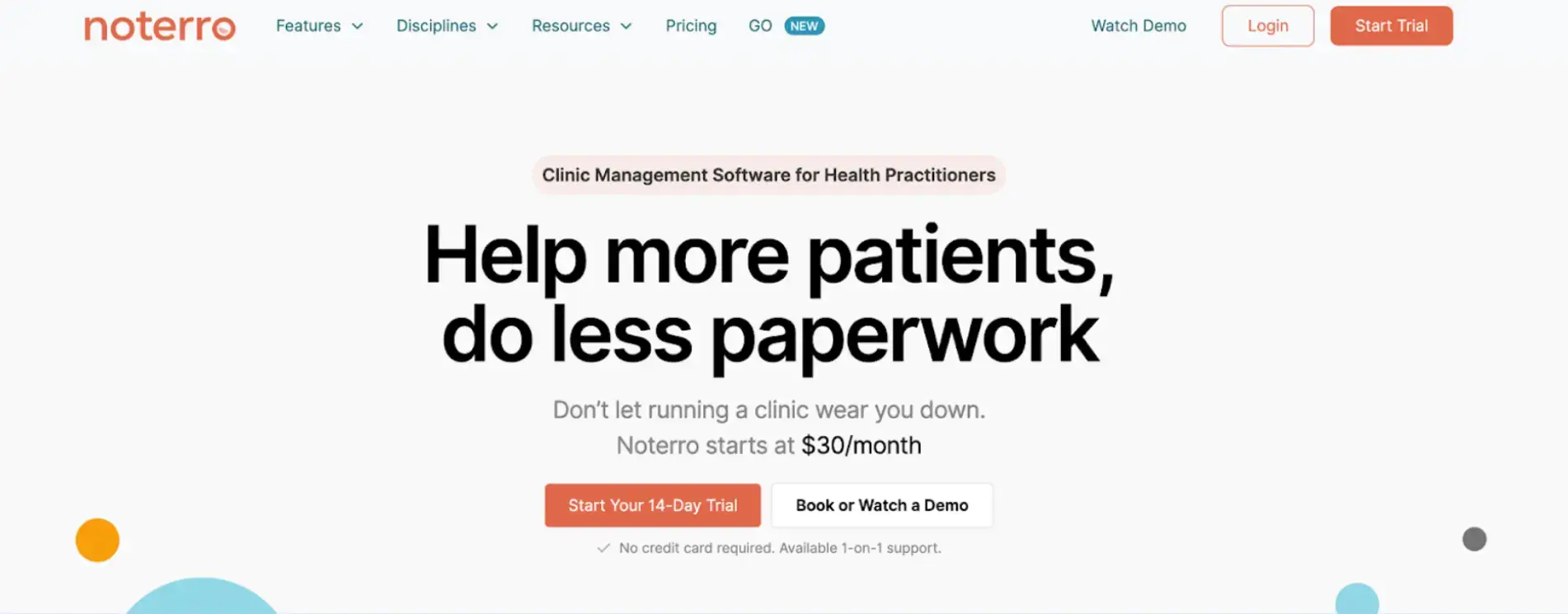
Noterro is the best appointment scheduling software for healthcare professionals.
It’s a versatile clinic management solution that brings together automated appointment scheduling, charting, billing, and documentation in one platform.
It’s built with healthcare providers in mind, especially those working in mobile or multi-location settings.
The platform also offers mobile-friendly features like car sync and location-based bookings through Noterro GO, making it a great fit for providers who are always on the move.
Key Features:
- Branded online booking pages that are simple for patients to use
- Custom intake forms for smoother onboarding
- Automated SMS and email reminders to reduce missed visits
- Mobile-first tools like car sync and geo-based appointment zones
- AI-assisted charting for faster documentation
- Integration with Square, QuickBooks, and Xero
Pros:
- Ideal for mobile and in-clinic practitioners
- Combines scheduling, billing, and charting in one platform
Cons:
- Some tools may take time to master
Pricing: Starts at $30/month with a 14-day free trial
3. Wavetec
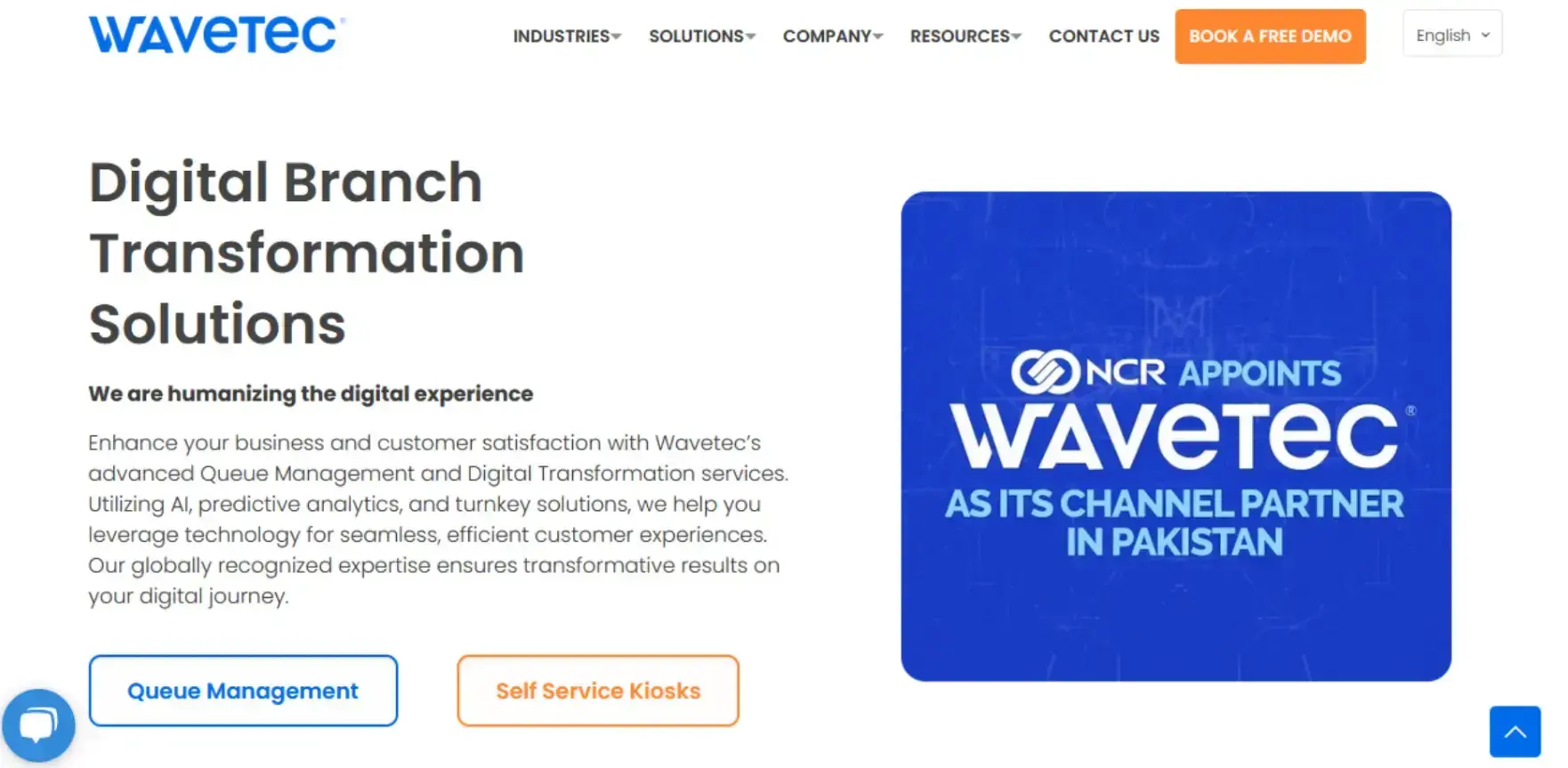
Wavetec is a powerful queue management software built for high-traffic environments like banks, hospitals, and government offices.
It combines automated appointment scheduling with real-time updates across multiple touchpoints, helping organizations create smoother and more transparent service journeys.
With support for check-ins through kiosks, mobile apps, and web platforms, Wavetec gives customers the flexibility to join a queue from wherever they are.
Key Features:
- Multi-channel check-in through kiosk, mobile, or web
- Real-time queue updates via text and digital displays
- Tailored workflows to fit different industry needs
- Integration with CRMs and other scheduling platforms
- In-depth analytics to improve staff and queue performance
Pros:
- Supports complex environments with ease
- Strong reporting tools for better planning
Cons:
- Occasional downtime, though support is responsive
- Time zone gaps may affect support speed
Pricing: Custom plans based on business needs
4. Appointy
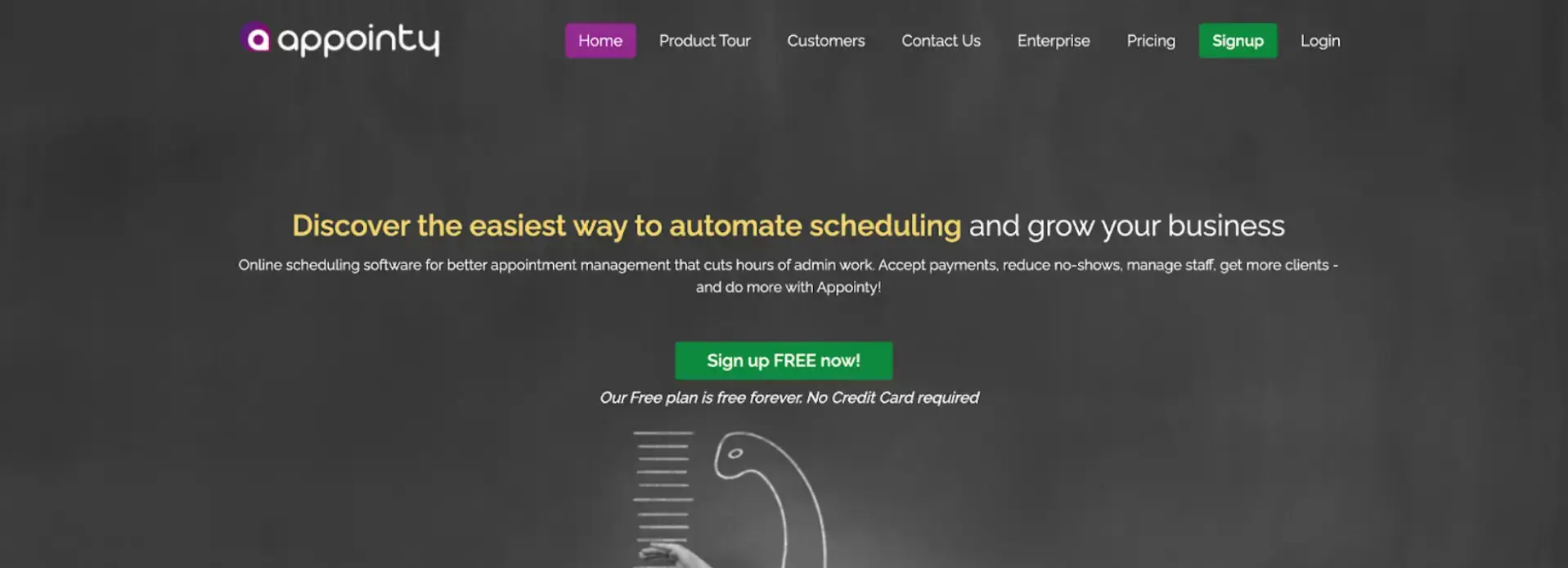
Appointy is a practical automated appointment scheduling tool designed to serve public-facing offices like libraries, permit offices, and other government departments.
It helps reduce administrative load by allowing citizens to self-book online while keeping everything organized on the backend.
It also works well with Google Calendar, social media platforms, and secure payment systems, offering flexibility and control over the entire queue management software process.
Key Features:
- 32+ language support for a more accessible experience
- Secure online payment options for services that require fees
- Syncs with Google Calendar and social media for easy management
- Real-time appointment updates and scheduling dashboards
- Custom settings for public sector workflows
Pros:
- Ideal for multilingual communities
- Reliable performance with useful integrations
Cons:
- Free version has limited features
- Interface can feel restrictive in some cases
Pricing: Free plan available; paid plans start at $19.99/month
5. Qmatic
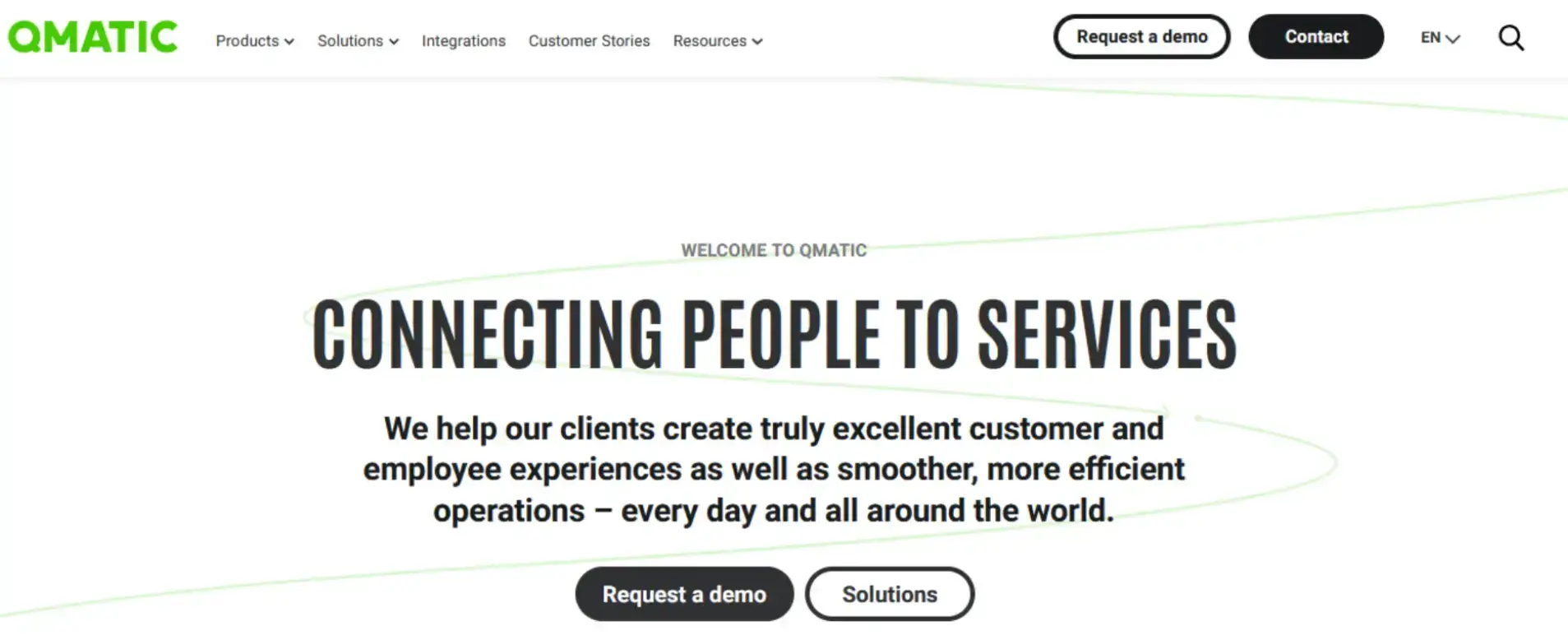
Qmatic is a powerful queue management software built for large organizations that need deep integration and customization.
It allows businesses to design custom workflows, prioritize specific visitor types, and gain valuable insights through detailed analytics.
Key Features:
- Appointment scheduling with flexible queuing workflows
- Multi-location support and centralized dashboard
- SMS updates and digital signage for live queue status
- Integration with CRMs, scheduling tools, and access systems
- In-depth reporting to monitor performance trends
Pros:
- Integrates well with existing tools and infrastructure
- Scales easily across multiple sites
Cons:
- Interface can be difficult to manage with complex setups
- Support is limited and often slow to respond
Pricing: Custom, based on organizational needs and scale
Top Features to Look for in Appointment Scheduling and Queue Management Software
When choosing a tool for automated appointment scheduling and queue management, it’s important to focus on features that simplify service, save time, and improve visitor experience.
Here are the key features to look for:
- Online and mobile booking: Lets people schedule appointments anytime, from any device, without having to call or visit in person.
- Automated reminders and confirmations: Sends timely SMS or email alerts to reduce no-shows and help visitors stay prepared.
- Real-time queue tracking: Shows live wait times and queue positions to set clear expectations and reduce frustration.
- Multi-channel check-in options: Supports check-in via kiosks, mobile apps, or web so visitors can choose what works best for them.
- Customizable workflows: Allows you to tailor the flow based on services, departments, or visitor needs.
- Analytics and reporting: Gives insight into foot traffic, staff performance, and peak service hours to improve planning.
- Integration with existing tools: Works smoothly with CRMs, calendars, and other platforms to avoid manual syncing or extra steps.
- Multi-location support: Lets you manage and compare service performance across several branches or locations.
- Privacy and data security: Keeps all visitor and appointment data safe with built-in compliance for data protection laws.
Make Queuing and Scheduling Work Better for Everyone
Choosing the right tool for queue management software and automated appointment scheduling can transform the way your organization serves people.
From reducing walk-in wait times to helping staff stay organized, the benefits show up quickly.
Look for a system that’s easy to use, flexible, and built to handle your specific needs, whether you're managing a clinic, a government office, or a service center.
FAQs
1. What is appointment scheduling software?
Appointment scheduling software lets customers book appointments online at their convenience. It also helps businesses manage availability, send reminders, and reduce no-shows through automation.
2. What is queue management software?
Queue management software organizes customer flow by managing walk-ins, tracking wait times, and reducing congestion. It improves the service experience by keeping lines moving and customers informed.
3. What features should I look for in an appointment scheduling tool?
The most helpful tools offer online self-booking, automated reminders, calendar sync, real-time notifications, and integrations with CRM or billing systems. Look for something that fits your workflow and reduces manual effort.
4. Can I use one tool for both appointment scheduling and queue management?
Yes, many platforms offer both features in one solution. This makes it easier to handle pre-booked appointments and walk-ins, while also giving staff better visibility into service demand.

Author Bio
Aleksandra Sõsun is the Product Marketing Lead at Qminder, a B2B SaaS company specializing in service intelligence and queue management solutions. With over a decade of marketing experience, including five years in B2B SaaS, Aleksandra excels in strategic positioning, go-to-market planning, and data-driven customer journey optimization. Holding a Master’s in Marketing from TalTech, she blends leadership and marketing expertise to deliver impactful strategies that drive engagement and growth.