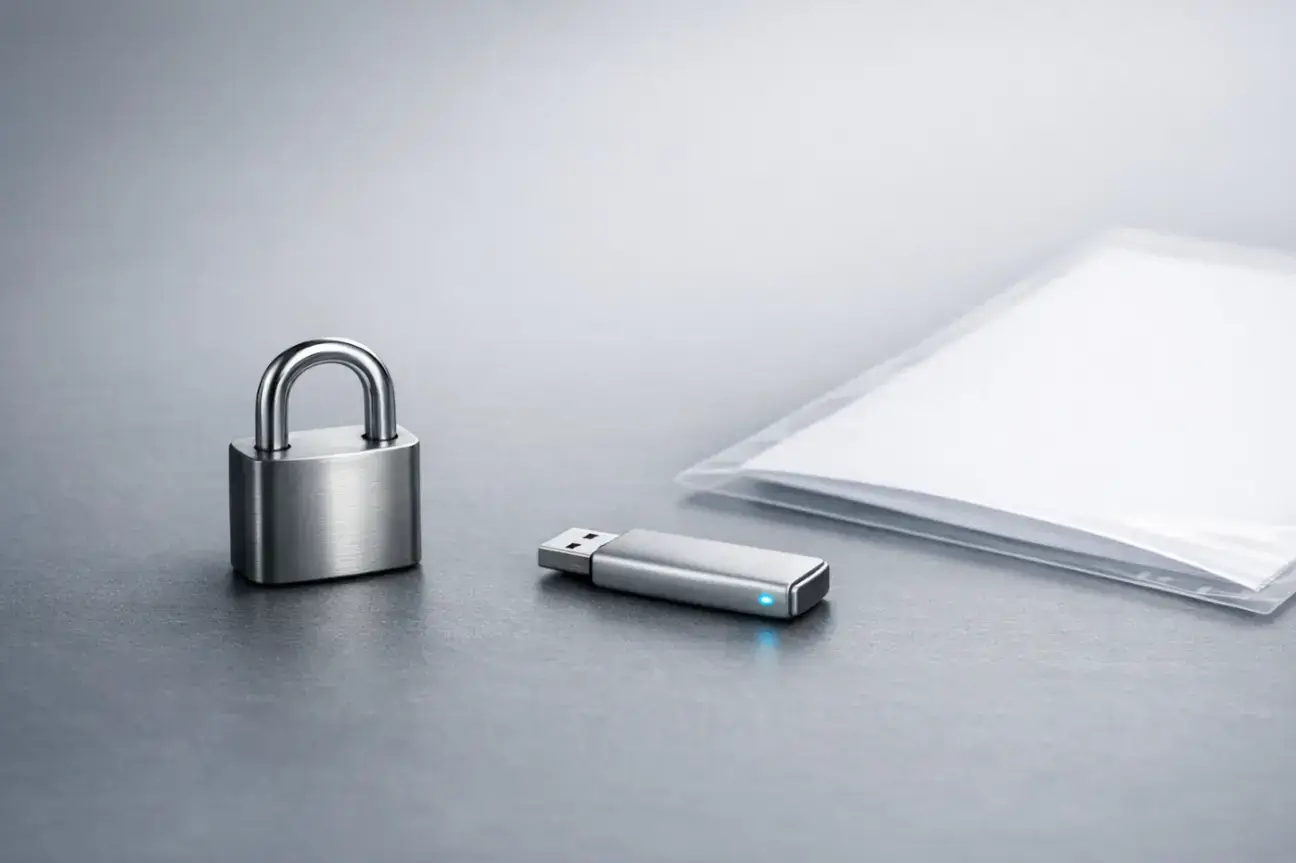
For many small and growing businesses, documents move constantly between sales, onboarding, support, and delivery. Those files often include contracts, invoices, identity checks, creative assets, or sensitive troubleshooting logs.
When you rely on secure file sharing, you can turn a routine transfer into a consistent trust-building touchpoint.
The goal is not only to prevent breaches, but to remove uncertainty so customers know exactly what will happen next.
Understanding the Real Risks of File Sharing
Risk is not limited to malicious attacks.
Accidental data exposure, forwarding the wrong file, or leaving shared folders open can damage a relationship just as quickly as a hack.
Customers may also worry about persistence, such as whether documents remain accessible long after the task is done.
A predictable process, clear boundaries, and a visible sense of control reduce these concerns. Shortening the time between sending and confirmation also reduces follow-up errors.
Trust improves when the process feels calm, controlled and repeatable.
Common File Sharing Mistakes That Break Trust

Source: Freepik
Most customers judge security by experience, not internal policies.
- If a link looks unfamiliar, expires without warning, or requests confusing permissions, clients hesitate.
- Large email attachments that bounce may signal outdated systems.
- Mixed-up versions or unclear upload instructions raise doubts about your organization.
Even small errors, like misspelled addresses, create anxiety about who might see their information. That anxiety often goes unspoken but affects willingness to share details.
What Customers Expect from Secure File Sharing
Customers want clarity more than complexity.
Your process should feel straightforward and reassuring.
Clarity and Confirmation
- Clearly communicate accepted file types and size limits.
- Provide confirmation messages or receipts so files aren’t “lost in the void.”
- Use consistent branding and language to show requests are legitimate.
- Explain who inside your business can access files, especially sensitive records.
Simple, User-Friendly Security
Confusion drives unsafe workarounds, like personal email or cloud folders. A good transfer flow keeps steps minimal while offering understandable protections. For example:
- Simple password prompts paired with guidance on how to receive the password securely.
- Consistent processes across onboarding, approvals, and support to reinforce trust.
Key Security Features That Build Confidence

Source: Freepik
Security features work best when they address real customer concerns, such as unauthorized access and accidental disclosure.
Access Controls and Expiration Policies
- Limit viewing and downloading to intended recipients.
- Use time limits and expiration dates to signal that data isn’t kept indefinitely.
- Quickly revoke access if an email address was typed incorrectly or a link is forwarded.
- Keep authentication proportionate; too much friction can cause abandonment.
Audit Trails and Compliance Standards
- Maintain a record of when files were uploaded, accessed, and what versions were shared.
- Transparency reduces confusion during projects or renewals.
- Align controls with guidance from NIST and GDPR for practical, defensible data protection.
How to Build Secure File Sharing into Daily Workflows
Trust improves when secure transfers are the default, not an exception.
Standardized Templates for File Requests
- Onboarding: consistent request templates explaining what to upload, why, and when access ends.
- Sales/contracting: controlled links for proposals and agreements, ensuring the latest version is reviewed.
- Support: safe channels for error logs, screenshots or exports, with clear retention timelines.
Notifications, Version Control, and Reviews
- Make versioning and approvals obvious to prevent parallel email threads.
- Provide notifications when files are delivered, viewed, or downloaded.
- Review access regularly, even for small teams. Guidance from CISA on passwords and authentication can help maintain standards.
How to Communicate Securely with Customers

Source: Freepik
Customers want confidence without a security lecture. Your communication should align with your processes.
Clear Instructions and Expectations
- When requesting a file, explain where it goes, who reviews it and the expected response time.
- When sending a file, tell clients how to verify authenticity, expiration windows, and steps if something looks wrong.
- Deliver passwords or secondary steps through separate channels.
Consistent, Trust-Building Communication
- Avoid jargon; provide clear, actionable instructions.
- Respond with next steps and time estimates if transfers fail.
- Treat every file exchange as part of the customer experience, not just a back-office task.
Secure file sharing is more than just protecting data; it’s a key part of building customer trust.
By implementing clear processes, user-friendly security measures, and reliable communication, businesses can reduce errors, prevent accidental exposure, and give clients confidence in how their information is handled.
Following best practices ensures transfers are predictable, controlled and professional, turning every file exchange into a trust-building opportunity.
Conclusion
Secure file sharing is not just a technical safeguard, it’s a visible part of your customer experience. Every file request, upload, and confirmation shapes how customers perceive your reliability and professionalism.
When your process is clear, consistent, and easy to follow, customers feel confident sharing sensitive information. When it’s confusing or inconsistent, even small issues can create doubt.
By standardizing workflows, using simple but effective security controls, and communicating clearly at every step, businesses can reduce errors and build lasting trust.
Over time, these small, repeatable moments of confidence turn routine file exchanges into a competitive advantage.
FAQ: Secure File Sharing Practices
1. What is secure file sharing and why is it important?
Secure file sharing ensures documents are transferred safely with encryption, access controls, and audit trails. It protects sensitive data, reduces errors, and builds customer trust by showing clients that their information is handled responsibly.
2. How can businesses prevent mistakes during file exchanges?
Using standardized templates, clear instructions, and notifications for uploads or downloads helps prevent errors like sending the wrong file or sharing it with the wrong recipient. Regular access reviews and version control further minimize risks.
3. What security features should I look for in a file sharing solution?
Look for access controls, expiration dates for shared links, two-step authentication, and audit trails. These features protect data from unauthorized access, make your process transparent, and reassure customers that files are secure.
4. How do clear processes improve customer trust?
Clients want clarity over complexity. Providing confirmation messages, outlining who can access files, and explaining the steps involved in a transfer make customers feel informed and confident, strengthening trust in your business.
5. Are secure file transfers only about protecting against hackers?
No. While cybersecurity threats are a concern, most risks come from accidental exposure, misdirected emails, or unclear instructions. A predictable, controlled process reduces both human errors and malicious risks.

Author Bio
Emma Clarke is a skilled writer with experience across technology, travel, culture, and everyday lifestyle topics. She is adept at breaking down complex subjects into engaging, reader-friendly narratives. Her adaptable approach allows her to bring clarity and quality to a wide range of subjects.