
Website developers are numerous, plugins are abundant, and all of them promise the same output.
Faster setup, more conversions, fewer headaches. In practice, many tools overcomplicate simple tasks or lock useful features behind layers of friction.
POWR sits in a slightly different lane. Instead of trying to replace your website builder, it adds focused functionality that businesses actually need.
Forms, popups, galleries, reviews, timers, and integrations that work without requiring a developer on speed dial.
This article breaks down real-world POWR use cases and shows how businesses across industries use it today. Not theory. Not marketing fluff. Just practical applications, productivity gains, and examples that make sense.
If you are searching for POWR productivity tips that go beyond surface-level features, you’re in the right place.
What is POWR and Why Businesses Use It
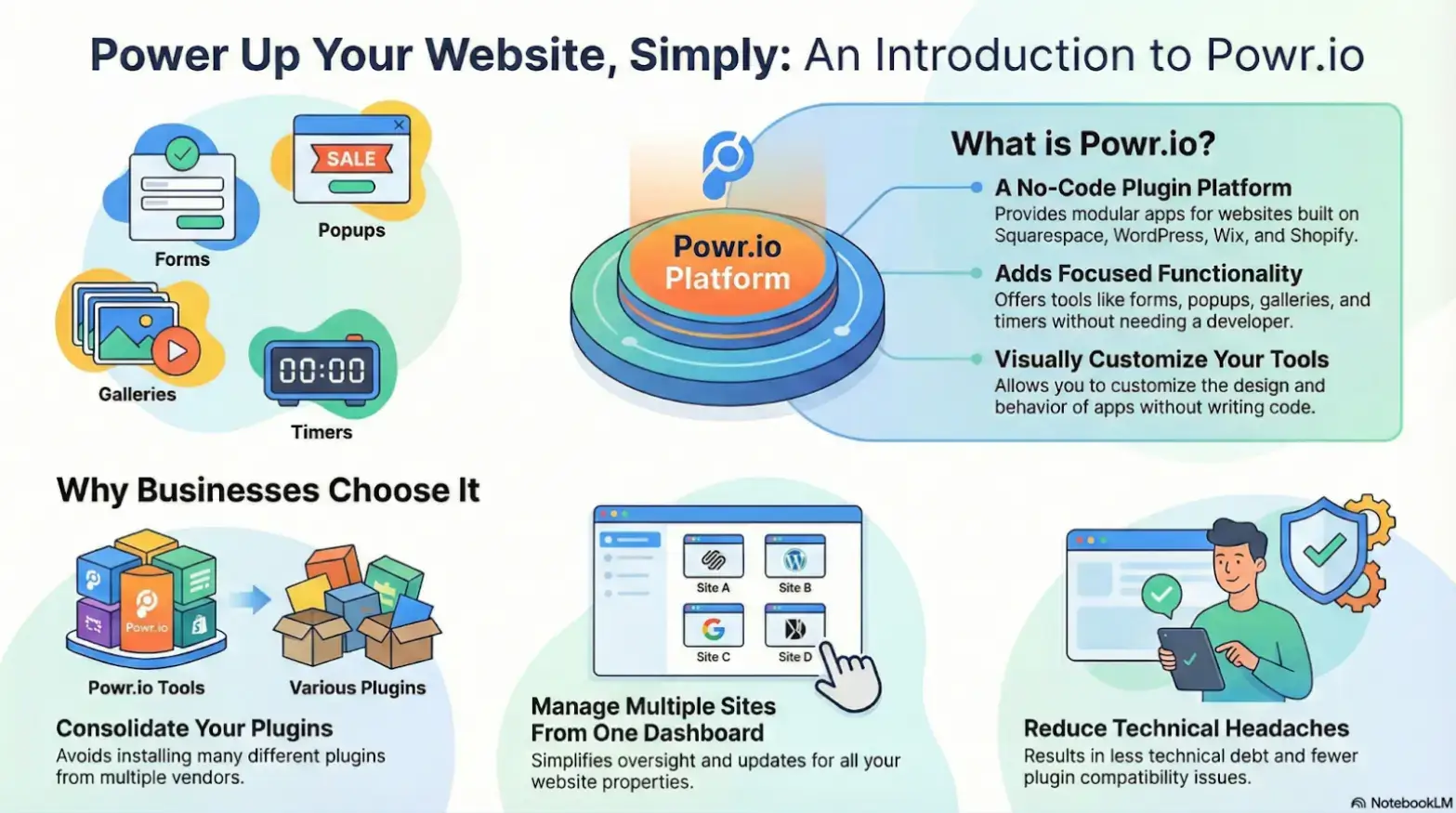
It is a no-code plugin platform that builds modular apps for websites built on Squarespace, WordPress, Wix, and Shopify.
Additionally, POWR allows companies to do the following instead of installing ten different plugins from ten different vendors:
- Add interactive elements without coding
- Customize design and behavior visually
- Multiple sites are manageable from one dashboard
The appeal is simple. Less technical debt, fewer compatibility issues, and faster execution.
Use Case 1: Lead Generation for Small and Medium Businesses
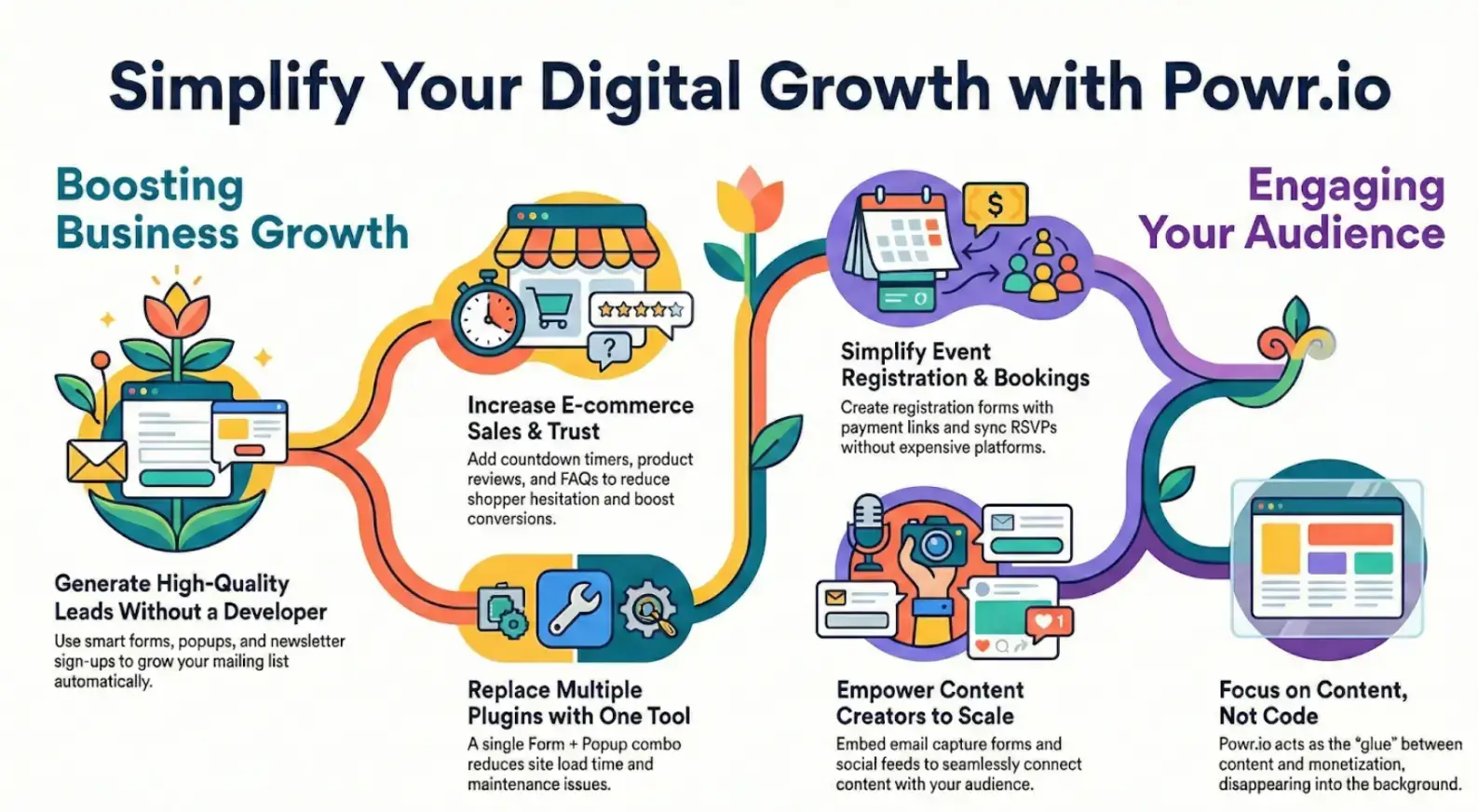
Lead generation is where POWR shows immediate value. Many businesses do not need complex funnels. They need reliable forms that convert.
How Businesses Use POWR for Lead Capture
- Contact forms with conditional logic
- Newsletter sign-up forms connected to email platforms
- Exit-intent popups offering discounts or lead magnets
- Multi-step forms for higher-quality leads
Real Productivity Gains for SMB Teams
- No developer involvement for form updates
- Faster A/B testing of headlines and CTAs
- Centralized lead management
Moreover, it helps connect to popular email marketing platforms. This allows businesses to grow their mailing lists without manual data handling.
POWR productivity tip: A single POWR Form + Popup combo helps businesses replace multiple plugins, reducing load time and maintenance issues. In short, fewer tools mean fewer problems and more focus on sales.
Use Case 2: E-commerce Sales Optimization
POWR fixes common conversion leaks for E-commerce stores without requiring them to rebuild their entire website.
Common E-commerce Applications
- Countdown timers for limited-time offers
- Product review displays for social proof
- FAQ accordions to reduce pre-purchase anxiety
- Announcement bars for promotions or shipping updates
Why POWR Improves Conversion Rates
- Always-on support via FAQs, reviews, and on-page guidance.
- Visual urgency without aggressive tactics
- Clean integration with Shopify and payment workflows
- Easy updates during sales campaigns
Stores using POWR often report improved conversion rates simply by making information easier to access. It helps shoppers spend less time searching for guarantees and more time making purchases. When answers are easily available and trust develops, the buying process feels simpler, faster, and more intentional.
Use Case 3: Event Registration and Booking
For event organizers, complexity is the enemy. POWR simplifies event workflows without the need for expensive booking platforms.
How Event Organizers Use POWR
- Event registration forms with payment links
- RSVP forms synced to Google Sheets
- Calendar embeds with automated reminders
- Post-event feedback forms
Benefits for Workshops, Webinars, and Local Events
- Faster setup for one-off or recurring events
- No platform lock-in
- Easy duplication for future events
Events can be organized smoothly, whether one-time workshops or recurring sessions, without any hassle. Because POWR works alongside existing tools, businesses avoid being tied to a single platform and keep their data in their hands.
Event structures can be easily duplicated and customized, allowing you to reuse successful formats without starting from scratch.
This setup works especially well when speed, clarity, and adaptability matter more than complex ticketing systems, such as workshops, webinars, coaching, matchmaking services, and local events.
By removing unnecessary work, POWR helps organizers turn interest into confirmed attendance with minimal barriers.
Use Case 4: Content Creators and Personal Brands
Creators do not want to fight their websites. They want tools that disappear into the background.
Typical POWR Use Cases for Creators
- Email capture forms embedded in blogs
- Social feed widgets
- Media galleries for portfolios
- Donation or support forms
Productivity Impact for Publishing and Monetization
- Fewer external tools to manage
- Faster content publishing
- Cleaner site layout
For creators scaling their audience, POWR acts as the glue between content and monetization.
How POWR Fits Into a Modern Tech Stack
POWR is rarely the only tool a business uses. Its strength is how it fits into existing workflows.
Common Integrations and Workflow Compatibility
- Email marketing platforms
- CRM systems
- Automation tools
- Analytics platforms
This flexibility is why POWR often appears on tool discovery platforms like AIChief, where businesses evaluate tools based on integration readiness and real usability rather than hype.
In directories such as AIChief, POWR is typically positioned as a productivity enhancer rather than a replacement platform, which is exactly how it should be used.
Key POWR Productivity Tips From Real Users
Here are details of what people usually do and how you can benefit from it.
- Replace multiple plugins with fewer POWR apps
- Use templates as starting points, not final designs
- Centralize form data early to avoid cleanup later
- Test popups carefully to avoid user fatigue
- Keep designs minimal to maintain site speed
POWR works best when it is used deliberately, not when every widget is turned on at once.
Who Should Use POWR (and Who Shouldn’t)
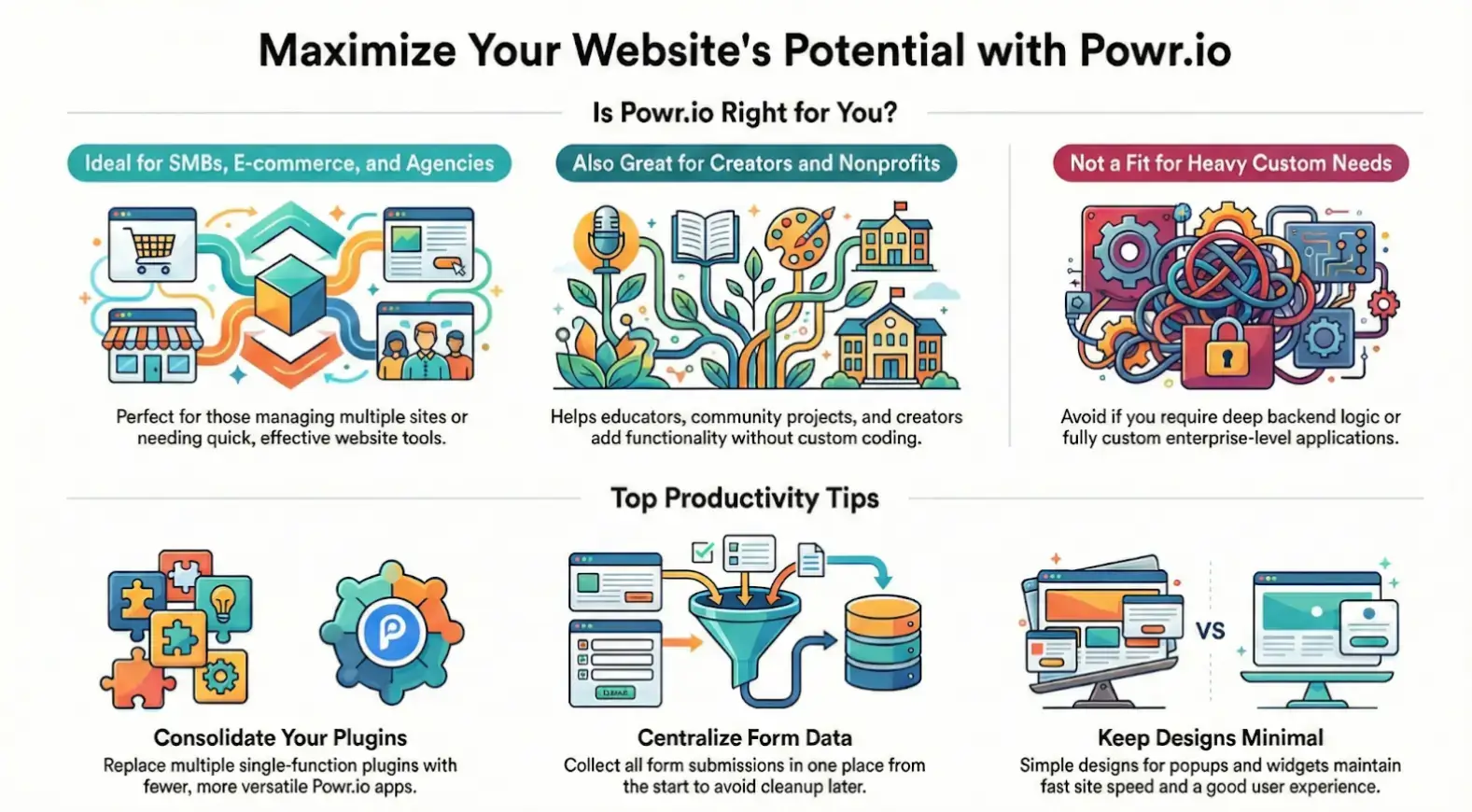
POWR Is Ideal For
- SMT businesses
- E-commerce stores
- Agencies managing multiple sites
- Creators and educators
- Nonprofits and community projects
When POWR May Not Be the Best Fit
- Highly custom enterprise applications
- Sites requiring heavy backend logic
- Teams that prefer fully custom-coded solutions
Final Thoughts: Why POWR Works in the Real World
POWR succeeds because it stays focused. It does not try to be everything. It solves common website problems quickly and without unnecessary complexity.
The real-world use cases show a consistent pattern. Businesses use POWR to work faster, reduce friction, and avoid overworking simple tasks.
If you are building, scaling, or managing websites today, POWR is worth evaluating, especially if you found it through trusted platforms like AIChief, an AI tools directory that prioritizes practical value over marketing noise.
Frequently Asked Questions About POWR
1. Does POWR require coding knowledge?
No, it can be used without knowing programming skills.
2. Is POWR suitable for e-commerce websites?
Yes. POWR is a perfect fit for countdown timers, product reviews, FAQs, and promotional pop-ups to improve conversion rates. Many e-commerce stores utilize these tools.
3. Is POWR easy to use for beginners?
Yes. POWR is designed for everyone and is easy to use.
4. Does POWR affect website performance?
When used responsibly, POWR can replace multiple plugins and actually reduce performance issues. Overuse of widgets can still impact speed.
5. Where can businesses compare POWR with similar tools?
Tool discovery platforms like AIChief allow businesses to compare POWR with similar productivity and website enhancement tools based on features and integrations.

Author Bio
Nova Hawthorne is a technology writer and AI industry analyst specializing in in-depth reviews, expert insights, and opinion pieces on the latest artificial intelligence tools and platforms. With a strong ability to simplify complex AI concepts into clear, accessible content, Nova empowers professionals, entrepreneurs, and tech enthusiasts to stay ahead in the rapidly evolving AI landscape.