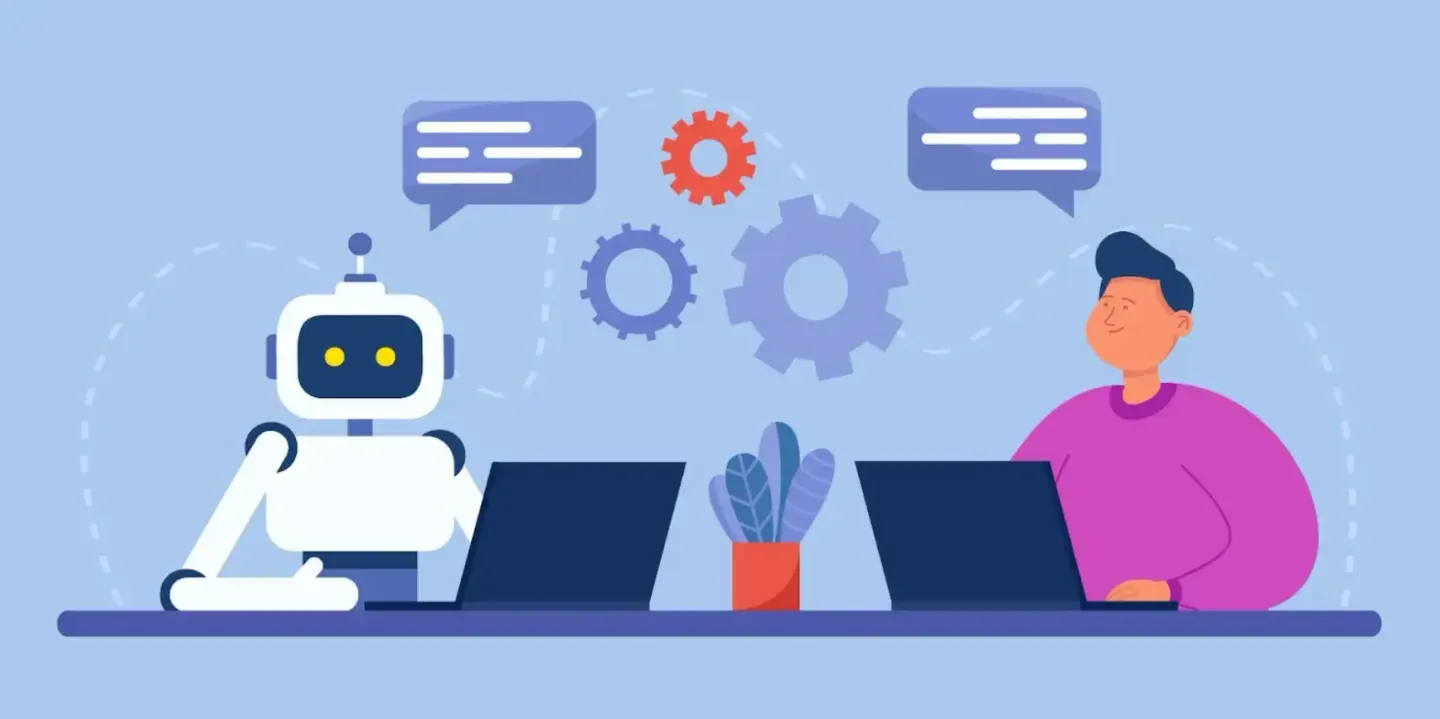
In recent years, websites and apps have increasingly embedded chat and support bots to improve user engagement, reduce bounce, and assist in conversions.
But the promise of chatbots is double-edged: when well-designed, they can accelerate resolution, reduce friction, and boost trust. When poorly implemented, they can frustrate users, interrupt flows, or even drive people away.
In this article, we’ll examine what features of chat and support bots improve conversion, which harm UX, and practical guidelines for integrating them wisely.
In this article:
- What Improves Conversion and UX
- What Harms UX and Conversion
- Chatbot Integration Strategy & Roadmap
Why Add Chat & Support Bots?
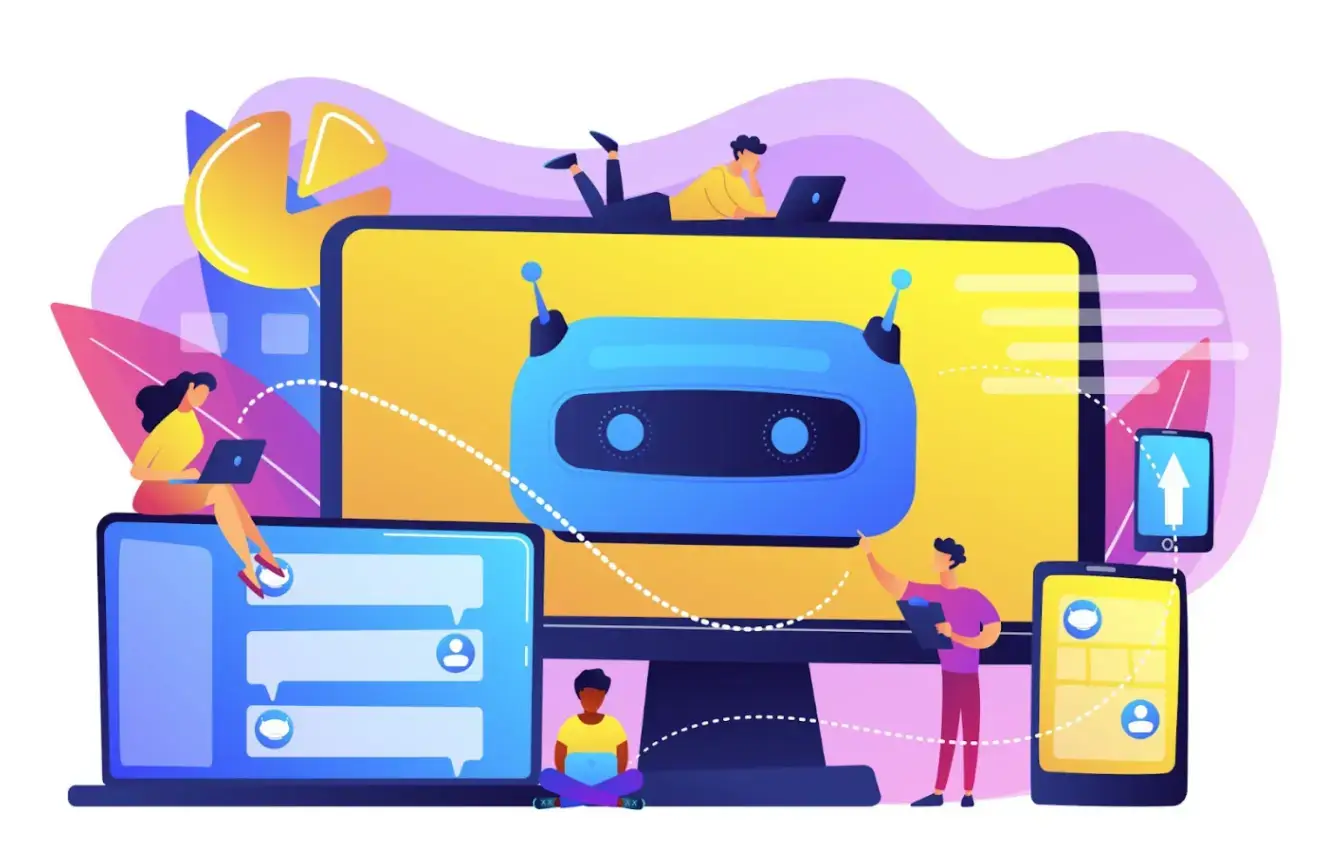
Companies adopt chatbots for several compelling reasons:
- Proactive support & real-time assistance: When users struggle or abandon, a bot can intervene as a strategy to tackle cart abandonment.
- Cost efficiency & scaling: Automate responses to frequent questions, reducing live agent load.
- Lead capture & qualification: Bots can ask qualifying questions, gather data, and route leads.
- Conversational commerce: Some bots can help complete purchases via guided menus or embedded checkout.
- Consistency & availability: Bots are available 24/7 and can maintain tone and process across users.
But these advantages don’t happen automatically. Poorly architected bots degrade user experience, especially when they:
- Fail to understand or respond to off-script inputs
- Interrupt a user’s flow unexpectedly
- Force users through rigid, linear decision trees
- Hide or delay access to a human
- Present believing “AI can do everything” rather than admitting limitations
As the Nielsen Norman Group demonstrates, many existing chatbots struggle when users deviate from linear flows.
The moment a user types something outside the bot’s expected responses, confusion or failure arises. Thus, it's vital to design with guardrails, fallbacks, and transparency.
What Improves Conversion and UX

Below are proven practices and design principles that support both conversion goals and improve user experience.
1. Be Transparent and Manage Expectations
- Clearly label the bot: Let the user know they are interacting with a bot, not a human. This aligns with NNGroup findings about users favoring honesty and clarity.
- Define the scope of the bot’s abilities: State upfront what tasks the bot can do (e.g., "check order," "refund status," "product info.").
- Show fallback to human: If the bot cannot resolve the issue, allow an easy handoff to live chat or email.
This transparency builds trust and avoids frustration later when the bot fails.
2. Use Guided or Hybrid Interfaces
- Buttons, quick replies, and taps (rather than fully free-form text) reduce ambiguity.
- Hybrid input: Permit free text, but also guide users with options.
- Predictive suggestions or auto-complete help users stay within understood flows.
Guided conversational UI reduces the chance of misunderstanding or dead ends, especially on mobile, where typing is slower.
3. Keep Dialogues Short and Contextual
- Keep dialogue short: Each back-and-forth (turn) should move the user closer to resolution.
- Remember context: If a user says “I have an order issue,” and then later references “the payment,” the bot should know it’s referring to that same order.
- Skip unnecessary confirmations when context is clear—don’t ask redundant questions.
Microsoft’s Bot Framework design guidance emphasizes that a bot “should not require users to type too much, repeat themselves, or explain things the bot should already know.”
4. Design Robust Fallbacks and Error Handling
- Error tolerance: Accept misspellings, synonyms, or close matches rather than forcing perfect phrasing.
- Admit “I don’t understand” gracefully. Instead of generic failure messages, offer clarifying questions or suggest alternatives.
- Fallback to human support when necessary (button: “Talk to an agent”)
- Offer escape from the script: Let the user jump back or restart conversation flows.
5. Trigger Chatbots Proactively but Wisely
- Trigger only when helpful, not intrusive. For example, after a delay on a product page, or when the user hovers over “checkout.”
- Tailor prompts contextually: Use knowledge of where they are (product, pricing, cart) to offer relevant help.
- Avoid “hello” full-screen bots at page load—these annoy more than help.
6. Integrate with Backend Systems
- Order lookup/status: The bot should connect to your system so users can check their orders automatically.
- Cart assistance: The bot can prompt users about items left in their cart, suggest coupons, or help finalize checkout.
- CRM integration: Route lead or support ticket to the human backend when needed.
When the bot can genuinely help with tasks, users are more likely to engage and convert.
7. Analyze Real Conversation Data and Iterate
- Log & review conversation transcripts: See where users drop off, which paths fail, and where fallback triggers.
- Qualitative & quantitative metrics: Success rate, resolution time, escalation rate, user satisfaction.
- User feedback surveys: After a session, users can rate the interaction or flag issues.
- A/B test prompt timing, phrasing, fallback thresholds.
Research shows that adoption and satisfaction depend on pragmatic qualities (efficiency, relevance) and hedonic ones (tonality, personality). By iterating real data, you can refine both utility and tone.
If you’re curious about how these bots work under the hood, you can build your own chatbot in Python or try a more visual approach with Streamlit.
What Harms UX and Conversion
Even with good intentions, some patterns consistently degrade experience and conversion.
1. Overly Rigid Linear Flows
Bots that force users down fixed paths with no flexibility often break when users deviate. NNGroup’s study found that deviation kills conversational bots: “They have a hard time whenever users deviate from such flows.” If a user’s need doesn’t match the script, they feel trapped.
2. Interrupting Core User Flows
It is true that you can boost engagement with interactive content, like chatbots, but if a bot interrupts checkout, search, or form filling with a pop-up or modal, it can disrupt the user’s focus and elongate friction. The bot should appear only when supportive, not intrusive.
3. False Promises and Scope Creep
When the bot pretends it can do everything, but fails on basic tasks, trust erodes. Bots that overpromise do more harm than good.
If you limit the bot to reliable capabilities, users won’t expect it to do more than it can. This focus on limiting capabilities and maintaining trust applies to your entire web presence; for sustainable, high-quality growth, it's crucial to employ ethical SEO tactics instead of shortcuts.
4. No Easy Human Escalation
Bots that lock users into loops with no way out frustrate users. Always allow an escape to human help (chat, phone, email).
5. Poor Performance or Latency
Slow bot responses or delays in switching context break trust. Users expect near-instant replies. Poor performance defeats the purpose.
6. Ignoring Accessibility
Bots should be accessible to screen-readers, support keyboard navigation, and consider users on mobile, desktop, or assistive technology. Ignoring accessibility excludes many users and can harm UX.
7. Bad Tone or Unnatural Language
Leveraging digital tools for enhanced customer engagement is great, but a robotic, repetitive, or overly “personified” tone that misleads users (e.g., pretending to be human) can backfire. Bots should sound helpful, concise, and consistent.
Chatbot Integration Strategy & Roadmap
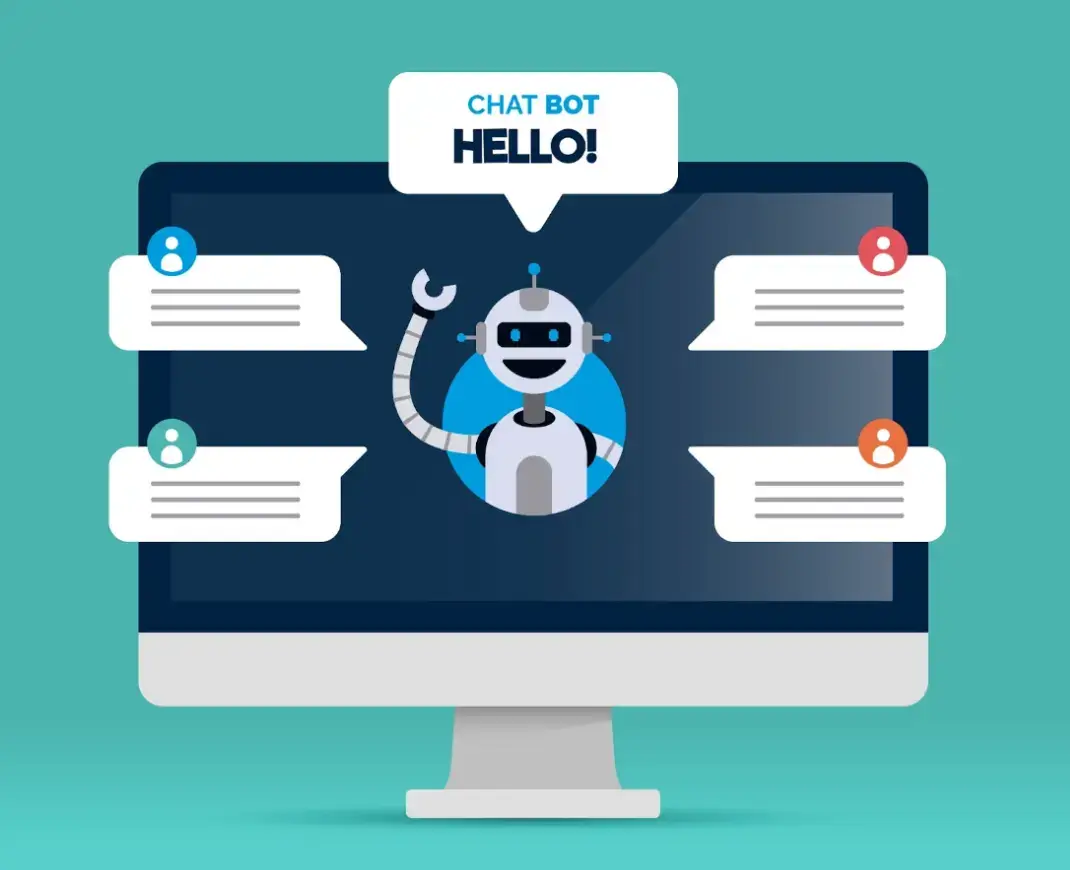
If you’re planning to add or improve a chatbot, here’s a phased strategy.
Phase 1: Define Use Cases and Scope
- Pick a narrow set of high-value tasks (order status, FAQ, shipping info)
- List failure or fallback scenarios
- Map expected conversation flows
Phase 2: Prototype and Usability Test
- Create low-fidelity flow diagrams
- Test with real users: observe where they deviate, where they get stuck
- Use design tools or conversational UI tools
Phase 3: Launch and Gather Data
- Deploy the bot with core functions only
- Log transcripts, collect feedback
- Monitor metrics: fallback rate, time to resolution, escalation rate
Phase 4: Optimize and Expand
- Expand the scope gradually
- A/B test prompt timings, phrasing, slips
- Improve error tolerance, add memory/context
- Integrate deeper with backend systems
Phase 5: Assess and Govern
- Regular review cycles of bot performance
- Monitor feedback loops for failures
- Evaluate whether certain flows should be retired or humanized
Summary and Final Thoughts
Integrating chat and support bots can be a powerful lever for conversion, but only when crafted carefully. The difference between a helpful assistant and a frustrating obstacle lies in design nuance, fallback logic, and continuous iteration.
Do this well:
- Be transparent about what the bot can and can’t do
- Use guided and hybrid inputs
- Limit turns, maintain context, design smart error handling
- Trigger the bot with care and relevance
- Build clear paths to human support
- Log, analyze, and iterate using real conversational data
Avoid this trap:
- Rigid, inflexible flows
- Interrupting user tasks
- Overpromising bot abilities
- No escape hatch to human help
- Poor performance or latency
- Ignoring accessibility or tone/voice design
And remember: as your organization builds conversational systems, investing in talent and training is essential. Educative's conversational UI design interactive course or data-driven optimization paths provide a great foundation for teams seeking to scale bot experiences responsibly.
FAQ: Chat & Support Bots
1. What is a chat support bot?
A chat support bot is an automated tool that interacts with users via messaging to provide assistance, answer questions, or guide them through processes.
2. Can chatbots replace human support?
No, they can handle common questions and tasks, but complex or sensitive issues often still need a human touch.
3. What makes a chatbot effective?
Clarity, flexibility, good training data, human fallback options, and thoughtful user flows make a bot more helpful and user-friendly.
4. Are chatbots expensive to implement?
Basic bots are affordable, especially with no-code tools. Custom AI bots can be more costly but often pay off in saved support hours.
5. What should I avoid when deploying a chatbot?
Avoid making it hard to reach a human, overpromising AI capabilities, or forcing users into rigid paths without context.

Author Bio
Mishayl Hanan is an SEO content writer at Educative.io, where she creates in-depth, search-optimised resources for developers and tech professionals. Focusing on clarity, strategy, and engagement, she helps learners discover content that drives skill growth and career success.