

Adding a birthday countdown clock to your Facebook page is a fun and engaging way to celebrate special events, promotions, or competitions.
Why Add a Birthday Countdown on Facebook?
A birthday countdown adds excitement, reminds friends or followers about the upcoming date, and helps your post stand out in the feed.
Whether you’re celebrating your own birthday or highlighting someone else’s, countdowns make the moment feel bigger and more engaging.
People love countdowns because they’re:
- Eye-catching and easy to share
- Fun and interactive
- Great for creating anticipation
- Perfect for Stories, events, and reminders
It’s a simple way to make your celebration feel more special and memorable.
Can You Add a Birthday Countdown on Facebook?
Facebook does not offer a built-in birthday countdown feature like Instagram’s countdown sticker.
However, you can still display a countdown by creating a custom image, video, GIF, or timer using third-party tools and then uploading it as a post or Story.
These methods let you display an eye-catching countdown that reminds friends when your celebration is coming up.
A custom birthday countdown image is one of the easiest ways to remind people about big events.
What You’ll Need Before You Start
Before you create a birthday countdown on Facebook, make sure you have:
- The latest version of the Facebook app
- A photo or background you want to use for your Story or post
- The exact birthday date
- A plan for where you want the countdown to appear (Story, post, event)
Steps to Add a Countdown Clock:
- Type "countdown clock" in the search field on Facebook.
- Click "See more results" and then select Apps.
- Choose the clock style you like and click "View App."
- Select "Add to My Page" and customize your settings.
While Facebook offers a basic countdown feature, you can enhance your promotions using a countdown app that works across all your digital platforms.
How to Add a Birthday Countdown to Facebook Stories
Stories are one of the most effective channels for sharing countdowns because they appear at the top of the app and receive high engagement. Here’s how to add one:
- Create a countdown image or video using Canva, POWR Countdown Timer, or a countdown GIF.
- Save the file to your phone or desktop.
- Open Facebook → Create Story.
- Upload your countdown image or video.
- Add stickers, text, or music for extra flair.
- Post your Story, and it will be visible for 24 hours.
Sharing a birthday countdown on Facebook Stories helps your friends plan for your celebration.
Pro tip: Repost your countdown Story daily as the birthday gets closer to keep engagement high.
How to Customize Your Birthday Countdown
Once your countdown is created, you can personalize it to fit your style or theme. Here are simple ways to customize:
Change the background
Use photos, gradients, or simple color blocks.
Add stickers or GIFs
Search for “birthday,” “party,” “celebrate,” or “balloons” to find fun animations.
Add text to explain the countdown
For example:
- “Counting down to my big day!”
- “3 days until we celebrate 🎉”
- “Save the date!”
Use filters or design tools
Facebook’s built-in editing tools help make your countdown stand out in Stories.
Tools You Can Use to Create a Birthday Countdown for Facebook
If Facebook doesn’t provide countdown tools, these platforms help you make one quickly:
- Canva – Templates for birthday countdown posts and Stories. Many people create a birthday countdown in Canva and upload it directly to Facebook for a polished look.
- POWR Countdown Timer – Great for websites, promotions, and sharable countdown graphics.
- GIPHY – Search “birthday countdown” GIFs and upload them directly to Facebook.
- Countdown Timer Apps – Generate countdown screenshots you can crop and post.
- Instagram Countdown Sticker – Create a countdown on Instagram, then save and repost it to Facebook.
Each of these options lets you post a countdown even though Facebook doesn’t have a native one.
Birthday Countdown Ideas for Facebook Stories or Posts
If you want to make your birthday countdown more creative, try one of these ideas:
- Photo collage countdown leading up to the day
- Daily countdown series (e.g., 7–day countdown with new images)
- Minimalist design with a clean timer and simple text
- Throwback photo countdown using old birthday pictures
- Themed countdown (travel, hobbies, favorite colors, etc.)
These ideas help capture users searching for inspiration and improve engagement.
Troubleshooting: Why Isn’t My Countdown Working?
If your countdown won’t upload, appear, or display correctly, try:
- Updating the Facebook app to the latest version.
- Checking your internet connection before uploading media.
- Using a smaller image or video file size if the upload keeps failing.
- Converting animated GIFs to MP4 if the animation doesn’t appear.
- Re-uploading your countdown through Stories if the post preview looks blurry.
If your countdown still isn’t showing, use a different file format or recreate the graphic using a template.
Can I Use a Birthday Countdown Clock Outside of Social Media?
Absolutely! You can add a birthday countdown to your Instagram Stories using the countdown sticker, and it's just as easy to feature a countdown on your website, checkout pages, or even in email campaigns.
The POWR Countdown Timer is a user-friendly tool that requires no coding and is entirely free! Here’s what you can achieve with it:
- 400% increase in sales revenue by promoting new products, offers, or launches.
- 50% reduction in sales timeframes by creating a sense of urgency.
- 20% lower bounce rates as a dynamic countdown encourages visitors to stay on your site.
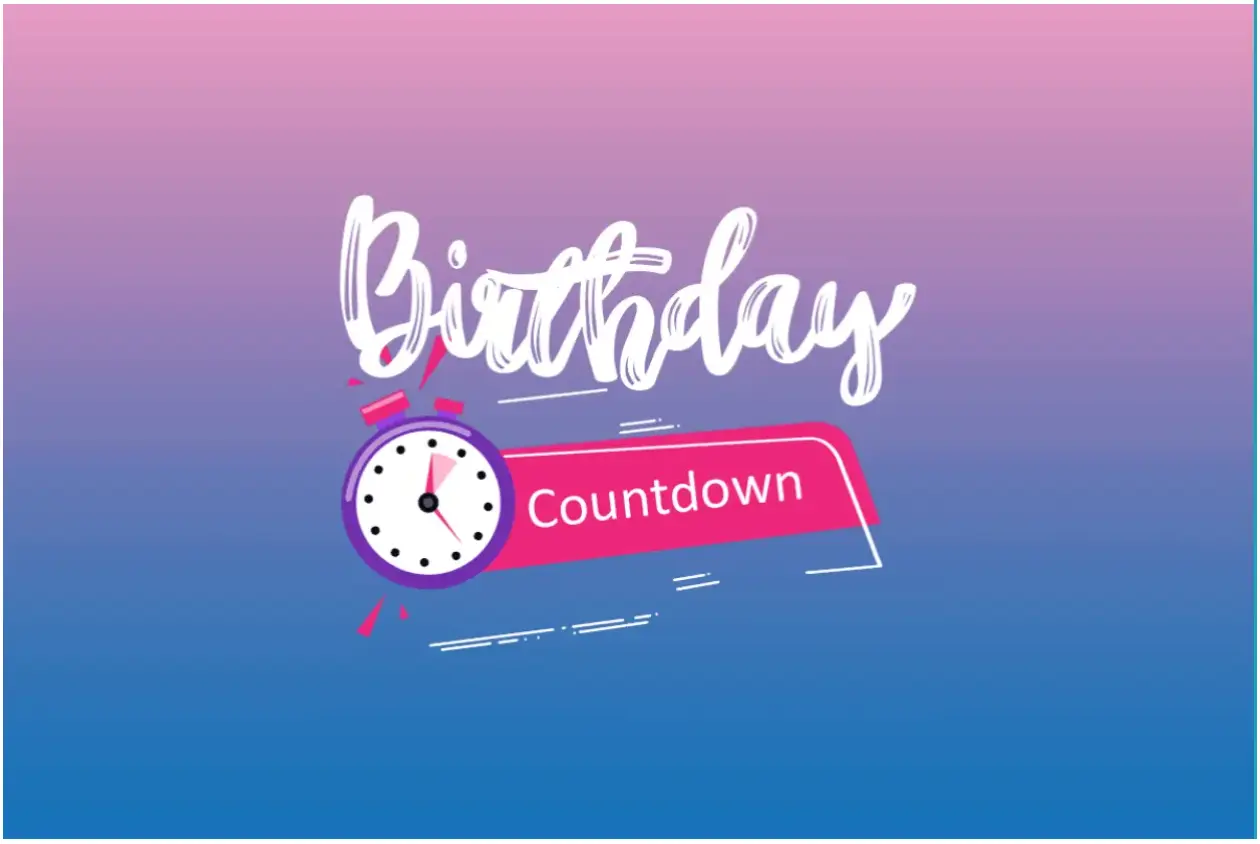
Countdowns work on any website, including WordPress, Wix, Squarespace, Shopify, and more. Setting up a countdown with customizable templates takes just five minutes.
How Do Countdown Apps for Business Work?
If you're new to widgets and plugins, don't worry—it's simpler than it sounds. To embed a countdown timer on your site:
- Choose a template: Browse various fonts, formats, sizes, colors, and custom options to match your web design.
- Pick an animation: An eye-catching animation can significantly boost engagement.
- Enter your timer details: Set the countdown for an event, product launch, or promotional offer.
You can also add a message to display during or after the countdown (e.g., "Coming Soon" or "Limited Time Offer").
These messages provide helpful information that keeps customers engaged and encourages them to stay longer for potential discounts or special offers.
Why Should I Use a Birthday Countdown Clock on My Site?
Most e-commerce businesses use countdown apps for various purposes, such as:
- Building excitement for upcoming events or sales.
- Creating urgency for promotions nearing their end.
- Highlighting popular products with live trends.
- Informing customers of cut-off times for next-day delivery.
- Showing how many items remain in stock.
These strategies reduce cart abandonment because customers are more likely to act quickly to avoid missing out on deals or limited-stock items.
Why Do Countdown Timers Improve Sales?
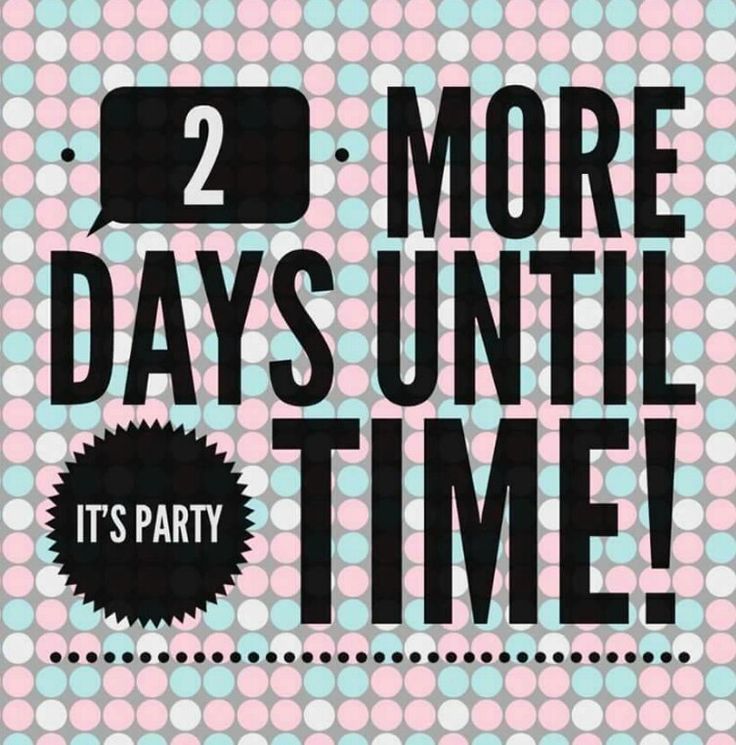
Countdown timers are more than just visual tools—they tap into human psychology. Here’s why they’re so effective:
- Creates urgency: A ticking clock signals that action is needed, making customers more likely to buy.
- Boosts confidence: Seeing others purchase a product reassures potential buyers.
- Increases speed: Low stock combined with a countdown can prompt faster decisions, leading to quicker sales.
Whether counting down or up, these timers can significantly impact conversions, click-through rates, and the time spent on your site.
Where Should I Put A Countdown App On My Website?
Placement is key. The best places for a countdown timer are where customers make purchase decisions, such as:
- Product pages
- Checkout pages
- E-commerce sites
- Category pages
- Animated digital flipbooks
On Facebook, social media, or your website, countdown timers can drive sales by showing when delivery windows close, urging customers to complete their purchases before time runs out.
Why Birthday Countdowns Work: Helpful Stats
- Over 500 million people use Facebook Stories daily, making Stories one of the best places to share time-sensitive content.
- Posts related to birthdays generate significantly higher engagement than average Facebook posts (Meta Insights).
- Visual content such as GIFs, countdown timers, and colorful graphics increases engagement by up to 2x (Socialbakers).
Countdowns perform well because they’re visual, time-based, and naturally spark curiosity.
What to Do If Facebook Doesn’t Have a Countdown Feature
Facebook doesn’t currently offer a built-in countdown sticker like Instagram, so you may need to use an alternative method.
Here are easy solutions:
1. Create a countdown using a website tool
Use a free countdown generator and share the image in your Story or post.
2. Embed a countdown link in your post
If your tool provides a shareable link, you can paste it directly on Facebook.
3. Add a screenshot of a countdown timer
Simple, fast, and works on all devices.
4. Create a countdown on your website
Using a tool like POWR’s Countdown Timer, then share the link on Facebook.
5. Post daily reminder updates
If you prefer, you can create a new Story or post each day as the birthday approaches.
FAQ: Birthday Countdown Clocks Facebook
Does Facebook have a built-in birthday countdown?
No, Facebook doesn’t offer a native countdown widget. You must upload a custom image, GIF, or video created elsewhere.
How do I add a countdown to Facebook Stories?
Create a countdown in Canva, a countdown app, or with a GIF, then upload it as an image or video via the Story composer.
What apps can I use to create a Facebook birthday countdown?
Canva, POWR Countdown Timer, Instagram’s countdown sticker (saved and re-uploaded), countdown apps, and GIF libraries like GIPHY. Posting a Facebook birthday countdown a week early builds excitement and increases engagement.
Why can’t I see the countdown sticker on Facebook like Instagram?
Facebook does not support a countdown sticker. It’s an Instagram-only feature.
Can I schedule a birthday countdown post in advance?
Yes — use Facebook’s scheduling tools in Business Suite to upload countdown posts ahead of time.
