
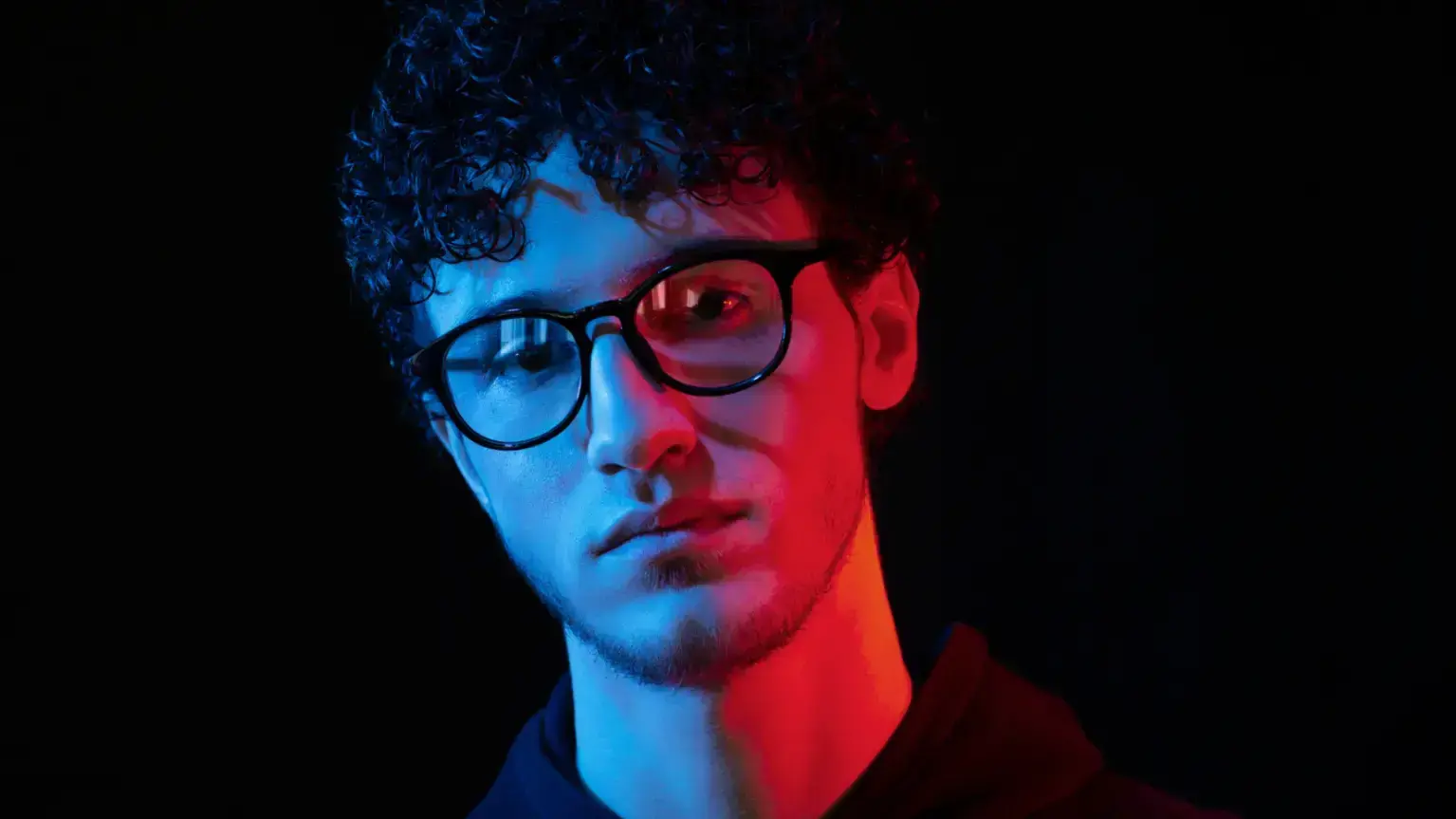
Artificial intelligence has transformed many creative fields, including photography and image creation. Among the emerging technologies in this space, portrait generation applications have gained significant attention.
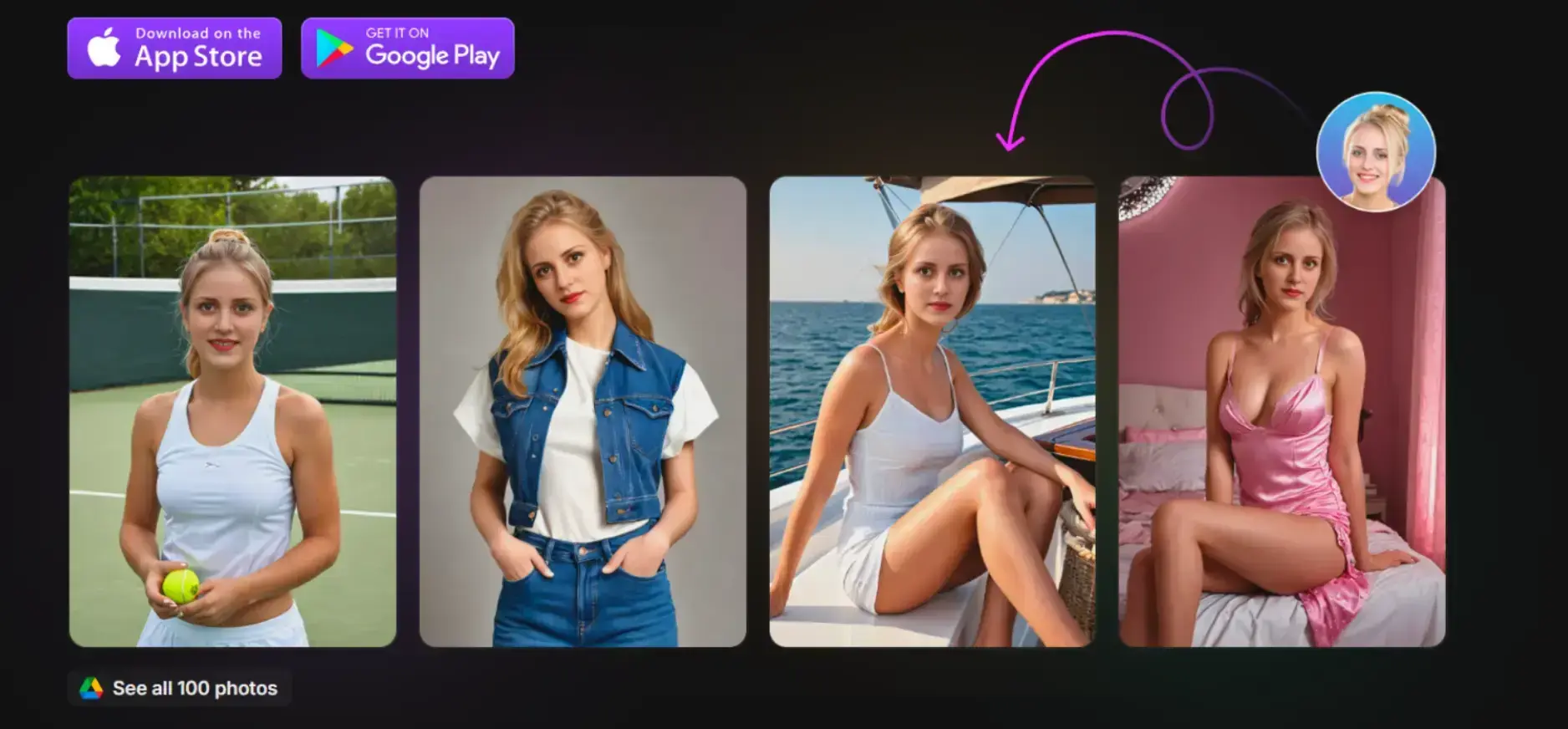
This article examines GenYOU, a platform that enables users to create AI-generated portraits while preserving their facial identity across various settings and styles.
Source: GenYOU
The Technology Behind GenYOU's Identity Preservation
What separates GenYOU from basic image manipulation tools is its sophisticated approach to facial recognition and replication.
The system builds a detailed AI model based on the user's uploaded photos, capturing distinctive facial characteristics.
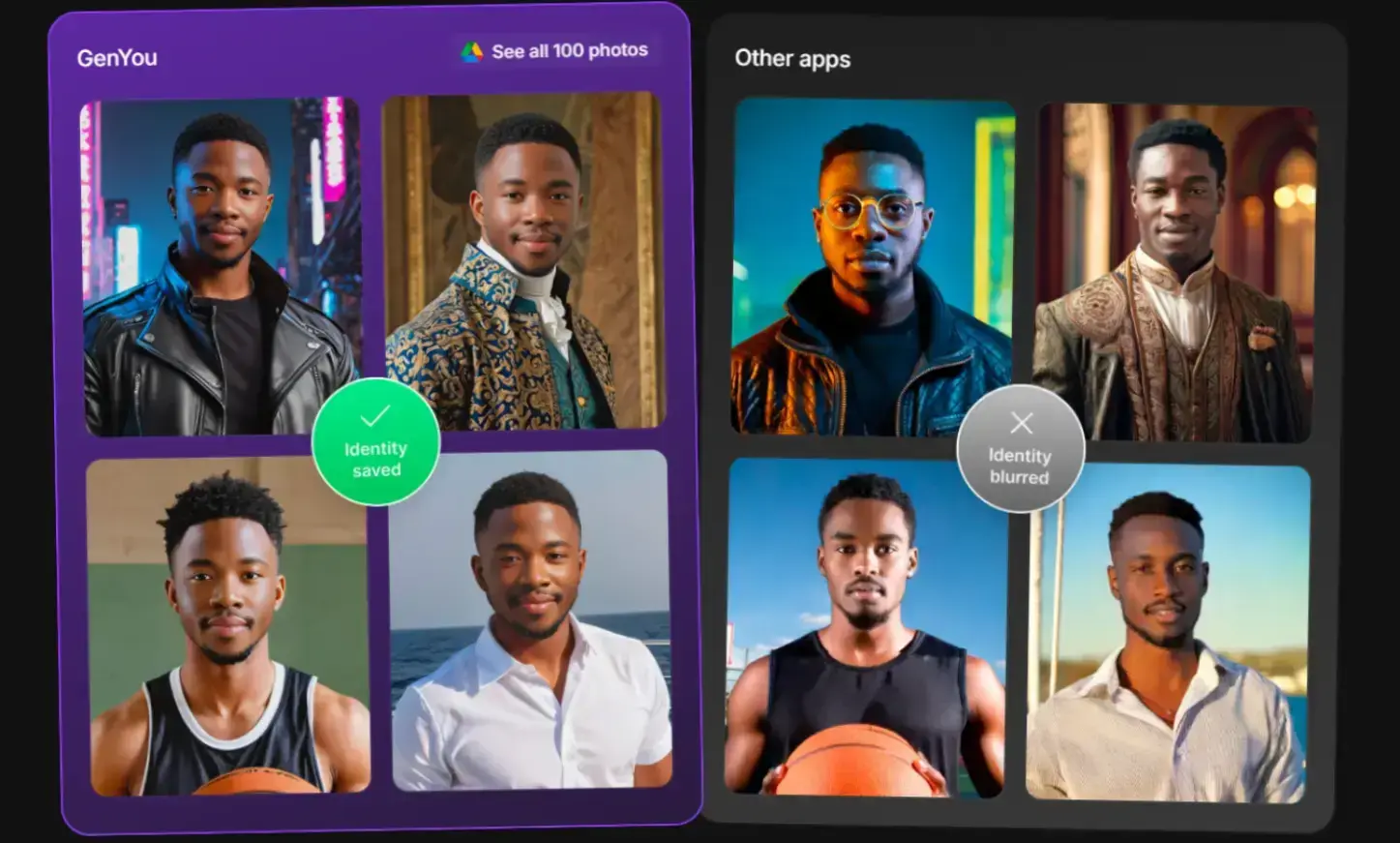
When generating new images, this model ensures the core facial identity remains consistent across backgrounds, lighting, and artistic styles.
This technology addresses a common limitation in earlier AI image generators that often produced inconsistent results when recreating specific individuals.
Neural Network Architecture
At the foundation of GenYOU's identity preservation capability lies a complex neural network architecture designed for facial feature extraction and reconstruction.
The technology deconstructs facial elements from reference images, then preserves them as constants while stylistic and environmental elements vary. This results in images that feel authentic rather than uncanny.
Source: GenYOU
How to Use GenYOU
The process of creating AI portraits through GenYOU follows a straightforward workflow:
- Upload ~4 clear photos
- System builds your personalized facial model
- Navigate to the Studio section
- Select “Generate photo” and enter descriptive prompts
- The system produces customized images within seconds
This makes GenYOU accessible even to non-technical users. AI professional headshot free find this especially helpful.
Crafting Effective Prompts
Crafting effective prompts significantly impacts image quality.
Rather than vague prompts like “a professional photo,” detailed requests such as:
…produce superior results.
GenYOU’s prompt engine understands contextual elements critical to portraiture—lighting, emotion, composition, and environment.
Creative Possibilities with GenYOU
The platform supports a wide variety of styles and creative directions. Users can:
- Place themselves in different environments
- Experiment with fashion and appearance
- Create portraits with aesthetic themes (vintage, futuristic, etc.)
- Generate images that would otherwise require professional photography
The Feed section allows browsing community images, while “Make similar” enables stylistic variations that maintain personal identity.
Style Transfer Technology
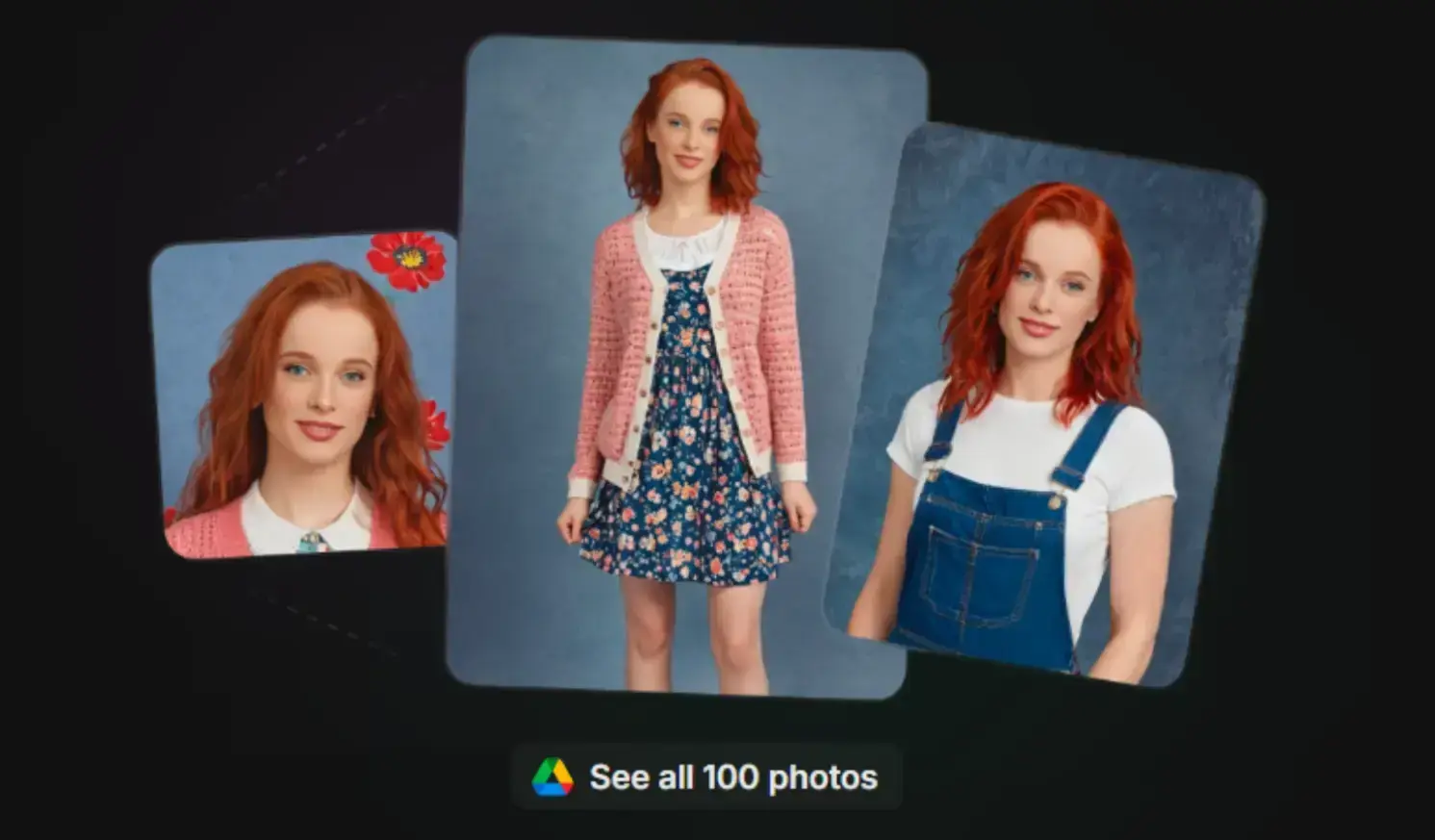
GenYOU's advanced style transfer mechanisms enable realistic artistic transformations.
Users can create images inspired by historical photography, including 1970s aesthetics. Lighting dynamics, texture, and color are adapted authentically for each style.
Source: GenYOU
Understanding GenYOU’s Free Version
GenYOU offers a free version with:
- Core image generation
- Standard processing speed
- Watermarked outputs
- Public sharing of created content
This allows anyone to try AI portraiture without initial cost. Note: images made in the free version appear in the platform’s public feed.
Community Sharing Benefits
Public sharing creates a collaborative ecosystem. Users discover trends, styles, and creative approaches developed by the community.
Some form niche groups around specific aesthetics, creating thematically linked collections and expanding creative exploration.
Image Quality and Technical Considerations
Image quality depends heavily on the uploaded photos. Best results come from:
- Well-lit photos
- Multiple angles
- Neutral expressions
- No sunglasses or obstructions
Though powerful, the system can struggle with complex elements such as hands or extreme lighting, but improvement is ongoing.
Lighting and Environmental Integration
One of GenYOU’s strengths is its ability to adapt lighting to new environments.
This prevents the “pasted-in” look common in weaker systems.
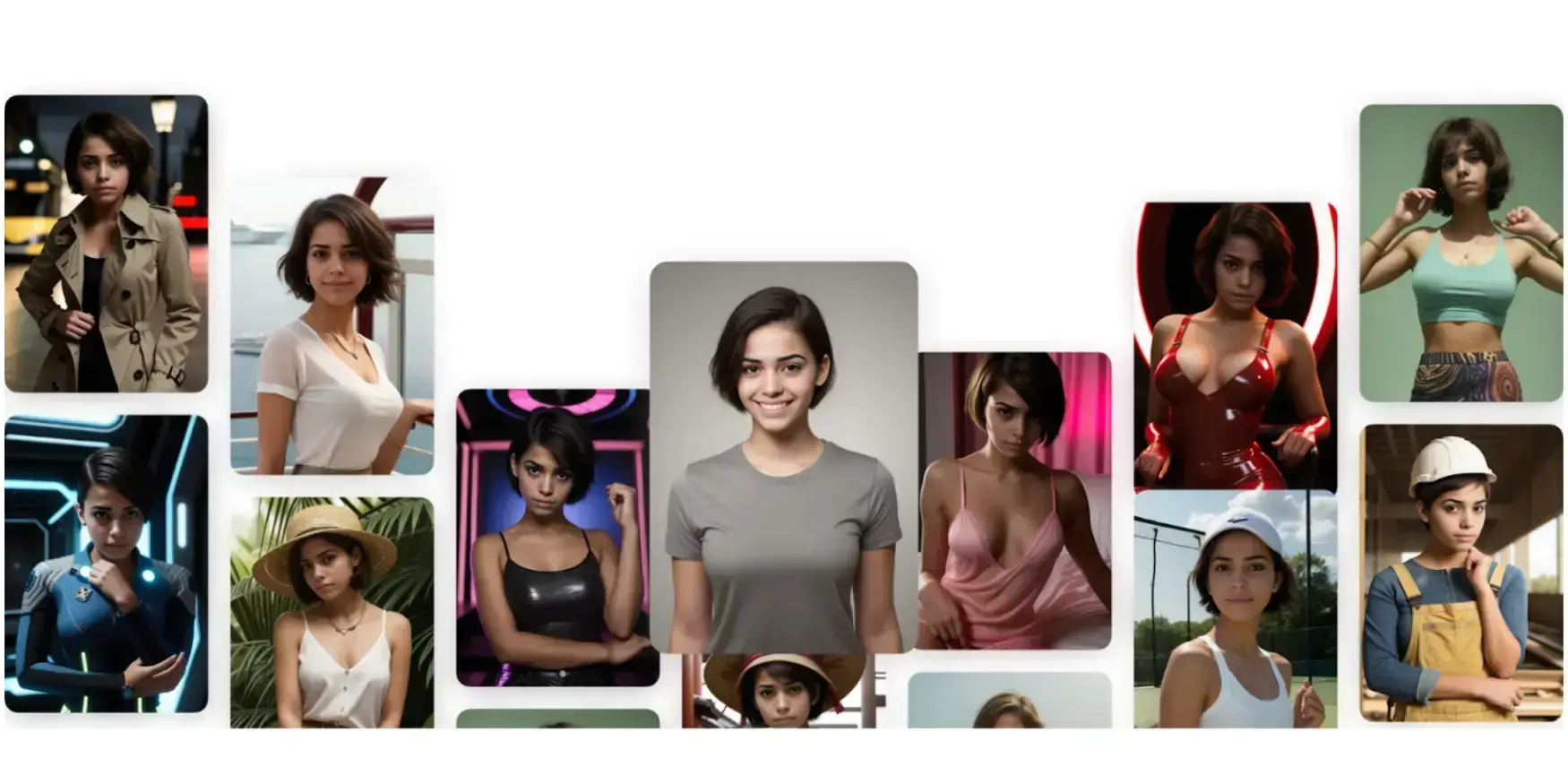
Source: GenYOU
Ethical Considerations and Digital Identity
GenYOU trains its model using uploaded photos. Users may delete their images at any time.
Ethical considerations include:
- Transparency about AI-generated images in professional contexts
- Awareness of policies regarding synthetic media
- Appropriate use cases for AI self-representation
Transparency in AI-Generated Images
As AI-generated imagery becomes common, authenticity concerns grow.
Platforms increasingly develop policies addressing synthetic media, so staying informed is key.
Common Use Cases for GenYOU
GenYOU portraits can be used for:
- Social media
- Creative projects
- Personal enjoyment
- Professional uses (with disclosure)
- Consistent visual identity across platforms
This democratizes high-quality portrait creation previously limited to pros.
The Future of AI Portrait Generation
Future advancements may offer:
- Greater detail accuracy
- Better expression/pose control
- Improved lighting and integration
- Expanded stylistic options
GenYOU represents a major step toward accessible, high-quality portrait generation.
 Mick Essex
FAQ about GenYOU
1. How does GenYOU maintain facial consistency?
By building a personalized model from uploaded photos and using advanced neural networks.
2. Is GenYOU free to use?
Yes, but free outputs are watermarked and publicly visible.
3. What photos work best?
Clear, well-lit images from multiple angles.
4. Can I delete my photos?
Yes, users may remove their images at any time.
Conclusion
GenYOU demonstrates how AI is reshaping personal image creation. While powerful and flexible, responsible use requires understanding both benefits and limitations.
As with any emerging technology, the best results come from blending technical potential with thoughtful application.

Author Bio
Alex Carter is a tech writer and AI enthusiast focused on digital creativity and emerging tools in visual media. With a background in media studies and a passion for human-AI collaboration, Alex explores how platforms like GenYOU are reshaping self-expression and digital identity.