
Widgets for websites are functional elements designed to improve visitor engagement, guide visitors, and add capabilities that core site architecture might not provide.
But the difference between a widget that works for you and one that works against you often comes down to execution.
Many brands add widgets with the best intentions. Think social feeds, lead generation docs, sign-up, or pop-up contact forms.
But they overlook the potential downsides. Poorly chosen or implemented widgets can create distractions, confuse users, or fail to deliver results.
When widgets are part of that friction, they hurt user experience (UX) and can quietly erode customer trust and revenue.
Here, we talk about the most common mistakes brands make when adding web widgets and how to fix them, so you can keep the features visitors love without sacrificing performance and usability.
Common Widget Mistakes (and How to Avoid Them)
Website widgets can be powerful tools for improving the user experience, adding functionality, and guiding visitors toward conversion.
But not all widgets deliver the results brands expect. Understanding the most common widget mistakes and how to avoid them can help you make smarter choices that enhance your site rather than hurt it.
1. Overloading the Website With Too Many Widgets
Widgets are like seasoning. Used sparingly, they enhance the experience. Overdo it, and the whole dish is ruined.
Visitors may get distracted or leave before taking action.
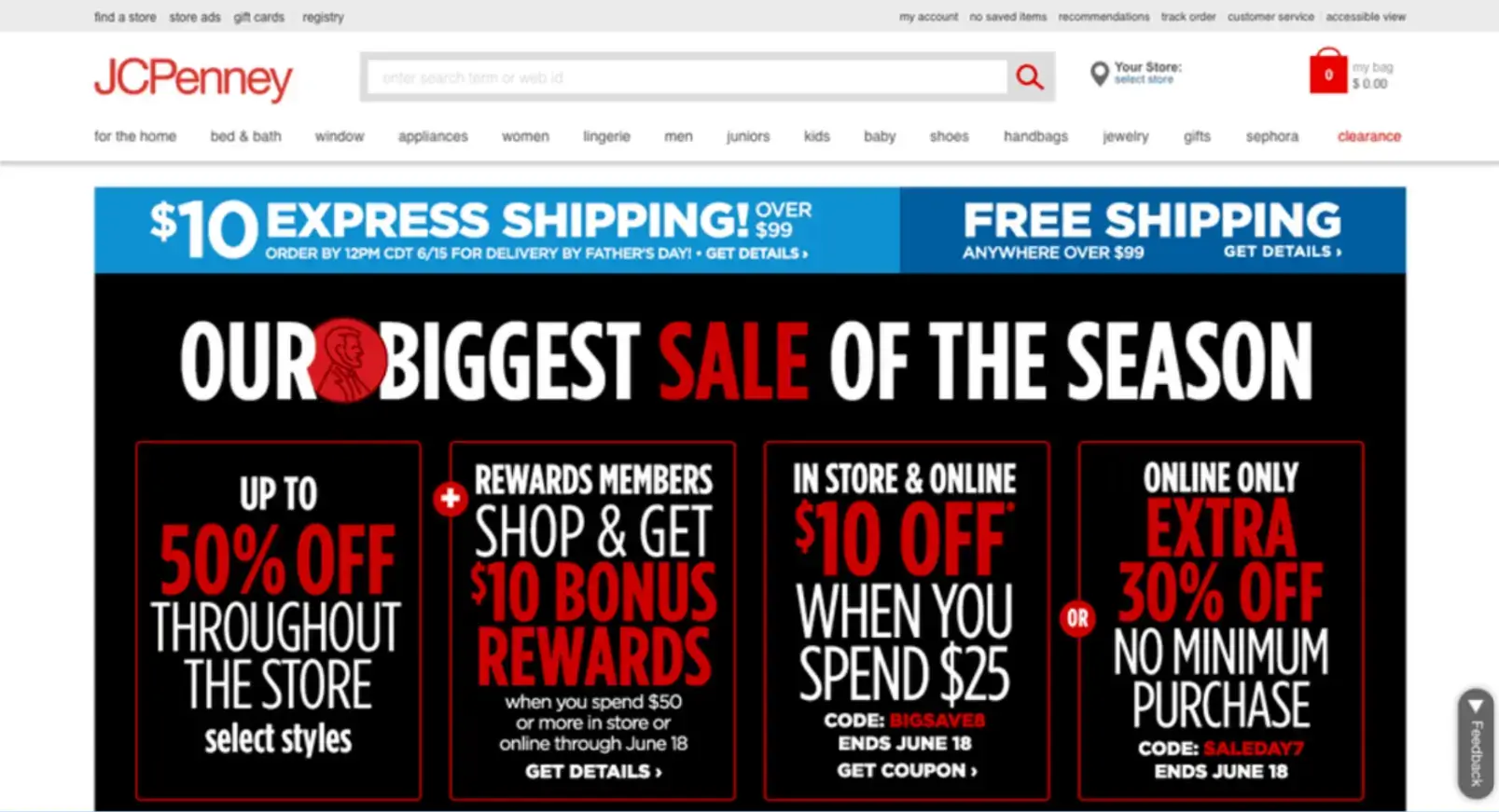
Image source: EyeQuant
How to fix it:
- Audit your website widgets and remove any that don’t directly support your main goals.
- Limit active widgets to a few high-impact ones.
- Use heatmaps, analytics, and insights to see which widgets users engage with.
2. Choosing Irrelevant or Off-Brand Widgets
Widgets that don’t fit your audience or brand tone can feel out of place and undermine credibility.
For example, a minimalist, high-end jewelry site that features an animated weather forecast widget can feel jarringly out of place.
How to fix it:
- Choose widgets that reinforce your brand’s tone, design style, and messaging.
- Prioritize widgets that directly serve your audience’s goals or your site’s core objectives.
- Avoid adding widgets just because competitors are using them. Evaluate their relevance first.
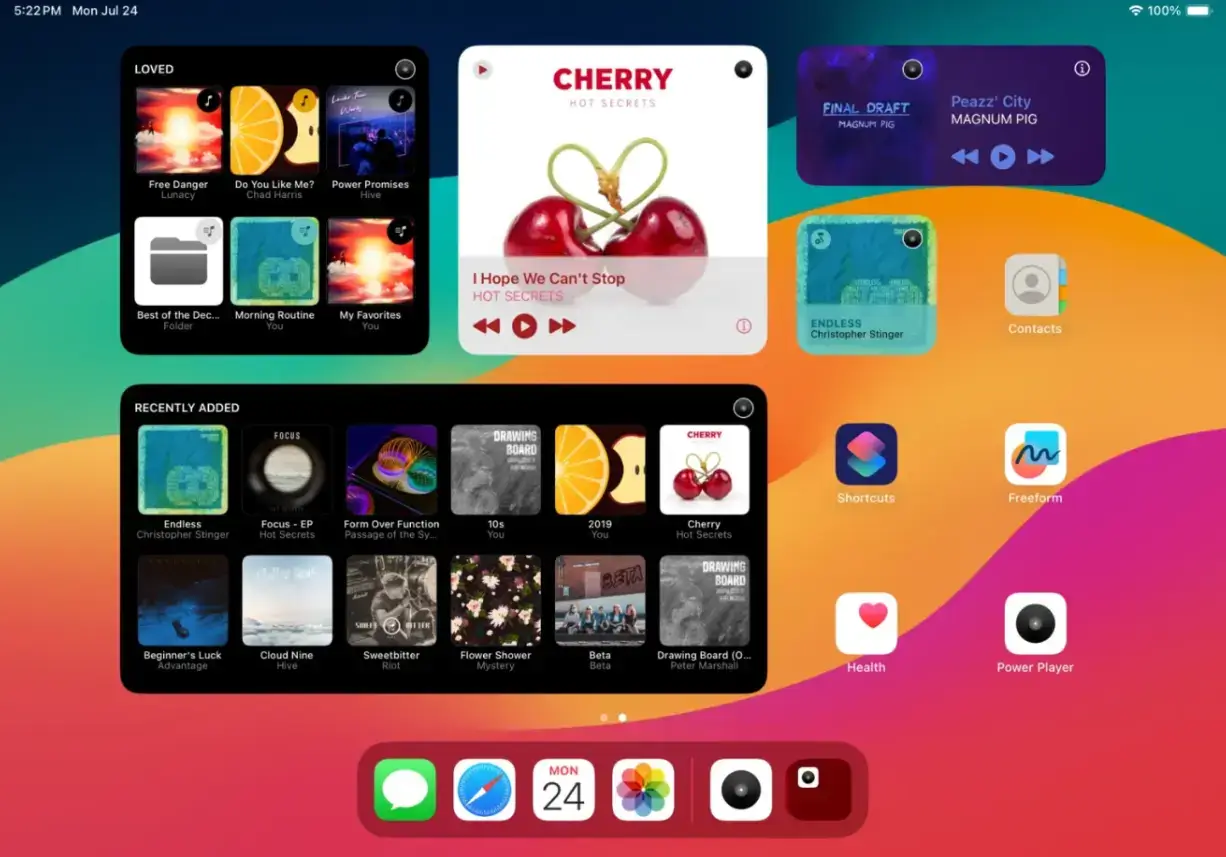
3. Ignoring Mobile Optimization
Mobile devices generate the majority of website traffic. That said, a widget that only works well on desktop is a major liability.
A contact form, booking website widget, job listing tool, or product reviews carousel that fits perfectly on a desktop screen may become tiny or unreadable on a phone. This forces users to pinch and zoom or scroll excessively.
How to fix it:
- Test widgets on multiple screen sizes and devices before launch.
- Choose mobile-responsive widgets that adapt seamlessly to any layout.
- Adjust spacing, font size, and interaction areas for easy tapping on mobile.
Source: TechCrunch
4. Using Widgets That Slow Page Load Times
A widget might offer great functionality, but if it’s bloated with heavy scripts or unoptimized assets like heavy social proof integrations, session replay scripts, or large Google My Business embeds, it can significantly delay page rendering.
Slow widgets can also hurt SEO; search engines factor page speed into rankings to improve data enrichment. Over time, this results in fewer website visitors, reduced user engagement, and ultimately, lower revenue.
How to fix it:
- Opt for lightweight web widgets designed for performance.
- Load widgets asynchronously to prevent blocking other page elements.
- Monitor site speed regularly and remove or replace widgets that drag down performance.
5. Failing to Customize Widgets for Your Brand
Default widget designs rarely match your brand’s aesthetic.
Using them as-is can make your site look inconsistent or “piecemeal,” as though different sections belong to other brands.
This can also undermine trust and make the site feel less professional.
How to fix it:
- Match widget fonts, colors, and button styles to your brand guidelines.
- Replace generic placeholder text with your own brand voice.
- Ensure the design blends seamlessly with surrounding site elements.
6. Neglecting Accessibility
If it's not accessible, an otherwise functional widget can become a barrier for users with disabilities.
So, your customer service chat widgets, online contact forms, or CRM solutions, such as customer profile management, should be just as accessible as your site’s navigation.
Missing alt text, poor keyboard navigation, and incompatibility with screen readers all create obstacles that can exclude a portion of your audience.
How to fix it:
- Use WCAG-compliant, accessibility-tested widgets.
- Include alt text, ARIA labels, and keyboard-friendly navigation.
- Test your site’s widgets using accessibility evaluation tools.
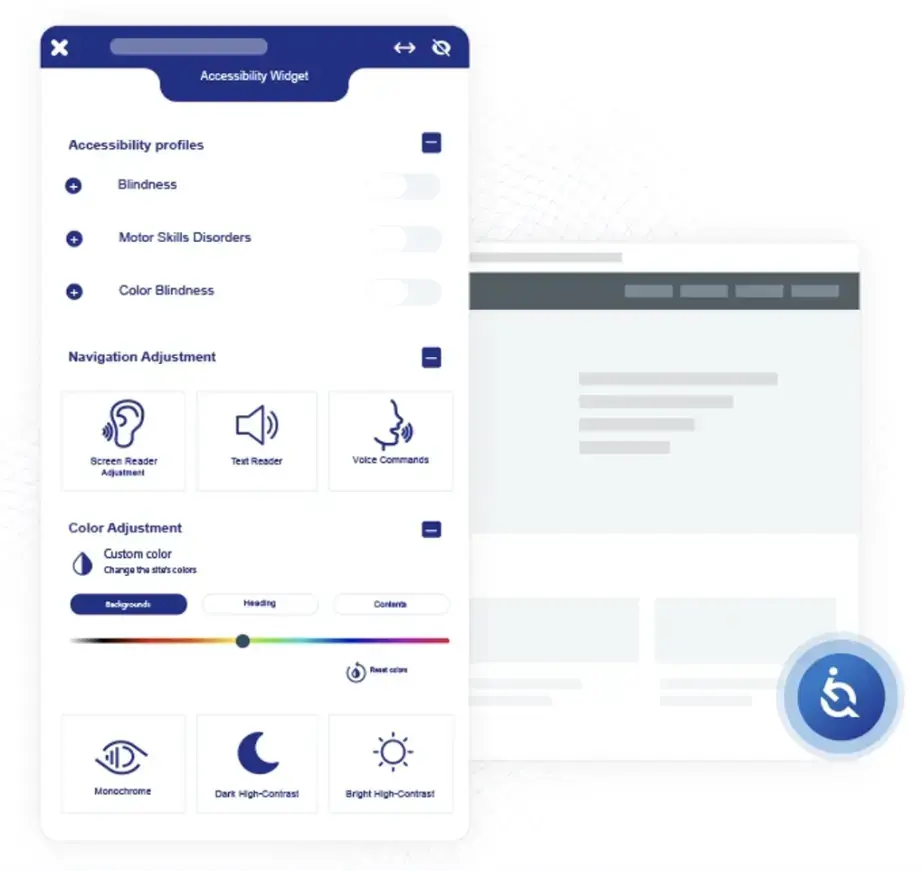
Image source: aim DENTAL MARKETING
7. Not Tracking Widget Performance
Without tracking, it’s impossible to know whether a widget is helping or hurting your site’s goals. A widget might look great but drive little to no website engagement… or, worse, create friction in the user journey.
How to fix it:
- Add event tracking for clicks, completions, and interactions.
- Monitor performance in website analytics platforms and compare results over time.
- A/B test different website widget placements, designs, or functionalities.
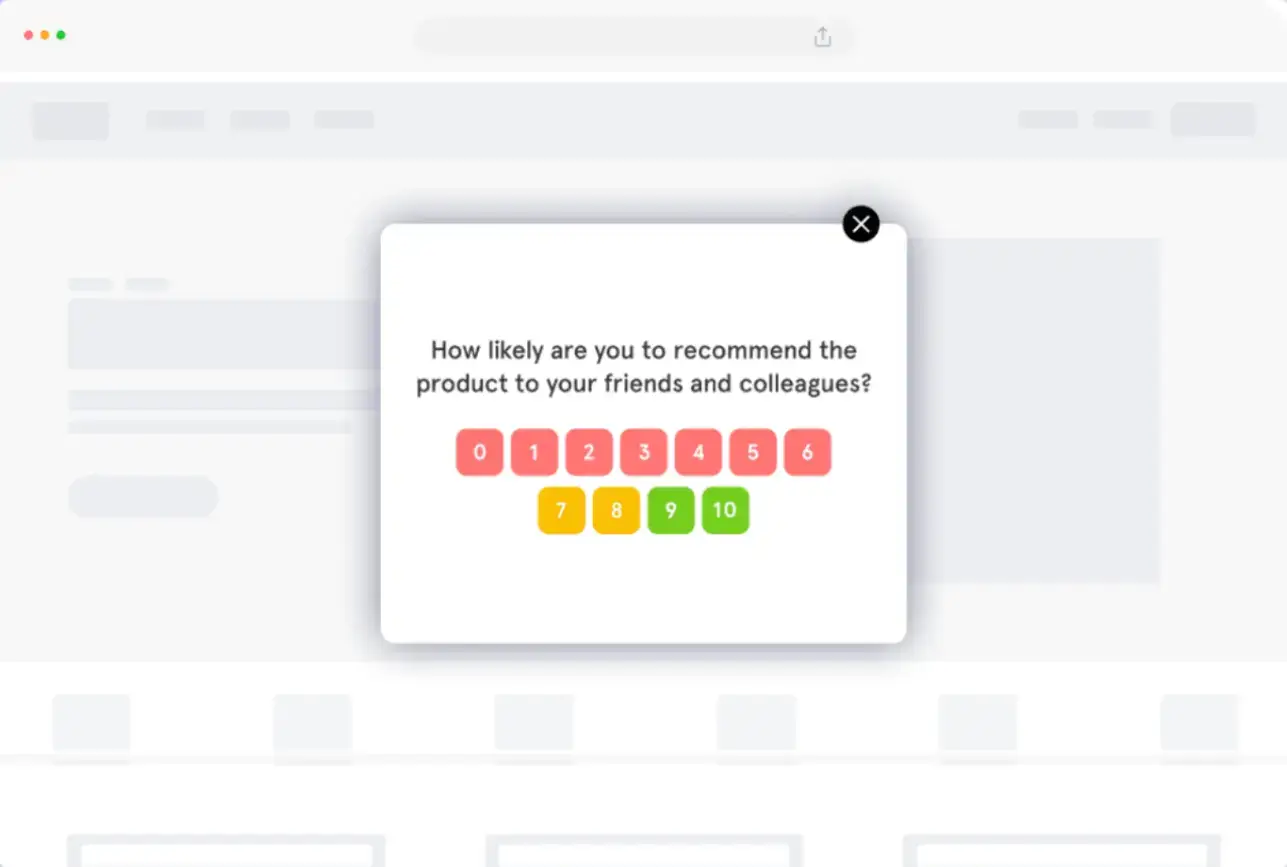
8. Using Intrusive or Distracting Widgets
Some widgets demand too much attention.
These tactics might catch the eye visually, but they often annoy visitors and interrupt their browsing experience, which can drive them away.
How to fix it:
- Delay pop-triggers until a visitor has spent time on the page.
- Use animations sparingly and keep them relevant to the content.
- Make sure your web widgets never obscure critical navigation or content.
Source: Zonka
FAQs About Website Widgets
1. What are website widgets?
Web widgets are small, functional elements (such as chat boxes, calendars, or customer review carousels) that add features to a site without requiring full-scale development. They help improve user engagement, guide navigation, and provide extra functionality.
2. Do too many widgets slow down a website?
Yes. Widget codes and scripts can affect load times. Using too many website widgets, or heavy ones, creates lag, which frustrates visitors and lowers SEO rankings.
3. How can I tell if a widget is performing well?
Website owners can track widget performance through analytics tools. Look at metrics such as click-through rates, conversions, and time on page. A/B testing different placements and designs also helps measure effectiveness. (For more guidance you can reach out to customer support).
4. Are all widgets mobile-friendly by default?
No. Some widgets are optimized for desktop use and may disrupt layouts on smaller screens. Always test widgets on multiple devices to ensure they’re responsive and easy to use on mobile.
5. What makes a widget accessible?
Accessible widgets follow WCAG standards. They include alt text, ARIA labels, keyboard navigation, and screen reader compatibility. Choosing compliant widgets ensures no user is excluded.
Conclusion
Your site’s widgets should never be an afterthought. Each one adds code, changes the page flow, and influences how visitors interact with your site.
Choose the wrong widget or let it go without maintenance, and you risk slowing performance, breaking layouts, or creating accessibility barriers.
Treating website widgets as part of your site’s core functionality keeps them accountable to the same standards as any other feature.
Start choosing your widgets strategically and maintaining them well, and they’ll become measurable contributors to your site’s goals.

Author Bio
Ryan Robinson is a blogger, podcaster, and (recovering) side project addict who teaches 500,000 monthly readers how to start a blog and grow a profitable side business at ryrob.com.