
A site's aesthetics grab people's attention, yet strategic implementation of high-powered plugins turns the mere brochure site into a high-performance sales machine. Plugins are created to maximize conversion, improve the customer experience, and multiply your average order value (AOV).
This thorough analysis explores five must-have plugins with a detailed discussion of their key functions and deliverable value for concrete business enhancements.
Why Plugins Are Essential for Online Business Growth
Plugins are not add-ons; they are fundamental blocks of a thriving online commerce environment. They provide fundamental functionality without hours of custom coding as standalone solutions for an entire array of tasks.
They influence business outcomes through:
- Capturing Lost Sales: Simplifying critical actions such as cart restoration and email reminders.
- Growing User Experience (UX): As the basis for conversion rate optimization.
- Establishing Trust: Creating social proof and trust in order to build customers' confidence and break through buying resistance.
- Streamlining Checkouts: Minimizing friction to create a seamless, pleasant experience, whether it's furniture, clothing, or even a tiny house for sale in Nebraska.
The 5 Best Plugins to Drive More Sales
1. Abandoned Cart Recovery Plugin

This plugin is a much-needed solution for e-commerce's largest problem: cart abandonment. It sends on-time, targeted emails to abandoned product customers and recovers lost sales.
- Key Fact: 70.19% of online shopping carts are abandoned, reports Baymard Institute.
- Best Practice: Emails must be sent within the 1-24 hour conversion window.
- Optimization: Adding a discount promo code or adequate incentive is a powerful persuader to tip the buy.
“According to Baymard Institute, 70.19% of online shopping carts are abandoned.” - Shopify
2. Customer Retention and Loyalty Plugin
While attracting new customers is vital, retaining existing ones is what drives sustainable growth and long-term revenue.
These tools often include features like rewards programs, referral incentives, birthday discounts, VIP tiers, and personalized email marketing.
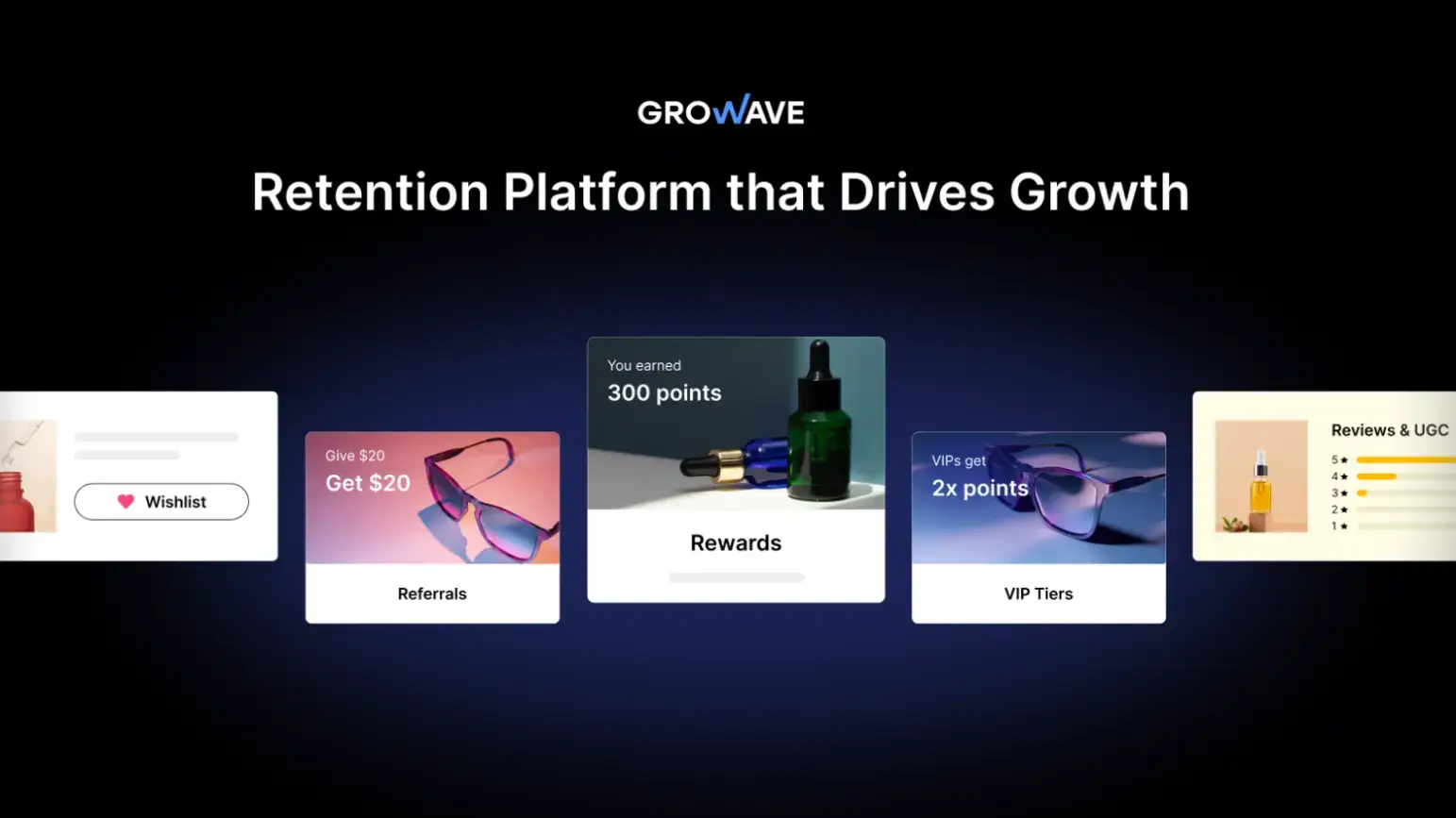
Growave is a good app example for customer retention and loyalty, as it offers a comprehensive suite of features, including loyalty points, wish lists, referrals, reviews, and Instagram UGC.
By integrating all these tools into a single platform, Growave helps Shopify stores foster deeper relationships with their loyal customers, rewarding ongoing interaction and making shoppers more likely to return.
3. Upsell and Cross-Sell Plugin

Achieving the objective of AOV push, this plugin rightly presents additional or better products to shoppers.
- Upselling makes a customer purchase a higher or premium product variation that was chosen.
- Cross-selling: add-on complementary products to accompany the original purchase (e.g., batteries to accompany a toy).
“Effective upselling and cross-selling strategies typically increase Average Order Value by 10-40%.” — OpenSend, “7 Upsell / Cross-sell Take Rate Statistics”
This is a high-powered, low-friction process, not just earning income but enhancing the quality of the customer shopping experience.
4. Live Chat and AI Chatbot Plugin

There is nothing to replace on-the-fly customer assistance for retention and encouragement. These plugins offer on-the-fly assistance, with answers being given instantly.
- Live Chat offers instant human touch for complex issues.
- AI chatbots offer responses to FAQs 24/7.
This real-time, one-on-one engagement builds trust and avoids cart abandonment as a result of unanswered questions, allowing customers at every touch point.
5. Analytics and Heatmap Plugin

The plugin provides actionable, data-based insights into users through visually displaying users' clicks, scrolls, and leaving your site. Solutions such as Hotjar and Microsoft Clarity are treasure chests of goldmine information.
You may make data-driven decisions using this data to redesign your site. Site performance optimization also includes visual optimization, e.g., applying an image resizer for better page speed and engagement.
Bonus Tip: Besides heatmap tracking and analytics, the most essential metric you should always keep an eye on is net profit. To monitor it accurately, you’ll need a professional profit-tracking tool. If you’re using Shopify, we recommend TrueProfit — one of the highest-rated profit-tracking software on the Shopify App Store.
How to Choose the Right Plugin for Your Business
Plugin choosing needs to be done sensibly to facilitate smooth operation and site performance.
- Smooth Integration: The plugin should be smoothly compatible with your existing platform (e.g., WordPress, Shopify).
- Lightweight Design: Use plugins with decent quality code without overloading more than needed in extras; slow loading also damages UX and search engine rankings.
- Mobile Responsiveness: Make the UI and plugin functionality fully mobile-compatible with all devices, considering the enormous prevalence of mobile commerce.
- CMS Compatibility: The plugin should be specific to your Content Management System (CMS) to prevent technical and security problems.
- Performance Analytics: Utilize plugins that already have analytics integrated to track their performance and Return on Investment (ROI).
Common Mistakes to Avoid

- Plugin Overload: There will be too many plugins significantly slowing down your site and destroying user experience and SEO, too.
- Missing Out on Updates: Old plugin versions are a gigantic security risk and performance deterrent. Updates aren't optional.
- "Set and Forget" Attitude: The performance benefit of a plugin is only derived when the performance metrics of a plugin are monitored. Do not overlook performance data.
Step-by-Step Plugin Setup and Optimization Guide
- Selection: Select a plugin that best accomplishes a key business objective (e.g., boosting AOV, minimizing cart abandonment).
- Installation: Intentionally install the main parameters of the plugin according to your business's specific requirements.
- Testing: Conduct thorough testing in desktop and mobile interfaces to achieve smooth performance and a zero-problem user experience.
- Monitoring Performance: Monitor vital performance metrics for a minimum of 2-4 weeks to draw firm conclusions.
- Fine-Tuning: Tune the plugin parameters based on your data-driven conclusions. If something is not performing, be prepared to replace it with an even superior alternative.
Frequently Asked Questions
1. What plugin will yield the greatest return on investment?
Cart recovery plugins will yield the largest sales increase by going after customers who have already demonstrated the intent to purchase.
2. Won't excessive plugins destroy site performance?
Yes. Excessive plugins will significantly slow down your site, devastating search rankings and user experience.
3. Are plugins a significant cost drain?
No. All of them have a free version or a low-cost subscription, so they are a good and budget-friendly choice for businesses of any size.
4. How do plugins safeguard customer data?
Good plugins are designed with high-level security controls and updated appropriately so sensitive customer data cannot be hacked and breaches can be prevented.
5. What is the single most important factor to keep in mind when choosing a plugin?
Your compatibility on the said platform and its minimal impact on your site speed are the two greatest worries.
Conclusion
A smart implementation of these five plugins is a business game changer for you. You will regain lost sales, increase consumer trust, and trigger conversions by orders of magnitude.
We recommend starting with a high-ROI device such as a cart recovery or loyalty plugin. Monitor its performance from time to time, and when your business is growing, add more tools gradually.
Do it right now, get your first plugin, and send your sales chart soaring in weeks.

Author Bio
James Elias is a Link Building & Outreach Specialist at educba.io. He focuses on building strong digital partnerships and creating effective SEO strategies that drive measurable growth.