

Short-form video content continues to dominate digital platforms. From creators trying to make it on TikTok and YouTube Shorts to brands repurposing webinars for Instagram Reels, the demand for tools that simplify video clipping is rising fast.
In this evolving landscape, AI-powered editors are no longer luxuries—they're must-haves.
5 Best AI Clip Makers:
Source: Pexels
But which tools actually deliver results?
If you're in the market for an AI Clip Maker, here’s a fresh look at five platforms leading the charge. One stands out for its seamless workflow, but all bring unique value depending on your content goals.
 Gaukhar Murzagaliyeva
Pictory
Overview
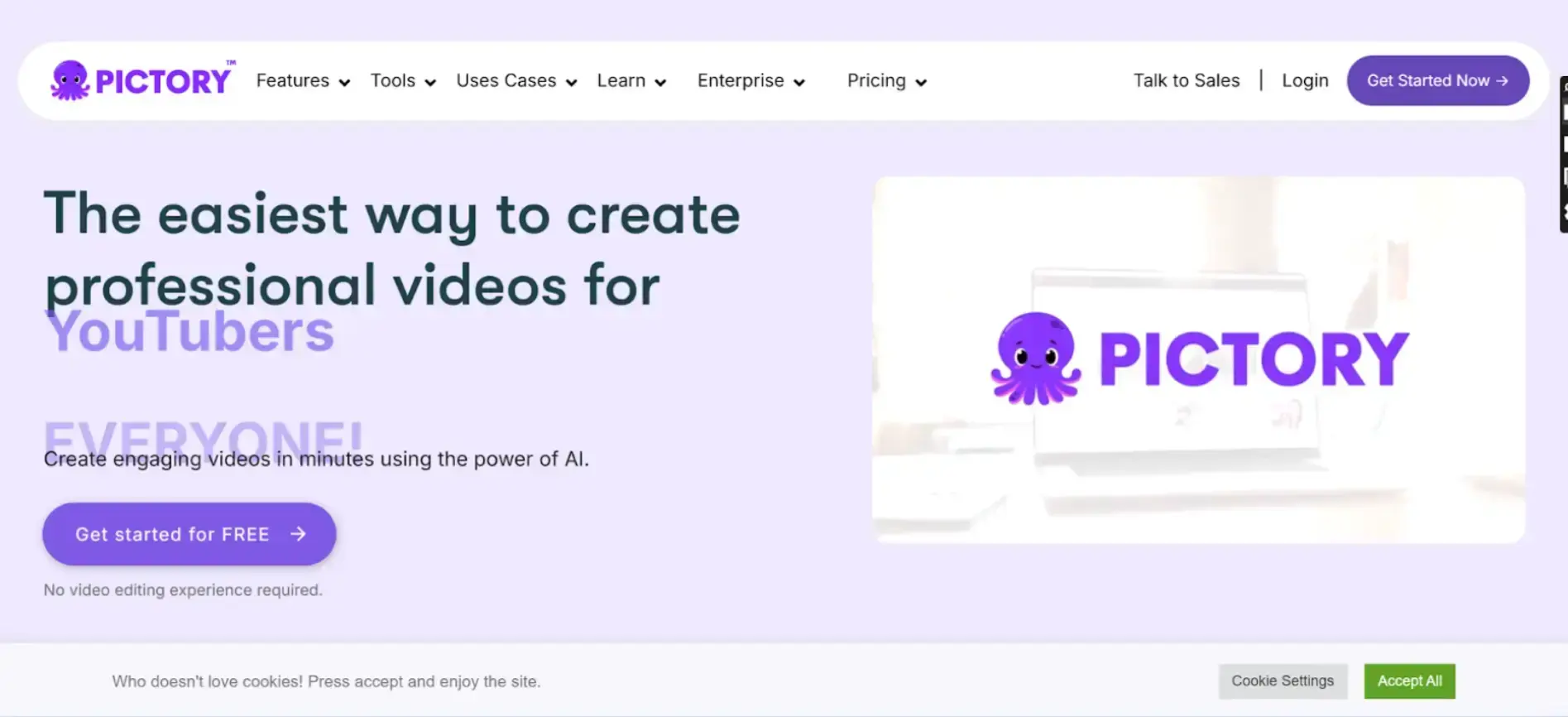
Pictory uses AI to transform long videos or text-based content into short, engaging highlights. It’s popular among marketers and social media managers aiming to produce snackable clips from webinars, podcasts, and blogs.
Features
- Script-to-Video Conversion: Turn blog posts or text scripts into videos with visuals and voiceovers.
- Auto Highlights: Extracts key moments automatically from long-form videos for social media.
- AI-Powered Captioning: Generates accurate subtitles to boost accessibility.
- Branded Templates: Offers customizable themes, fonts, and logos.
- Bulk Processing: Upload multiple videos for batch editing.
Pictory is perfect for turning lengthy content into short videos, but doesn’t offer detailed manual editing options.
Wisecut
Overview
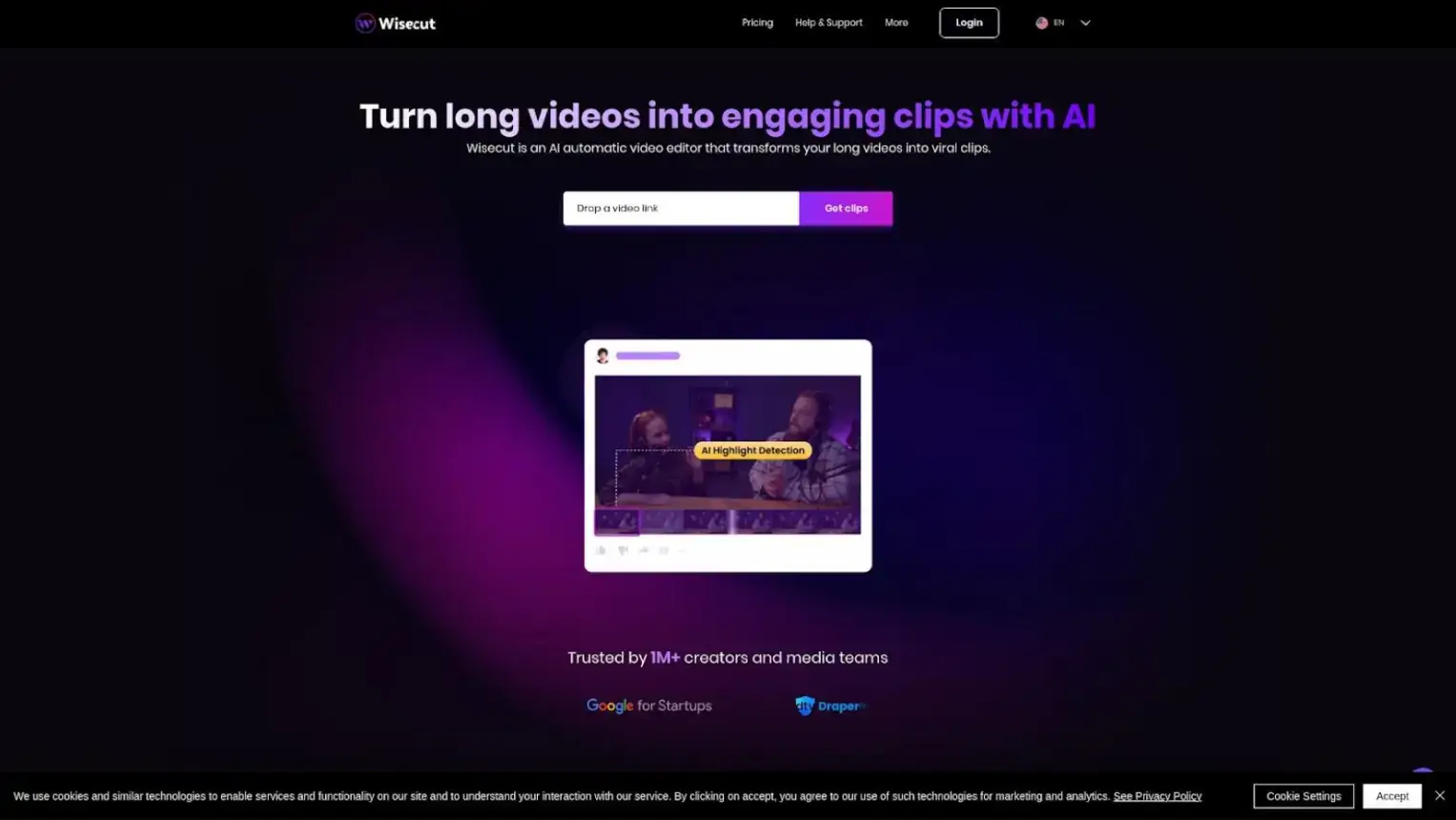
Wisecut approaches video editing through automation, focused on dialogue and pacing. Ideal for course creators, YouTubers, and presenters.
Features
- Auto Remove Pauses: Eliminates silent gaps for smoother delivery.
- Voice-to-Text Subtitles: Creates multi-language subtitles.
- Audio Ducking: Adjusts music volume to enhance speech clarity.
- Script-Based Editing: Uses transcripts to edit via dialogue timeline.
Wisecut refines long-form videos but isn’t built primarily for short-form highlight creation.
Turn short-form videos into on-site engagement 🚀
Creating viral clips is only half the job — the real win is keeping that attention on your website. With POWR Social Feed, you can automatically display your TikTok, Instagram Reels, and YouTube Shorts in a beautiful, shoppable social feed that keeps visitors scrolling longer.
Show your best short-form video content exactly where it converts — on your homepage, landing pages, or product pages.
Opus Clip
Overview
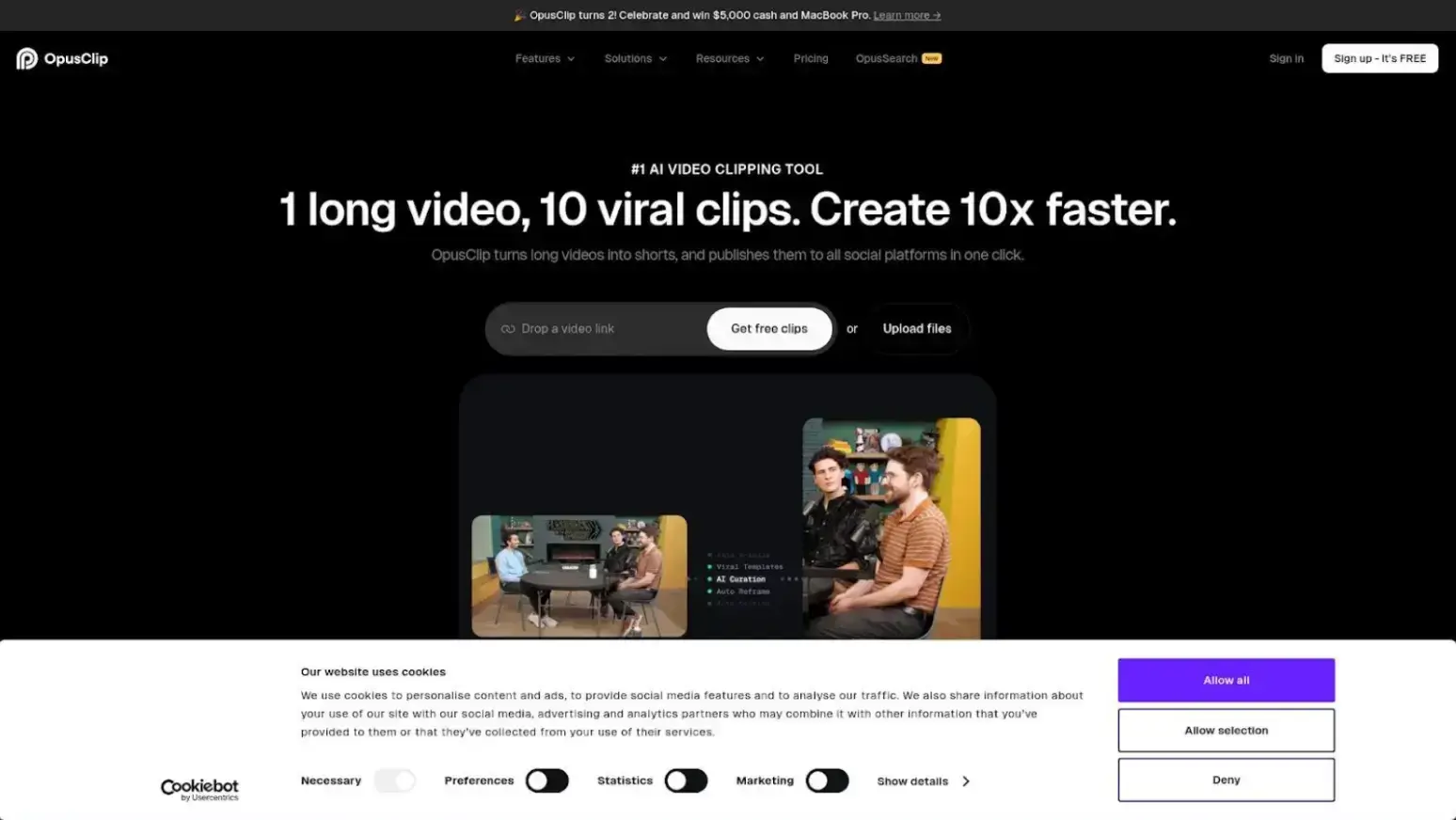
Opus Clip acts like a social-video autopilot, automating transformation and distribution for creators who want minimal manual input.
Features
- AI Clip Scoring: Assigns “viral scores” to segments to highlight engaging moments.
- Animated Captions: Adds dynamic text overlays.
- Smart Zoom & Cut: Adjusts framing for vertical output.
- Music Matching: Automatically suggests background music.
Opus Clip’s automation is impressive but sometimes benefits from manual refinement.
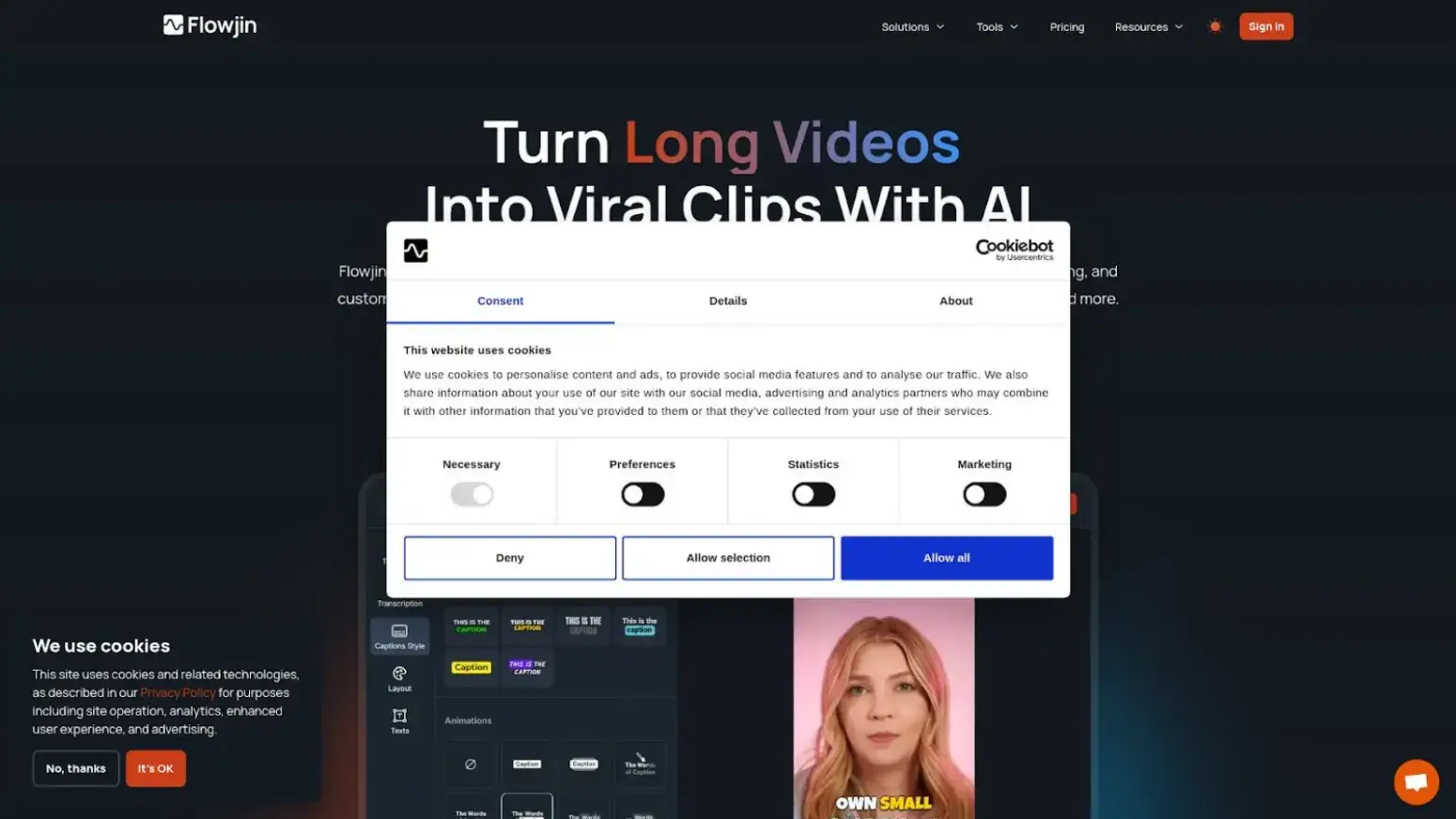
Flowjin
Overview
Flowjin specializes in converting podcasts and interviews into short videos. Perfect for audio-first creators building a video presence.
Features
- Speaker Detection: Highlights key voices.
- Waveform Animations: Adds visual motion to audio clips.
- Topic-Based Snippets: Identifies clips by theme or keyword.
- Host Integration: Syncs with Spotify and Buzzsprout.
Best for podcast repurposing — less ideal for traditional video editing workflows.
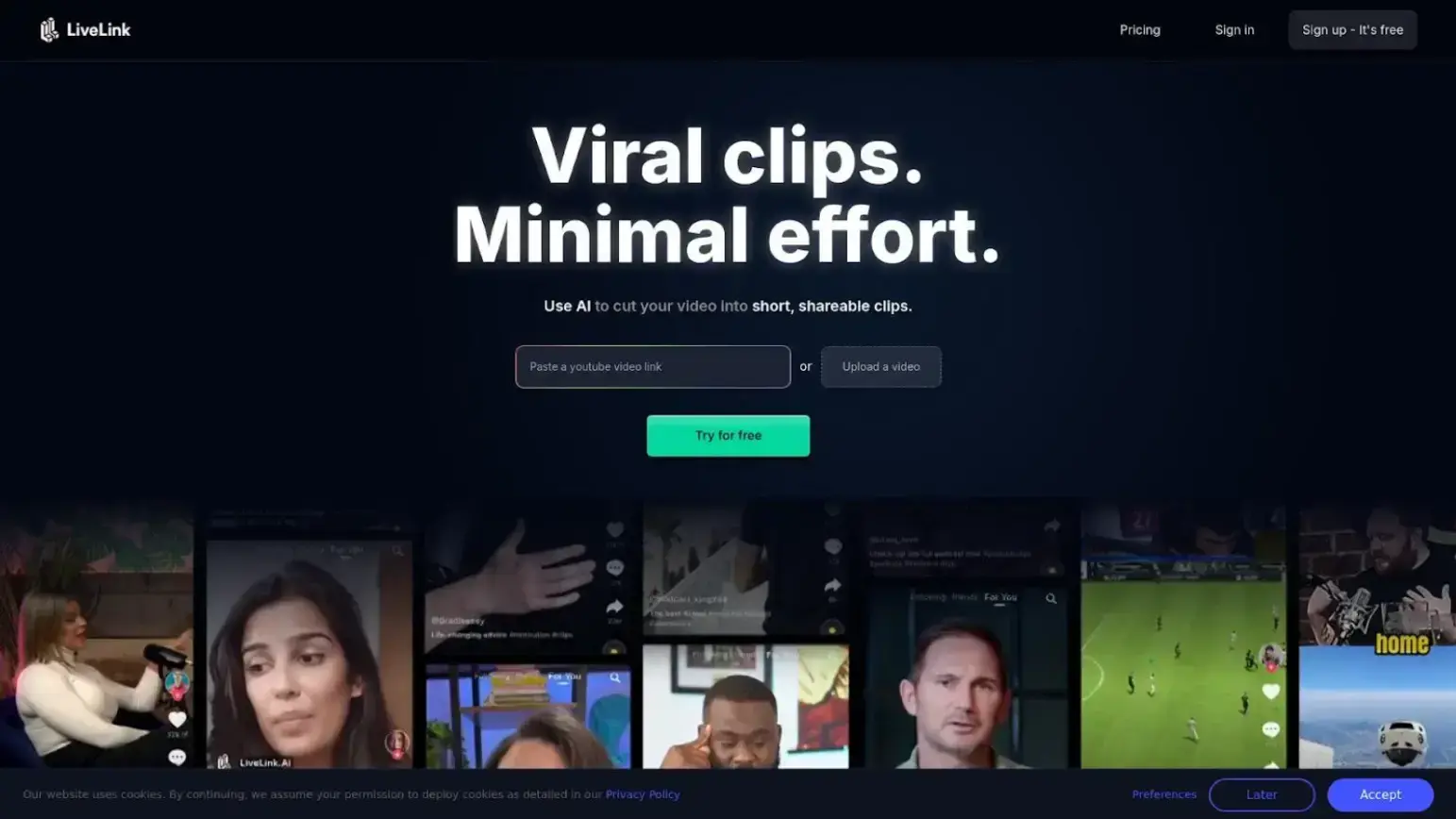
LiveLink
Overview
LiveLink blends AI editing with teamwork. It’s made for agencies and teams who need shared feedback and workflow visibility.
Features
- Team Collaboration Tools: Assign tasks, comment, and share feedback.
- Scene Recommendations: Suggests edits based on tone and engagement.
- Platform Previews: Shows how clips look on TikTok or Reels.
- Script Syncing: Matches scenes to Notion or Google Docs.
Excellent for teams, but overkill for solo creators.
Why Repurposing Long Videos Matters More Than Ever
Long-form video content — be it webinars, interviews, educational sessions, or livestreams — represents untapped content potential.
Instead of creating brand new content from scratch, savvy creators repurpose existing footage into short, platform-optimized clips that maximize reach with minimal extra effort.
Short-form videos dominate social feeds:
- YouTube Shorts now supports clips up to 180 seconds and drives algorithmic visibility even for newer creators.
- TikTok’s Smart Split feature turns long clips into optimized short segments using AI tools built into the platform — demonstrating how creators don’t have to start editing from zero.
By leveraging AI, you can extract the most compelling moments — audience reactions, punchy quotes, lessons, product demos, or emotional highlights — and turn them into clips that trigger engagement, shares, and follows. That’s true for creators, marketers, educators, and even brands with longer internal videos.
More AI Tools & Use Cases to Try
Canva (AI Long-to-Short Converter)
Canva’s AI video converter automatically scans long videos and creates bite-sized highlights that you can export directly to TikTok, Instagram Reels, or YouTube Shorts without complex editing tools.
This is ideal for social teams who want quick repurposing with branded visuals.
Use case: A fitness coach uploads a 60-minute live class and extracts 15–30 second clips of key exercises with branded captions for Instagram Stories.
CapCut AI Clip Maker
CapCut — already familiar to many creators — offers a dedicated AI feature that converts long videos into short clips with auto-captions and smart trimming. It supports uploads from cloud sources (Drive, Dropbox) or local files, making it great for creators recording on the go.
Use case: A travel vlogger uploads a full day of footage and uses CapCut to automatically generate destination highlights optimized for Reels.
Podcastle AI Video Highlights
Podcastle lets you convert long videos into engaging clips using AI suggestions for the best segments and optional finishing touches like music and captions.
Use case: A podcaster repurposes a 90-minute episode into multiple clips spotlighting funny takes, insights, or listener Q&A moments tailored to different platforms.
VEED.IO AI Short Generator
With VEED’s AI, you can prompt the editor to focus clips on specific topics — for example, “show me the funniest moments” or “highlight key tips.” It’s useful when you want thematic shorts from long content.
VEED’s AI video models automatically analyze visuals, audio, and speech to detect moments worth clipping. This helps speed up short-form creation while keeping highlights relevant, engaging, and aligned with your content goals.
Use case: A cooking show creates ingredient tips videos from a longer tutorial, perfect for quick social posts.
FAQ: AI Clip Makers
Are AI Clip Makers easy for beginners to use?
Yes. Tools like Short AI and Opus Clip are beginner-friendly and require no editing experience.
Can I create multiple short clips from one long video?
Absolutely. Short AI and Opus Clip both support batch clip generation.
Can AI Clip Makers upload directly to social media?
Yes. Platforms like Opus Clip and LiveLink allow direct uploads or export-ready formats.
Are AI Clip Makers expensive?
Not at all. Many offer freemium plans or affordable subscriptions.
Do AI Clip Makers reduce video quality?
No. They maintain your original resolution and export optimized files.
Finding the Best AI Clip Maker For You
As short-form video demand grows, having an AI Clip Maker is essential.
Whether condensing a keynote, repurposing a podcast, or clipping a vlog, these tools save hours of editing.
They’re even transforming workflows for corporate training, product demos, and test management, helping teams produce quick, clear explainers.
If you need a simple, intelligent way to turn long videos into short, impactful clips — Short AI balances automation with creative control.
Smart, subtle, and fast — Short AI might just be the shortcut your content strategy needs.

Author Bio
Emily is an Outreach and Link-Building Specialist who helps websites grow through high-quality backlinks. She focuses on building real connections and boosting online visibility through smart, ethical outreach.