
The freelance position allows an individual to work from any location; however, the individual needs to possess remarkable organizational skills.
In the article, we explore nine tools and resources designed to make work easier for a freelancer, along with supporting statistics and other findings.
1. Notion
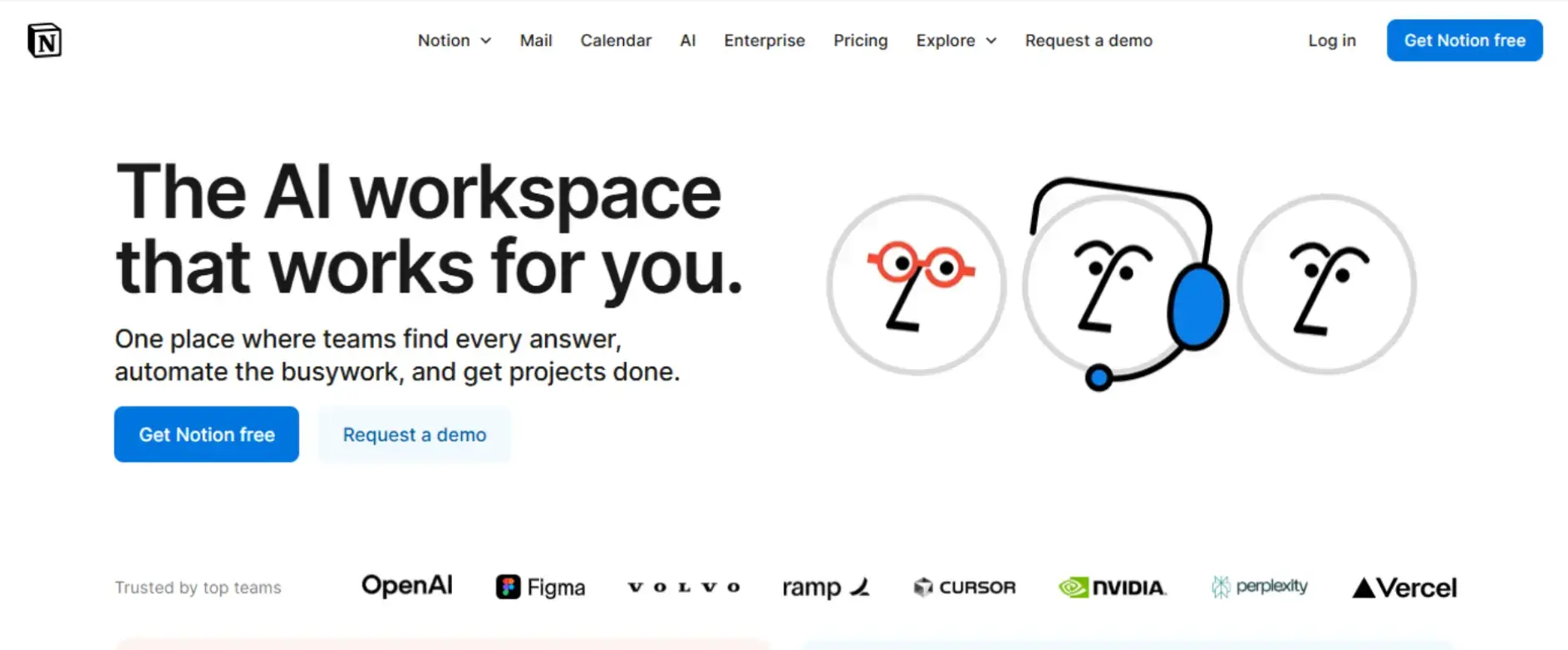
Notion is known to assist freelancers with integrating their work calendars, notes, databases, and other tasks. Notion users are able to customize dashboards for easier navigation and track project timelines for easy navigation.
Usage Stats: Notion helps users achieve better work organization and more productivity once they adopt the Notion platform.
Key Features:
- Integration templates with other apps, such as Google Drive and Slack.
- Collaborative tools meant for team members.
2. Trello
Trello is a project that utilizes a Kanban style board, making it easier for users to visualize, track, micro, project stages, progress, and assign work.
Usage Stats: Trello is widely used among freelancers for task management, with many praising its simplicity and effectiveness.
Key Features:
- Task management with drag-and-drop functionality.
- Enhanced functionality with Power-Ups.
- Google Drive and Slack integration.
3. Transkriptor
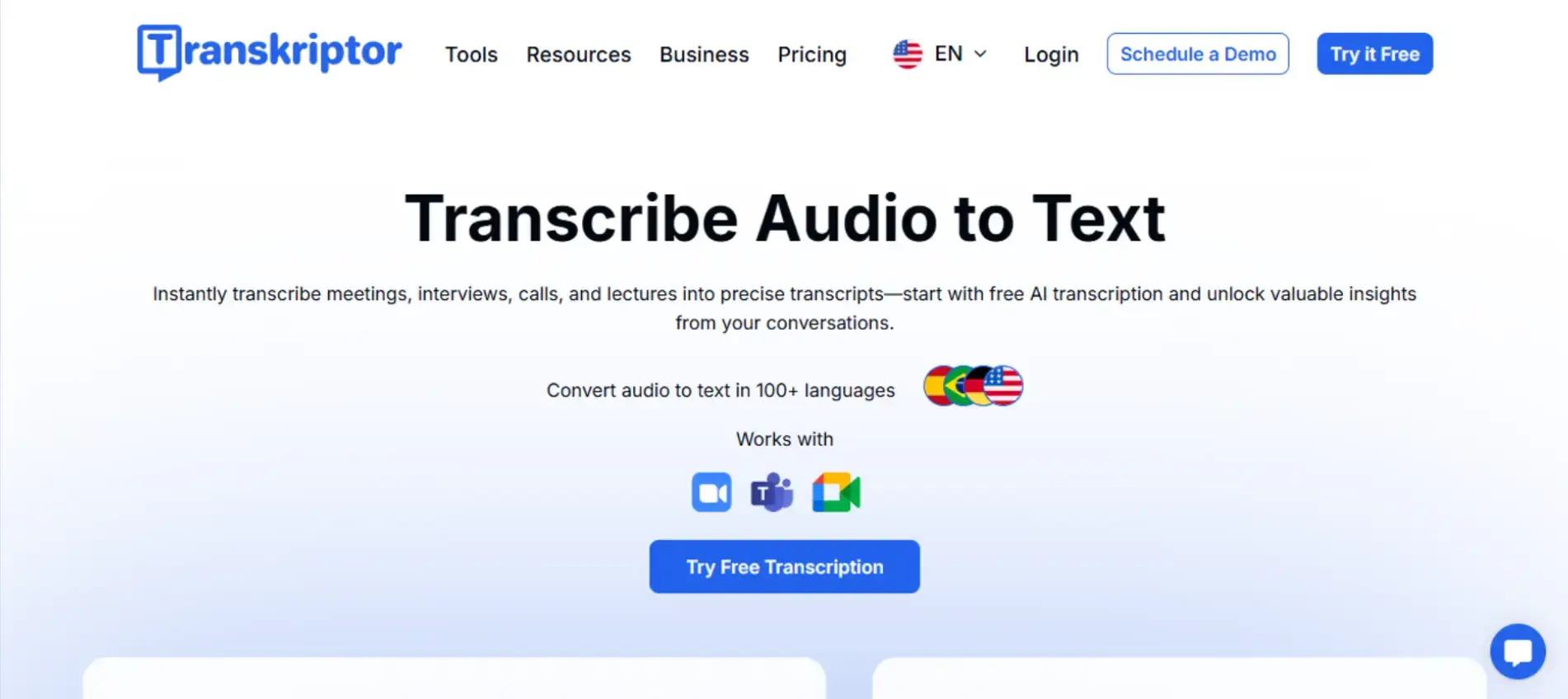
Transkriptor is a transcription app that uses AI to extract text from audio and video files. It is very accurate and can be used by freelancers to transcribe meetings, interviews, podcasts, and lectures.
Usage Stats: Freelancers in content creation and research fields have found Transkriptor invaluable for quickly converting audio content into written form.
Key Features:
- Over 100 languages are supported.
- Extremely accurate with a very fast processing speed.
- Various editing and exporting options.
4. Warmy

Warmy helps email marketers improve inbox placement with email warm-up, test campaigns with email seed lists, and gain deliverability insights to optimize their email performance.
Usage Stats: Users report higher open rates and improved email performance.
Key Features:
- Email warm-up to improve sender reputation
- Email seed list for testing campaigns before full deployment
- Deliverability insights to optimize inbox placement
5. Slack
Communication is critical for freelancers. Slack provides real-time messaging, channels, and file sharing, assisting freelancers in communicating swiftly and effectively.
Usage Stats: Many respondents remark on the use of Slack in freelance work for its seamless and effective interaction.
Key Features:
- Apps and services integration.
- Private and group messaging.
- Channels for specific work and discussions.
6. Speaktor
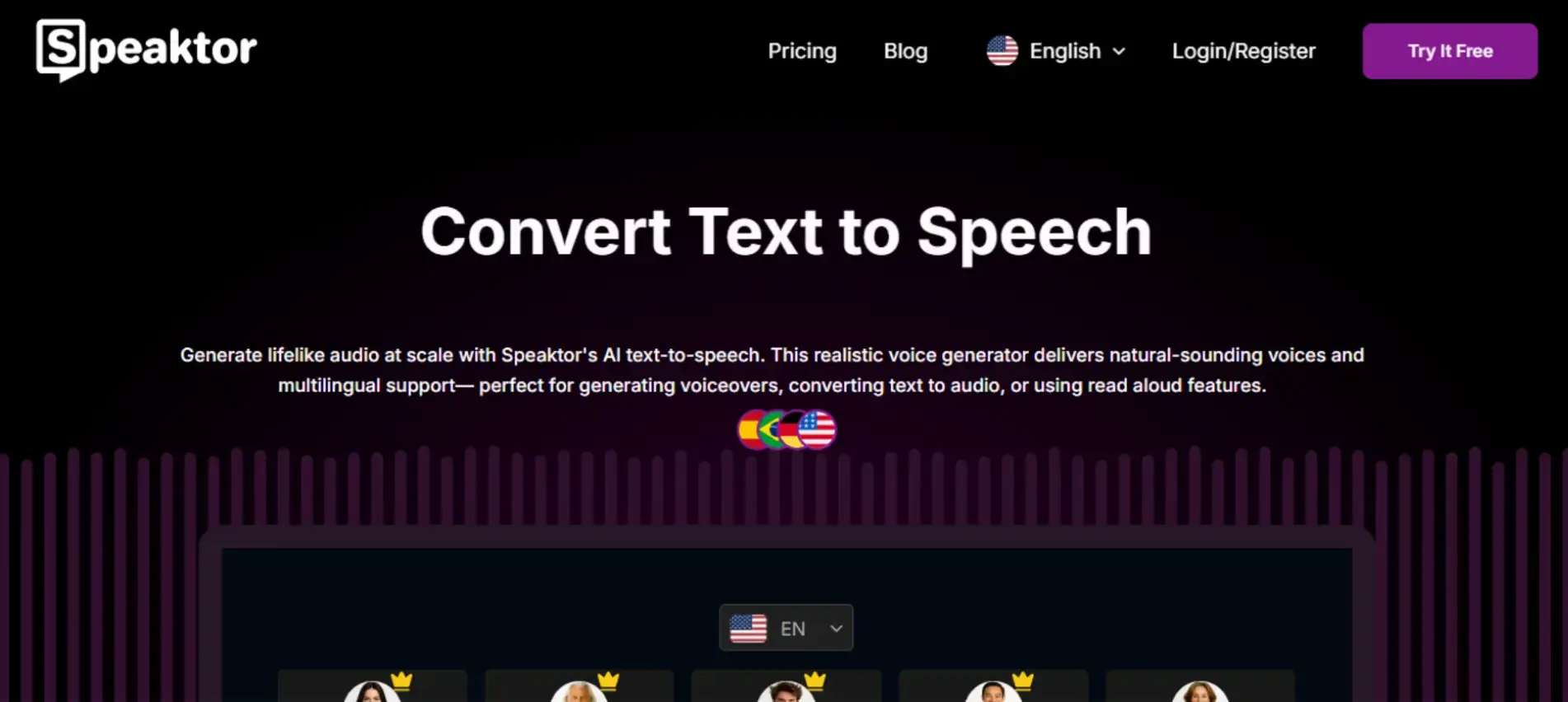
Speaktor is an AI text-to-speech software application that converts written text into audio speech in a way that sounds natural and smooth. It is especially useful for creating voiceover videos, audiobooks, and podcasts.
Usage Stats: Speaktor is used by freelancers in the media and education fields to convert written documents to audio files as a way of increasing ease of use and interactivity.
Key Features:
- Over 50 languages are supported
- Multiple voice selections
- Great quality audio files produced
7. Toggl Track
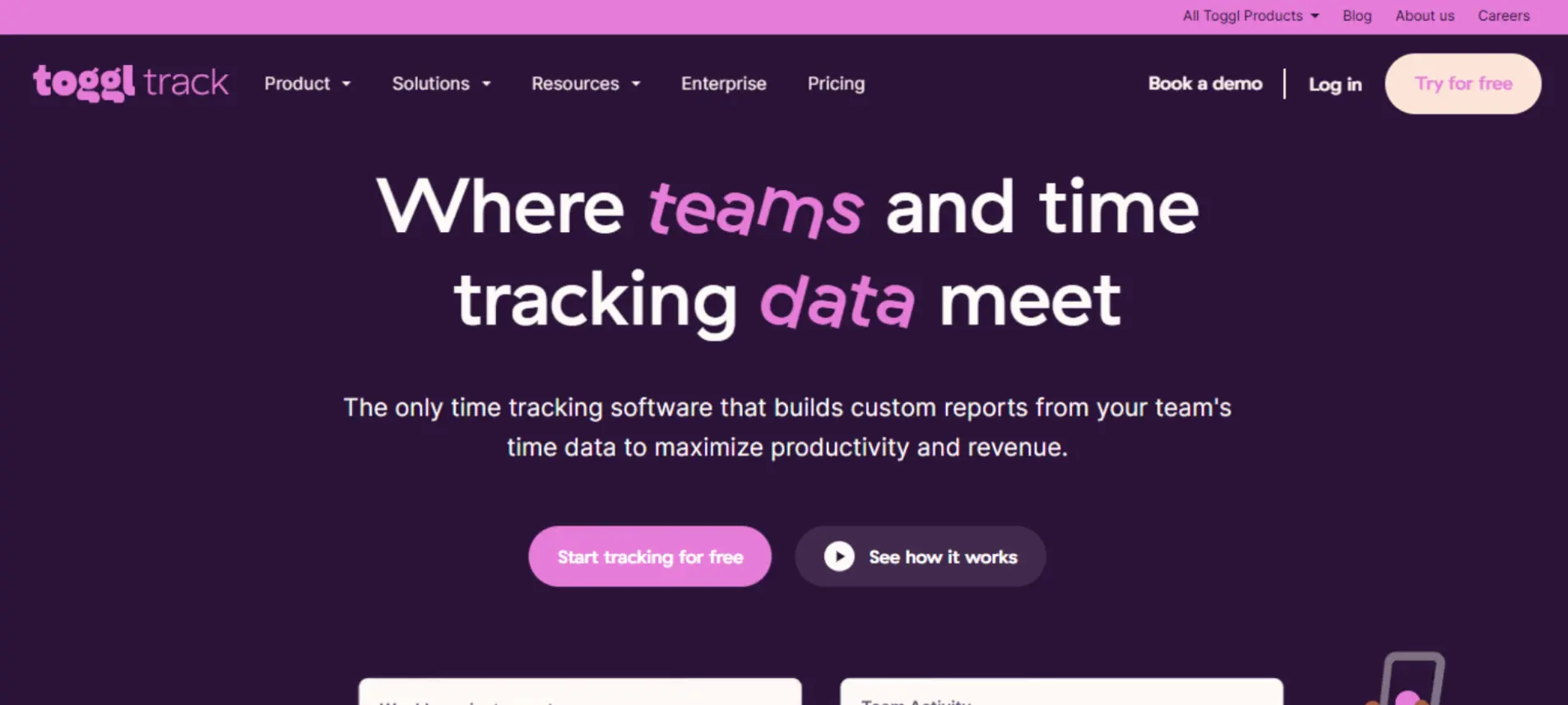
For Toggl Track, the amount of time spent working on different tasks and projects is critical. Freelancers have found Toggl and other time tracking applications useful for managing time productivity.
Usage Stats: Freelancers claim that by using Toggl, their time management skills and billed hours improved remarkably.
Key Features:
- Analytics and reports.
- Time tracking with a single click.
- Project management tools integration.
8. Cal.com
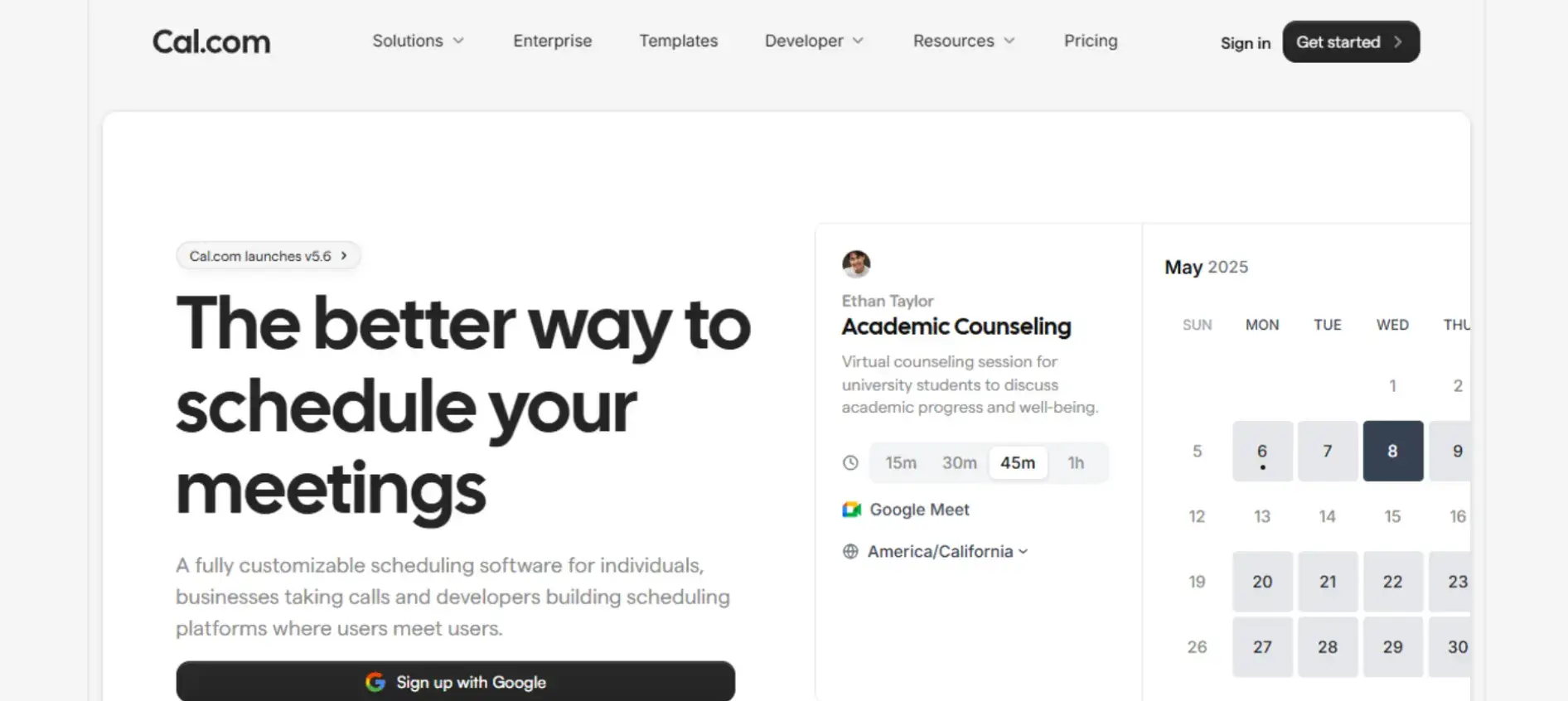
Coordinating meetings across time zones can be tedious. Cal.com is a unique, open-source scheduler that integrates with your calendar and allows clients to arrange meetings during your free slots.
Usage Stats: Cal.com has become more common among freelancers due to its simplicity and customization features.
Key Features:
- Pages set by users.
- Management of time zones.
- Google Calendar and Zoom integration.
9. Grammarly
To project oneself in a professional manner, communication and writing need to be clear. Grammarly offers assistance by correcting grammar, punctuation, and stylistic mistakes.
Usage Stats: Particularly in writing and content creating fields, Grammarly is widely used due to its precision and simplicity.
Key Features:
- Real-time grammar and spell check.
- Suggestions for tone and style.
- Plagiarism reports.
10. Predis.ai
Predis.ai is an AI-powered tool that quickly generates social media content, including Ad Creatives, Instagram Reels, TikTok Videos, UGC Ads, and Product videos, all by simply putting your prompt or product link.
It also supports content in multiple languages, making it easier to reach a global audience. This helps small businesses and content creators save time by providing ready-to-publish content tailored to your brand’s style.
Usage stats: Predis.ai is an AI-powered platform for generating social media posts, ads, captions, product videos, and reels.
With over 500,000 users globally and more than 200 million units of content generated, it saves brands up to 70% of their time and 60% of their content creation costs.
Key Features:
- Generates ads, posts, captions, product videos, and reels from simple text input.
- Let's plan and automatically publish content across multiple platforms.
- Offers templates, colors, and logos to keep content consistent with your brand identity.
- Enables multilingual content creation, making it easier to reach a global audience.
11. Hello Bonsai
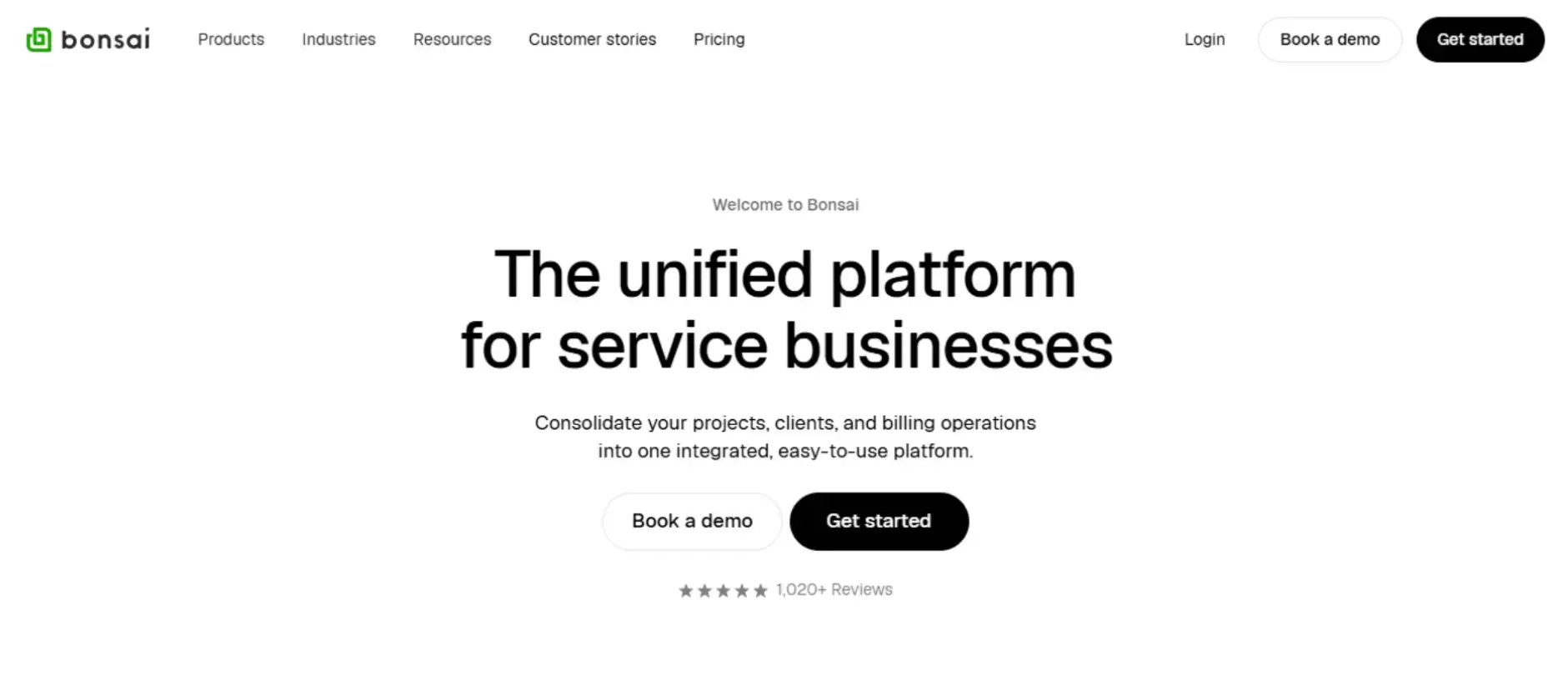
Hello Bonsai provides a set of balanced tools for freelancers, such as contract creation, invoicing, and task management.
Usage Stats: Reports show that freelancers spend less time and commit less mistakes after using Hello Bonsai.
Key Features:
- Ready-made contract templates.
- Automated invoicing and payment reminders.
- Tracking of projects and tasks.
Bonus Tool #1: Albato
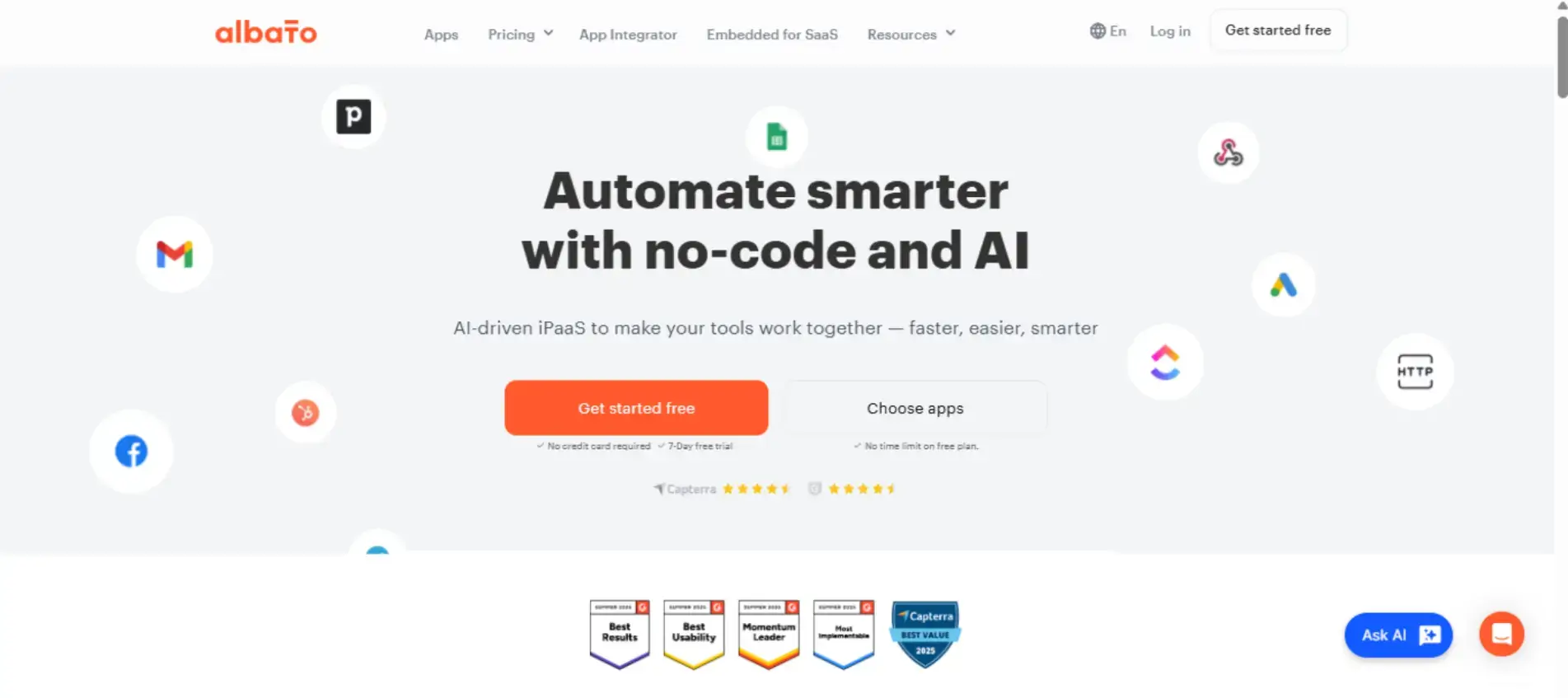
Albato is an AI-driven platform that connects apps and streamlines workflows without code. Freelancers and teams use Albato to save time by integrating their favorite tools, centralizing data, and automating repetitive tasks.
Usage Stats: Users report significant time savings and reduced manual work by automating data transfers and connecting over 1,000 applications.
Key Features:
- Automations with 1K+ apps, including CRMs, messengers, and productivity tools.
- Pre-built automation templates for quick setup and faster adoption.
- Webhooks for real-time data transfer and flexibility in integrations.
Bonus Tool #2: PayStubs.net
Say goodbye to manual payroll paperwork and hello to seamless pay stub creation.
PayStubs.net is a powerful pay stub generator that lets freelancers, contractors, and small business owners create professional, ready-to-go pay stubs in minutes.
There is no complex setup and no accounting degree required. Just input your numbers, hit “print” or download the PDF, and you’re done.
Why it matters: Tracking income and presenting proof of earnings is a common headache when you are juggling jobs, clients, or side gigs. With PayStubs.net, you get clean, standardized pay records that help with everything from rental applications to tax preparation.
Key Features:
- Easy-to-use wizard for entering hours, rate, taxes, and deductions
- Instantly downloadable or printable PDF format
- Works anytime and anywhere from your laptop or tablet
Ideal For: Freelancers, independent contractors, and small business owners who want to stay organized, stay professional, and keep income documentation under control without the fuss.
Conclusion
Such devices have been known to improve organization and productivity, and incorporating them into your freelance workflow can go a long way.
Freelancers have the ability to control their projects and deadlines when they use Notion for project management, Slack for communication, and Toggl Track for time tracking. Tools like Cal.com and Grammarly can improve communication and scheduling, allowing optimizers to enhance their hosting.
Using these tools helps freelancers eliminate the stress that comes with cumbersome workflows, allowing them to focus on scaling their business and remaining competitive in a changing environment.
FAQs
1. What are the best productivity tools for freelancers?
Top productivity tools for freelancers include Notion, Trello, Slack, Toggl Track, and Grammarly. These help organize tasks, track time, manage communication, and improve writing quality.
2. Why is productivity important for freelancers?
Productivity helps freelancers manage multiple projects, meet deadlines, and avoid burnout. Using the right tools makes workflows smoother, reducing manual effort and improving efficiency.
3. Can freelancers use free tools to stay organized?
Yes, many tools like Trello, Notion, and Grammarly offer free versions that are powerful enough for freelancers to organize tasks, track time, and collaborate effectively.
4. How does Notion help freelancers stay organized?
Notion allows freelancers to combine notes, calendars, databases, and project management in one place, providing customizable dashboards to track tasks and deadlines easily.
5. Is time tracking necessary for freelancers?
Yes, time tracking tools like Toggl Track help freelancers measure productivity, track billable hours accurately, and improve time management for better invoicing and client accountability.

Author Bio
Jay is an SEO Specialist with five years of experience specializing in digital marketing, HTML, keyword optimization, meta descriptions, and Google Analytics. A proven track record of executing high-impact campaigns to enhance the online presence of emerging brands. Adept at collaborating with cross-functional teams and clients to refine content strategy. Currently working as CMO at Pulse of Strategy. For inquiries, you can reach him at JayJaangid@gmail.com.
LinkedIn | Instagram | Twitter