
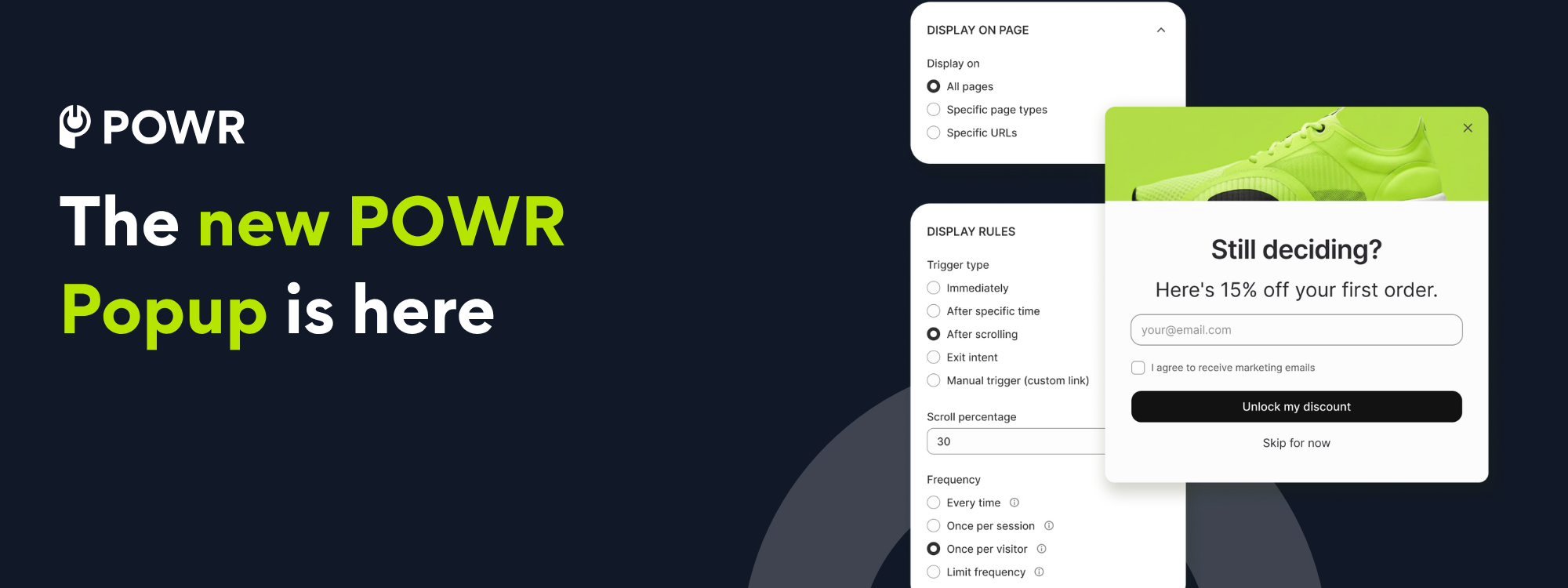
POWR Popup is an email and discount popup app built directly into your Shopify admin. You can create a popup that offers a real Shopify discount code, choose exactly who sees it and when, and have every signup land in your Shopify customer list automatically. It's free to start, and there's nothing to import.
If you're getting ready for BFCM, you're probably thinking about traffic. More ads, more posts. But the shoppers already on your site are the cheapest ones you'll ever get, and most of them leave without telling you who they are. Going from a 2% conversion rate to 3% is 50% more revenue on exactly the same traffic, at the same order value.
That's a popup's whole job. Catch someone before they slip away and give them a reason to stay, so an anonymous visitor becomes a customer you can reach again. We rebuilt ours to do that job better, and it's now live on the Shopify App Store.
What's different about the new POWR Popup?
Our old popup app has worked well for years, and more than 10,000 Shopify merchants use it to run everything from email capture to holiday promos on their stores [VERIFY: internal source for the 10,000+ merchant count. The live listing shows 438 reviews and no install number]. But we kept running into its ceiling. We wanted something that felt native to the Shopify dashboard and was built to work better with your other favorite apps. So we started over.
Three things changed, and you'll notice all of them right away.
Everything happens in one place
The new Popup lives inside your Shopify admin. It has the same navigation, same look, and no second dashboard or separate login to remember.
Setup used to mean bouncing between tools and piecing a popup together from scratch. Now you tell the app what you're trying to achieve and it builds a popup around that goal, with your logo and brand colors already applied. A guided checklist handles the rest. Your first one can be live in a few minutes, on a Tuesday, between orders.
It's faster, and your shoppers are the ones who'll notice
We rewrote how the popup loads and renders, so it's lighter on your storefront and it appears exactly when it should instead of a beat too late. A popup that lags gets closed before anyone reads it. POWR popups already drive a 10.2% interaction rate on day one, and arriving smoothly is a real part of why.
It speaks Shopify discounts natively
This is the one we're most excited about, because it removes the fiddliest part of running an offer. Your popup works with your real Shopify discounts, so there's no spreadsheet and no copy and paste.
How do the discount codes actually work?
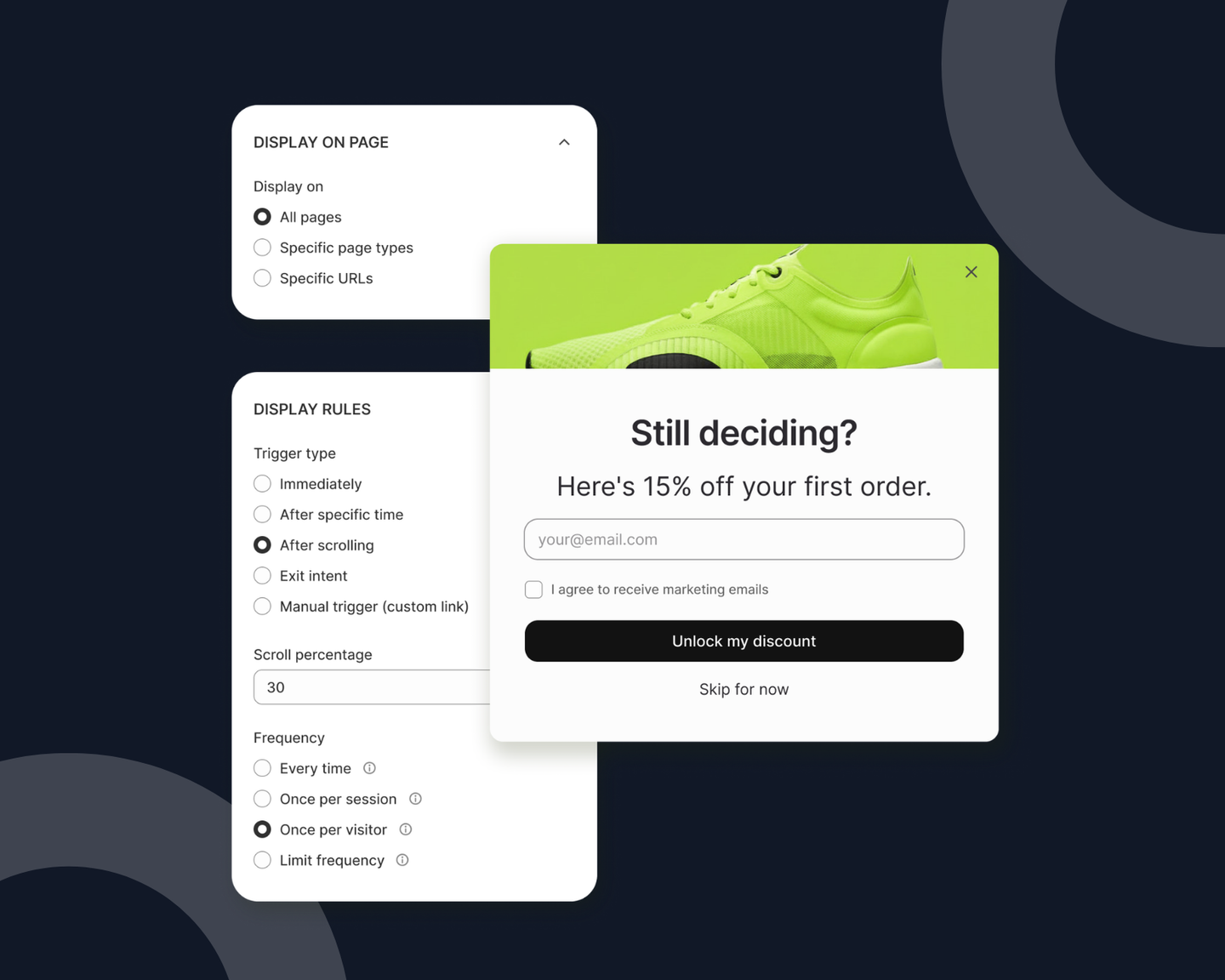
Choose one of the discounts already sitting in your Shopify admin, or let the app create a brand new unique code for every person who signs up. The code can appear right on the popup the moment someone subscribes, or land in their inbox just after.
Either way it's a real Shopify discount. It works at checkout like every other discount you run, and it shows up in your Shopify reporting where you'd expect to find it.
Unique codes are worth the extra click for a big sale. Each shopper gets their own code, so a code that ends up on a coupon site during BFCM week can't spread to everyone. That protects your margins. And since your reporting already tracks every code, you'll see which offers are driving sales and which ones are due for a rethink.
Who should see your popup, and when?
A popup that shows up for everyone, immediately, on every page is the kind that gets dismissed. So you pick the moment, and the moment depends on what you're trying to do.
- Building your list before a sale? Use a delay or a scroll trigger. Let someone look around first, then ask. Interrupting a shopper three seconds in rarely works.
- Trying to save a leaving shopper? Use exit intent. This is your last-chance offer, so make it your strongest one.
- Running an offer that only makes sense on certain products? Target specific pages or collections rather than the whole store. A free-shipping offer on a single heavy item is more persuasive than a sitewide banner.
Then set how often it comes back, per session or per visitor. That frequency setting is the difference between helpful and irritating, so give it two minutes of your attention.
What happens after someone signs up?
A signup is only useful if it goes somewhere.
Every subscriber lands in your Shopify customer list automatically, as a real contact rather than a row in a widget you have to export later. They get an instant autoresponder with their code, and you get a notification so you know leads are coming in. Connect Google Sheets or the email platform you already use to route them wherever you work.
This is where your POWR apps hand off to each other. Someone takes your first-order discount, lands in your Shopify customer list, and a welcome email from POWR Email greets them without you lifting a finger.
How do I get my first popup live?
Three steps, and the second one is the one people miss.
- Pick a goal. Tell the app what you're after and it builds a popup for it. Start from a template or from scratch.
- Turn on the app embed. In your theme settings, switch on the POWR Popup app embed and hit Save. Your popups can't appear on your store until this is on, and it takes about 30 seconds.
- Publish. Your popup goes live and starts collecting.
You can also ask Shopify Sidekick to create a new popup, open the editor, or show you what you're running right now [VERIFY: all three Sidekick actions are live for Popup at publish].
FAQ
Is POWR Popup free? Yes, free to start. Paid plans are there when you need more, and you can see exactly what each one includes on the pricing page inside the app.
Our BFCM Bundle is also running right now: every one of our core apps at 70% off, billed annually, through October 31. If you use more than one POWR app, it's the best value we offer. Get the bundle*.
I already use POWR Popup. What happens to my existing popups? Your current popups keep running exactly as they are. Nothing moved and nothing's expiring.
The new Popup is there whenever you're ready to build your next one (or you're curious how much faster your current popups could load). There's a button in your dashboard that takes you across, and you can switch back whenever you like. Once you switch to the new Popup, you will need to re-create your past Popups in the new experience.
Do I need a developer to install it? No. Install from the Shopify App Store, turn on the app embed in your theme settings, and you're set. No code anywhere.
Why isn't my popup showing on my store? This is almost always related to the app embed. If a popup is published but nothing appears on your storefront, open your theme settings, switch on the POWR Popup app embed, and save.
What's coming next? Scheduled campaigns and countdown timers are close. More templates and analytics are on the way. If something you need isn't there yet, please let us know at support@powr.io.
Go build your first popup
The shoppers you already have are your cheapest growth this BFCM. POWR Popup is free to start and lives right inside your Shopify admin. Add it to your store, not your to-do list.

Start for free on the Shopify App Store →
*BFCM Bundle Exclusions: New subscriptions only, can't be combined with other offers, and merchants already on a Business plan aren't eligible.